Misleading and continuing error message when password requirements aren't satisfied for creating an account #29

Description

Expected:
An error message says “Password does not conform to policy requirements”. And the page should switch when the requirements are satisfied
Actual:
An error was displayed saying “Username cannot be empty” even if the password requirements are satisfied.
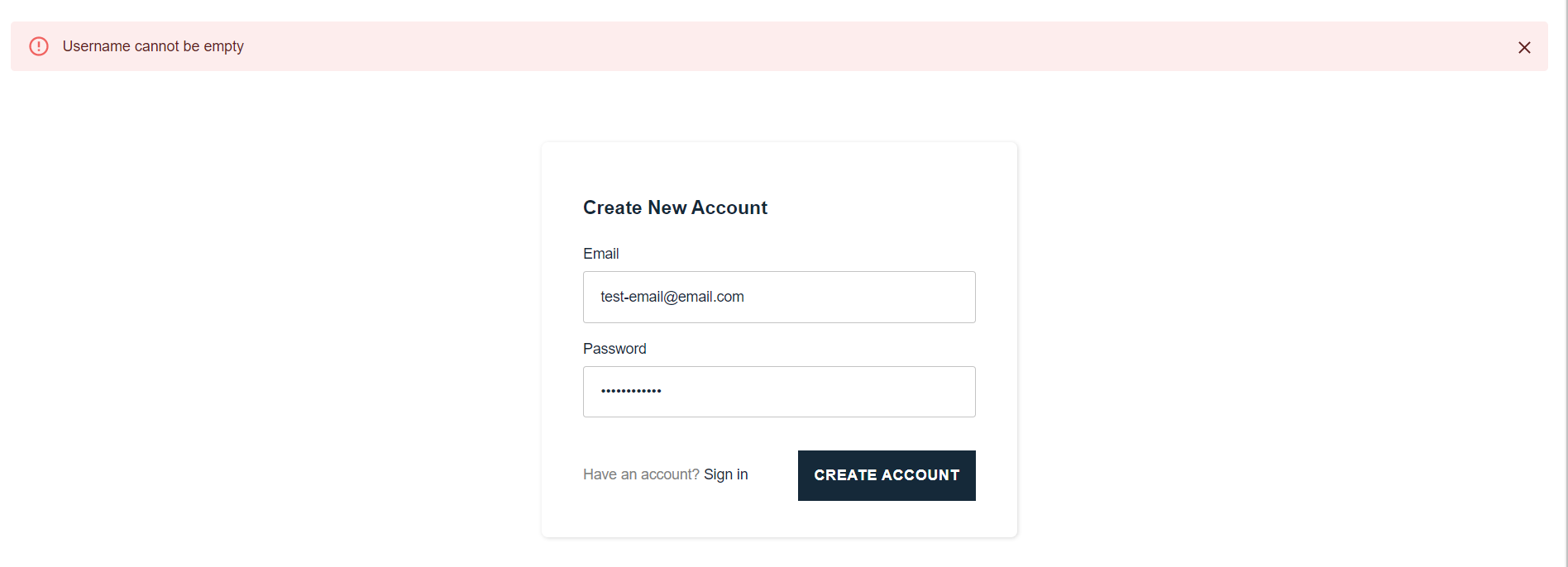
Reproduction Steps
- On the sign-in page, click “Create Account”
- Type in an email
- Type in a password that doesn’t have either or all min. 8 characters, numbers, special character, uppercase letters, and lowercase letters
- Click “Create Account”
- After the error message displays, type in a password that satisfies the above requirements
- Click “Create Account” again
To temporarily resolve, manually reload the page.