docs: Deploy on Red Hat OpenShift - several small improvements #503

Description

Below are several improvements to consider for the Deploy CockroachDB on Red Hat OpenShift documentation.
https://www.cockroachlabs.com/docs/v21.1/deploy-cockroachdb-with-kubernetes-openshift.html
Step 2, after list item 3, before list item 4
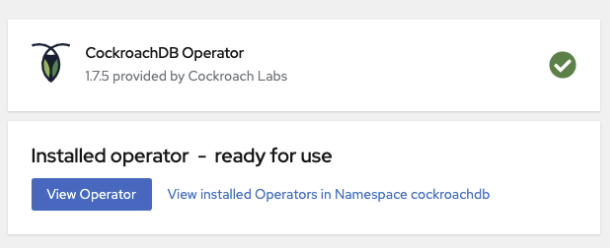
It would be clearer if we added a screenshot that shows what the Install Operator page displays once the operator has successfully installed.
Step 3, list item 3:
Minor grammatical typo:
Make sure CockroachDB is set to an valid CockroachDB version
Should be "a valid" not "an valid".
Step 5, after list item 4:
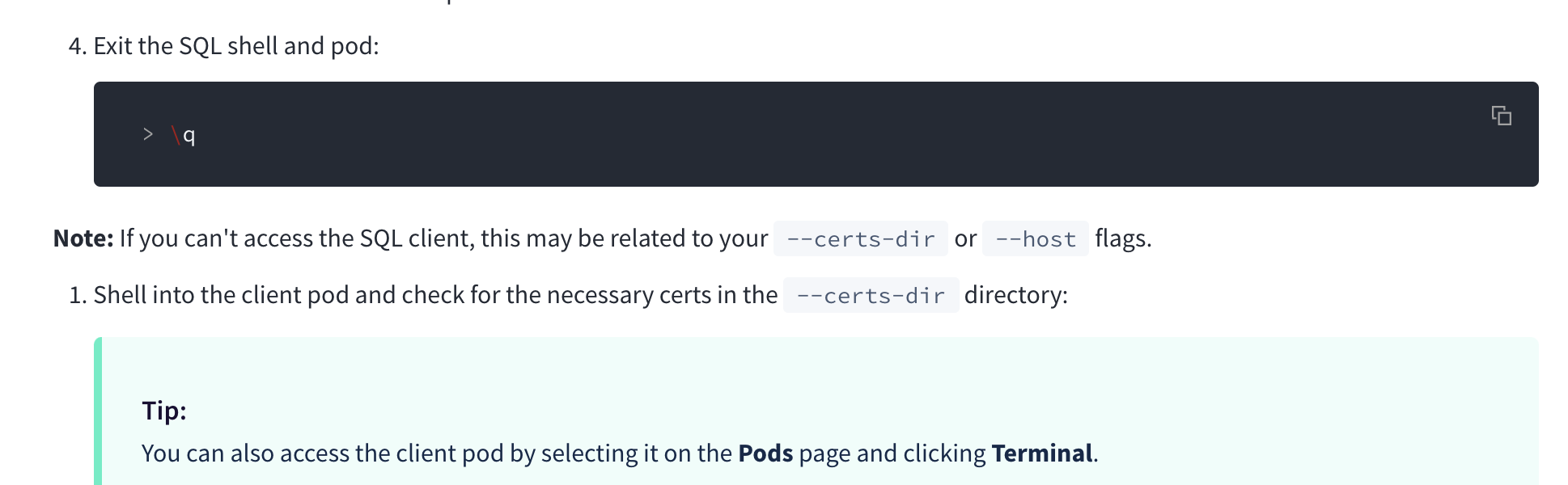
After list item 4, the steps below seem to only be necessary if there was a connection problem in this Step 5. It would help to make it clearer that the list items after 4, which re-start with list item 1 again, are only necessary if you encountered connection issues in Step 5.
Step 7, list item 3:
It would help to state this step is performed in the OpenShift web console. Because at this point in the steps, the user has both a DB Console and an OpenShift web console open.
HOWEVER...
This list item 3 seems to be helping the user to find the PG URL that needs to be used earlier in this Step 7. If the user followed the instructions correctly, then the URL in list item 1 of this Step 7 can be used exactly as copied. So they don't need to perform this step in that case.
But also, in my case, when I did view the OpenShift we console, enough time had passed that the logs had grown, and the web console no longer displayed the start of the logs that contained the PG URL. Therefore, visiting the OpenShift web console did not work for me to find the PG URL.
I think we can clarify this list item. I propose we remove the reference to the OpenShift web console in Step 7, list item 3, and instead suggest we add a note under Step 7 list item 1, under the workload init movr command example box.
"If you have followed along with the steps, the command above should work unchanged. However if you have chosen other names for any of the objects created, you will need to retrieve the postgresql:// URL.
This can be found by grepping the URL from the log of one of the CockroachDB pods.
./oc exec -it <crdb-tls-example-0> -- bash -c "grep 'sql: ' ./cockroach-data/logs/cockroach.log"
Change <crdb-tls-example-0> to the name of one of the CockroachDB pods in your cluster if you specified a different name for your cluster."