
The ESPROS TOFcam Toolkit is designed to control and visualize ESPROS TOFcam devices. It provides python modules for most TOFcam modules and GUI applications for interactive control and visualization.
Website: https://www.espros.com
Products: https://www.digikey.com/en/supplier-centers/espros
Documentation: https://epc-tofcam-toolkit.readthedocs.io/en/latest/
Source code: https://github.com/espros/epc-tofcam-toolkit
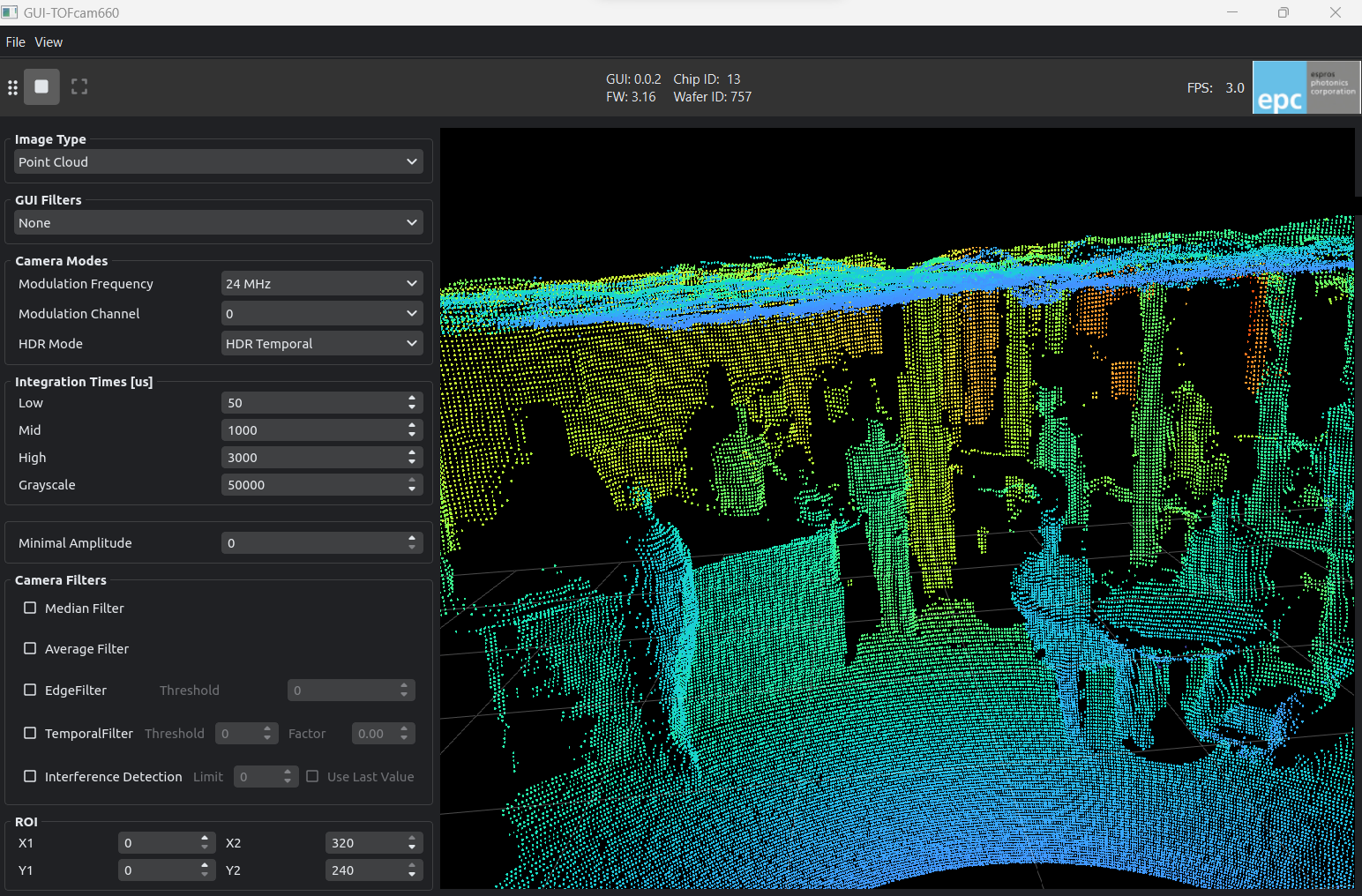
install the package using pip
pip install epc-tofcam-toolkitConnect and startup the camera. Then simply run the gui with:
tofcam660
tofcam635
tofcam611
tofrange611- TOFcam660 will try to connect to ip-address 10.10.31.180
- TOFcam635 will try to find the com port automatically
- TOFcam611 will try to find the com port automatically
You can also manually specify the communication port
tofcam660 --ip 10.10.31.180
tofcam635 --port COM3
tofcam611 --port COM3
tofrange611 --port COM3Clone this repository and cd into it.
Create a virtual environment and activate it:
python -m venv .venv

# linux
source .venv/bin/activate

# windows
.\.venv\Scripts\activate
Install only the basic API in editable mode:
pip install -e .Or install the whole development environment including GUI in editable mode:
pip install --editable ".[dev,gui,doc]"