You signed in with another tab or window. Reload to refresh your session.You signed out in another tab or window. Reload to refresh your session.You switched accounts on another tab or window. Reload to refresh your session.Dismiss alert
Your task is to create a functional Automatic Photo Carousel with smooth transitions and interactive behavior, following the method shown in the provided tutorial.
The Design & Behavior:
Screen.Recording.2026-01-10.at.12.20.50.PM.mov
Visual: A beautiful auto-scrolling photo carousel that cycles through multiple images (e.g. travel photos, product shots, or portfolio images).
States:
Default: Shows the first/active image prominently with navigation dots/indicators below (and optionally arrows on sides).
In Motion: Images smoothly transition from one to the next using Smart Animate.
Hover (optional): Subtle scale-up or overlay effect on hover (depending on tutorial style).
Interaction:
The carousel should automatically scroll through images in a loop.
Use Smart Animate with an "Ease Out" curve (approx. 500–800ms) for smooth slide transitions.
Bonus (if tutorial covers it): Add interactive components for manual control (clickable dots/arrows) or drag/swipe behavior.
The carousel should feel infinite (seamless loop).
Feel: Create a polished, modern looping carousel using Smart Animate + Interactive Components and/or After Delay triggers for the automatic sliding effect.

🚀 Welcome Contributors!
Your task is to create a functional Automatic Photo Carousel with smooth transitions and interactive behavior, following the method shown in the provided tutorial.
The Design & Behavior:
Screen.Recording.2026-01-10.at.12.20.50.PM.mov
📚 Learning Resources (How to do this)
Below is the YouTube video which explains how to do this:
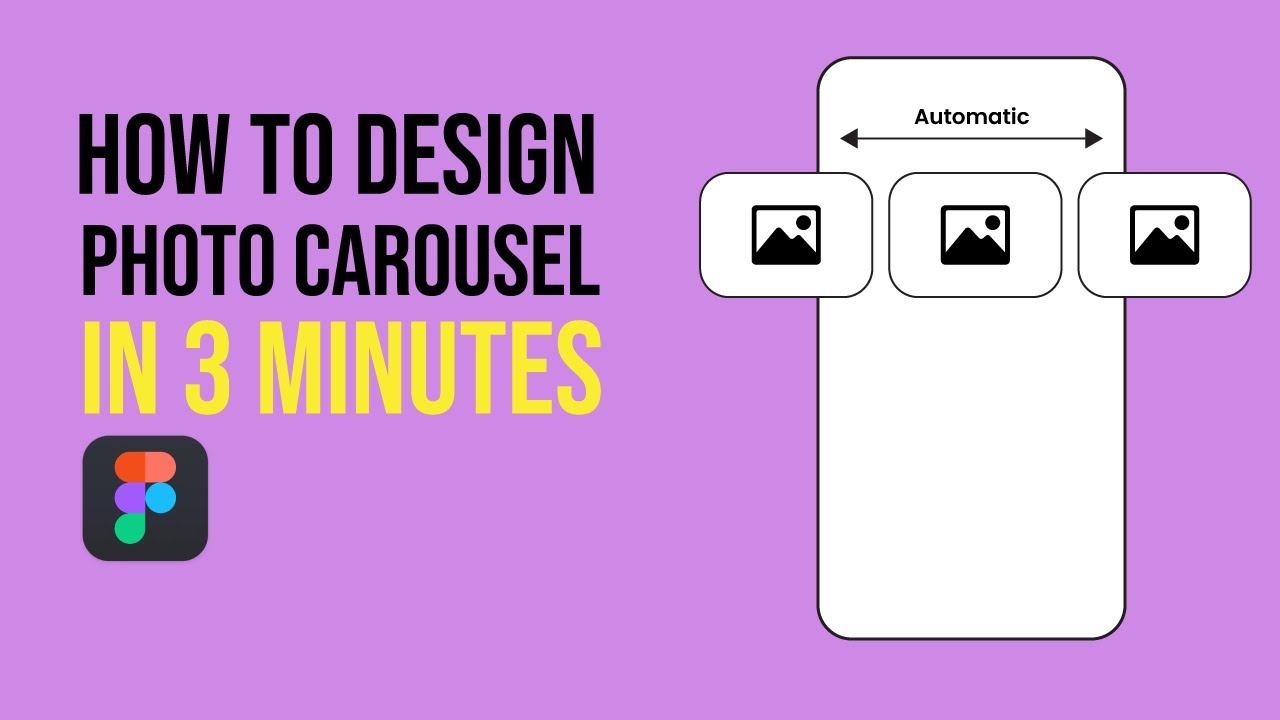
→ https://www.youtube.com/watch?v=ujBIjP_cb_s
📝 Submission Guidelines
To successfully merge your contribution, please follow these rules strictly:
5-carousel<your-github-username>.txt.Figma link - <your-live-figma-link>Example of how
johndoe.txtshould look:Directory Structure Example:
Happy Prototyping! 💫