🚀 Welcome Contributors!
Your task is to create a high-fidelity Interactive Button featuring a sophisticated hover animation and layout transition, following the method shown in the provided tutorial.
The Design & Behavior:

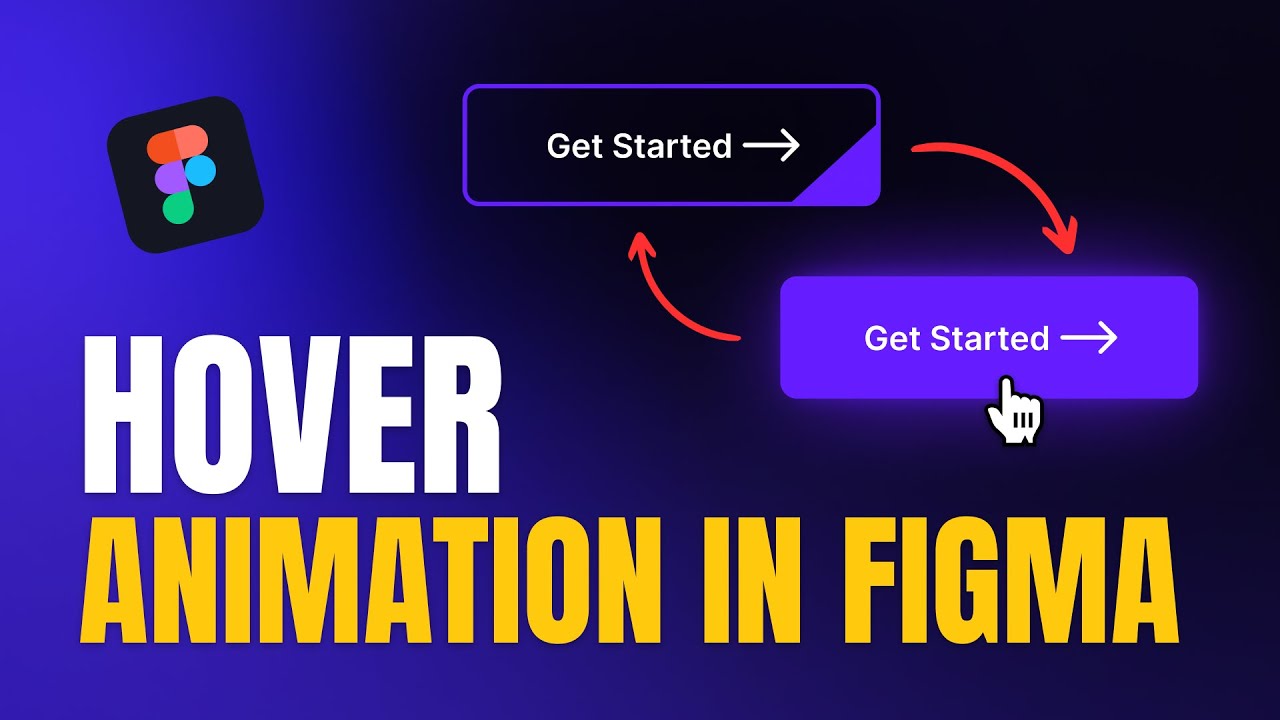
- Visual: A modern, dark-themed button (e.g., "view all posts") with a distinct border, an arrow icon, and a unique geometric accent in the corner.
- States:
- Default: The button shows the text and arrow with a thin border and a small colored tab in the bottom-right corner.
- Hover: The button undergoes a complex transition where the background fills, the text color shifts, and the corner accent expands or transforms.
- Active/Pressed: A subtle press effect to provide tactile feedback to the user.
-
Interaction:
-
Use Interactive Components to switch between variants seamlessly.
-
Apply Smart Animate with precise timing (e.g., 300–500ms) to ensure the fill and icon movements feel premium.
-
Utilize Auto Layout within the component to maintain perfect spacing as elements move or scale.
-
Feel: Create a polished, "game-like" UI feel where the button reacts dynamically to the user's presence, enhancing the overall micro-interaction experience.
📚 Learning Resources (How to do this)
Below is the YouTube video which explains the step-by-step process for creating this interactive button:
📝 Submission Guidelines
To successfully merge your contribution, please follow these rules strictly:
- The Folder: Navigate to the folder named:
7-interactive-button
- The File: Create a new text file named
<your-github-username>.txt.
- The Content: The file must contain your Figma link in the following format:
Figma link - <your-live-figma-link>
- Permissions: Ensure your Figma link permissions are set to "Anyone with the link can view" so the maintainers can review your work.
Example of how johndoe.txt should look:
Figma link - https://www.figma.com/file/xxxxxxxxxxxxxxxxxxxxxxxx
Directory Structure Example:
Repo Root
└── 7-interactive-button/
    └── <your-github-username>.txt
Happy Prototyping! 💫

🚀 Welcome Contributors!
Your task is to create a high-fidelity Interactive Button featuring a sophisticated hover animation and layout transition, following the method shown in the provided tutorial.
The Design & Behavior:
Interaction:
Use Interactive Components to switch between variants seamlessly.
Apply Smart Animate with precise timing (e.g., 300–500ms) to ensure the fill and icon movements feel premium.
Utilize Auto Layout within the component to maintain perfect spacing as elements move or scale.
Feel: Create a polished, "game-like" UI feel where the button reacts dynamically to the user's presence, enhancing the overall micro-interaction experience.
📚 Learning Resources (How to do this)
Below is the YouTube video which explains the step-by-step process for creating this interactive button:
📝 Submission Guidelines
To successfully merge your contribution, please follow these rules strictly:
7-interactive-button<your-github-username>.txt.Figma link - <your-live-figma-link>Example of how
johndoe.txtshould look:Directory Structure Example:
Happy Prototyping! 💫