
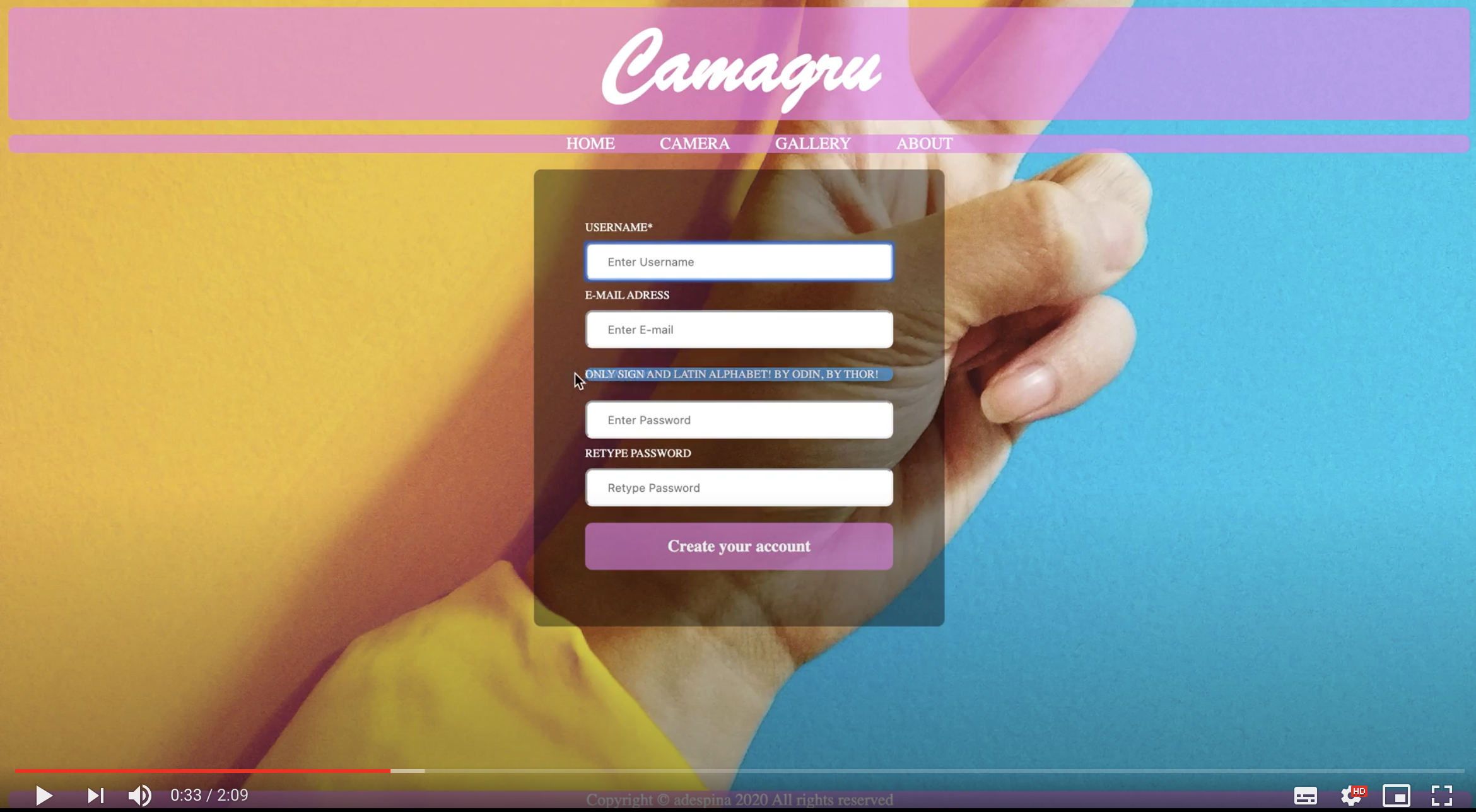

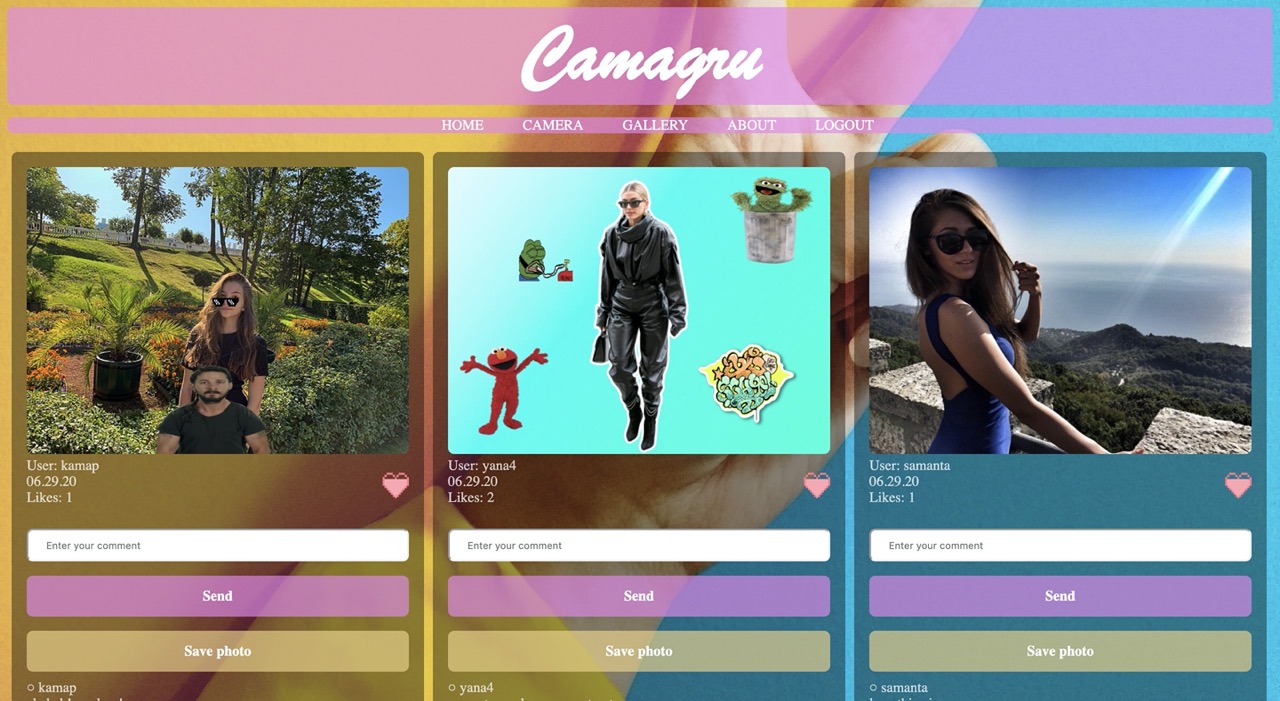
Introduction Now you are ready to build your fist web applications, like pros. If you didn’t mind, the web is a vast and rich world, allowing you to release quickly data and content to everyone around the world. Now you know the basics, here comes the time to leave those old fashioned to-do lists and eBusiness websites, and fly away toward bigger projects.
function takeSnap() {
    if (video_status == true || image_status == true) {
        const video = document.querySelector('video');

        const canvas = document.createElement('canvas')
        canvas.width = canvas_settings.width;
        canvas.height = canvas_settings.height;

        const context = canvas.getContext('2d');

        const canvasPhoto = getCanvasPhoto();
        canvasPhoto.insertBefore(canvas, canvasPhoto.firstChild);
        canvasPhoto.appendChild(canvas);

        if (document.getElementById('image').src) {
            const image = new Image();
            image.src = document.getElementById('image').src;
            context.drawImage(image, 0, 0, 640, 480);
        } else
            context.drawImage(video, 0, 0, 640, 480);

        const canvasVideo = getCanvasVideo();
        for (let i = 0; i < canvasVideo.children.length; i++) {
            const curentCanvas = canvasVideo.children[i];
            curentCanvas.getContext('2d');
            context.drawImage(curentCanvas, 0, 0);
        }

        const data = canvas.toDataURL('image/png');
        canvas.setAttribute('src', data);
        document.getElementById('img').value = data;

        const fd = new FormData(document.forms["form"]);
        const httpr = new XMLHttpRequest();
        httpr.open('POST', 'server/upload_img.php', true);
        httpr.send(fd);
    } else
        alert("Choose your picture.");
}

function readURL(input) {
    if (input.files && input.files[0]) {
        var reader = new FileReader();
        image = document.getElementById('image');
        reader.onload = function(e) {
            image.style.display = "";
            image.setAttribute('src', e.target.result);
            image.height = 480;
            image.width = 640;
            document.getElementById('video').style.display = "none";
        };

        reader.readAsDataURL(input.files[0]);
    }
    image_status = true;
}
An example is shown above, but it works.



- Korotkov S. - therealadespina