

A curated registry of 67 design system skill files for AI-powered agentic tools like Claude Code, Cursor, Codex, and others. Pull any skill into your project with a single command.
Each skill now ships as a folder with:
SKILL.mdfor AI-agent instructions (tokens, component rules, accessibility constraints, quality gates)DESIGN.mdfor human-readable design intent, rationale, and implementation notes
Preview all design skills on Type UI
Pull any design skill directly into your project using the TypeUI CLI:
npx typeui.sh pull <slug>For example, to pull the Glassmorphism design skill:
npx typeui.sh pull glassmorphismOr browse all available skills interactively:
npx typeui.sh listA design skill is a folder containing SKILL.md and DESIGN.md.
SKILL.md acts as the instruction source for AI agents and LLMs. It contains:
- Brand & mission — the design philosophy and visual identity
- Style foundations — typography scale, color palette, spacing system
- Component families — buttons, inputs, cards, modals, navigation, and more
- Accessibility rules — WCAG 2.2 AA compliance, keyboard-first interactions
- Writing tone — content and voice guidelines
- Do/Don't rules — explicit patterns and anti-patterns
- Quality gates — testable acceptance criteria for code review
DESIGN.md is a companion document for human readers and maintainers. It captures:
- Design overview — concise summary of the visual direction
- Rationale and references — context for why patterns/tokens exist
- Maintenance notes — guidance for keeping design decisions aligned over time
When an AI agent reads a skill file, it follows the SKILL.md guidelines to generate UI code that is consistent, accessible, and true to the design system.
Browse and preview all design skills at typeui.sh/design-skills before pulling them into your project.
Total skills: 67
| Skill | Thumbnail | Preview | Pull Command |
|---|---|---|---|
| Agentic | 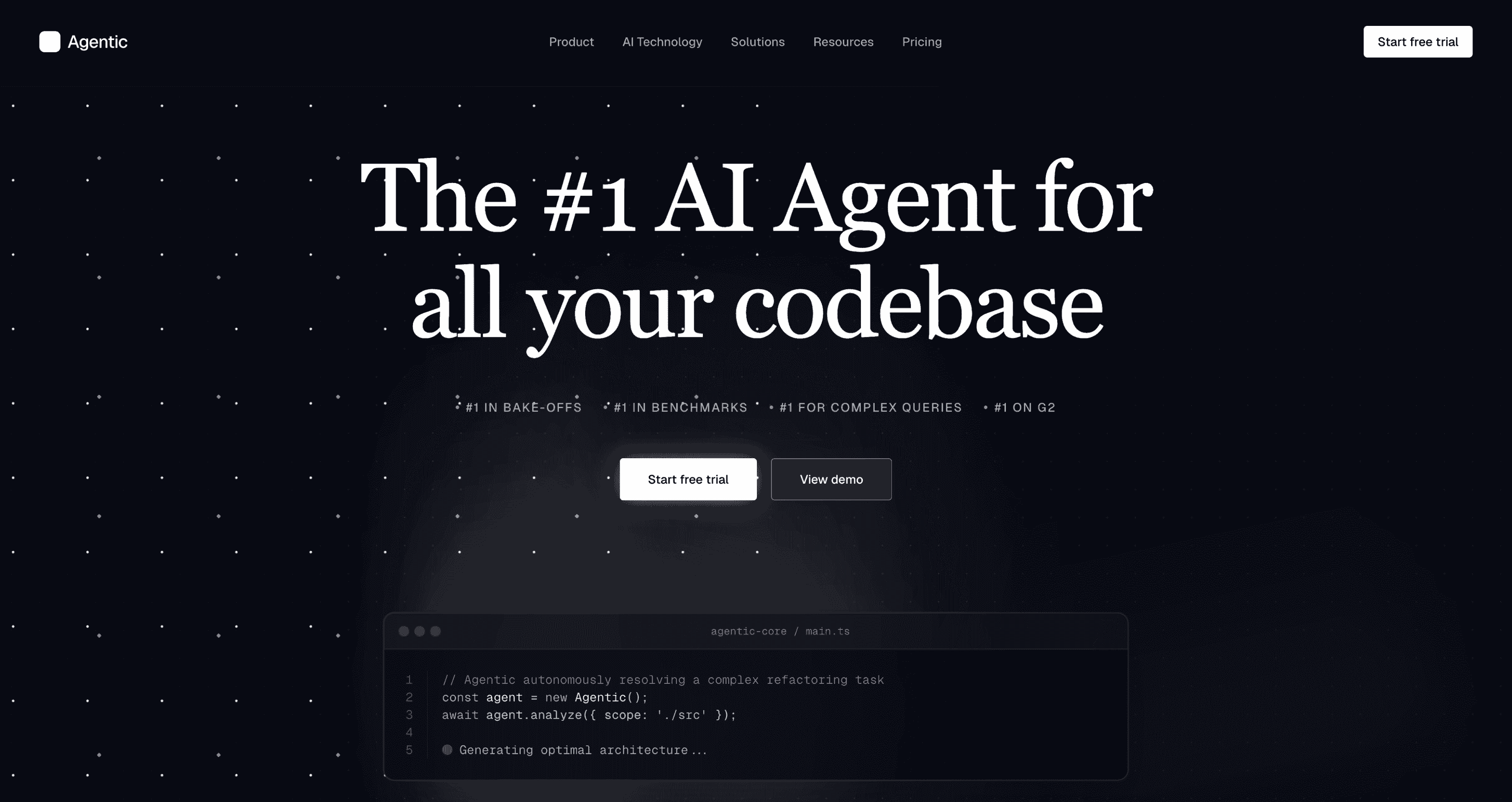 |
Preview | npx typeui.sh pull agentic |
| Ant | 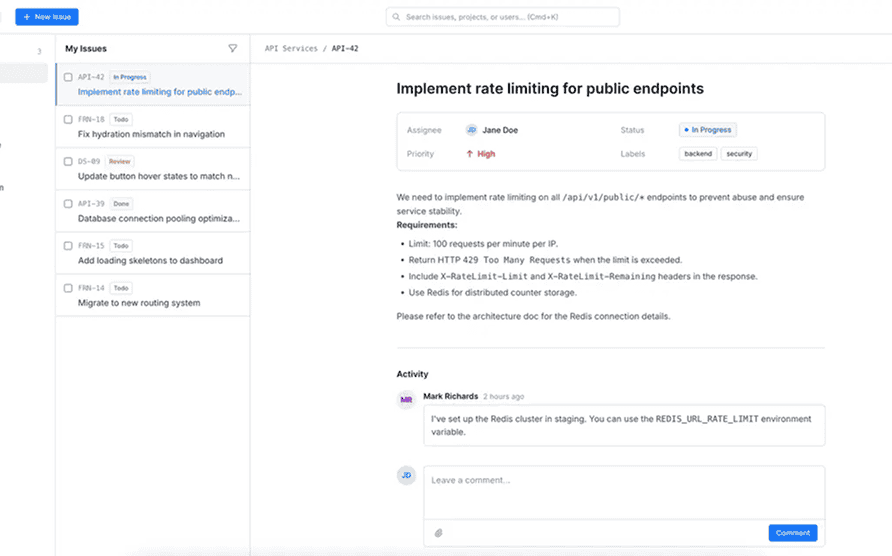 |
Preview | npx typeui.sh pull ant |
| Application | 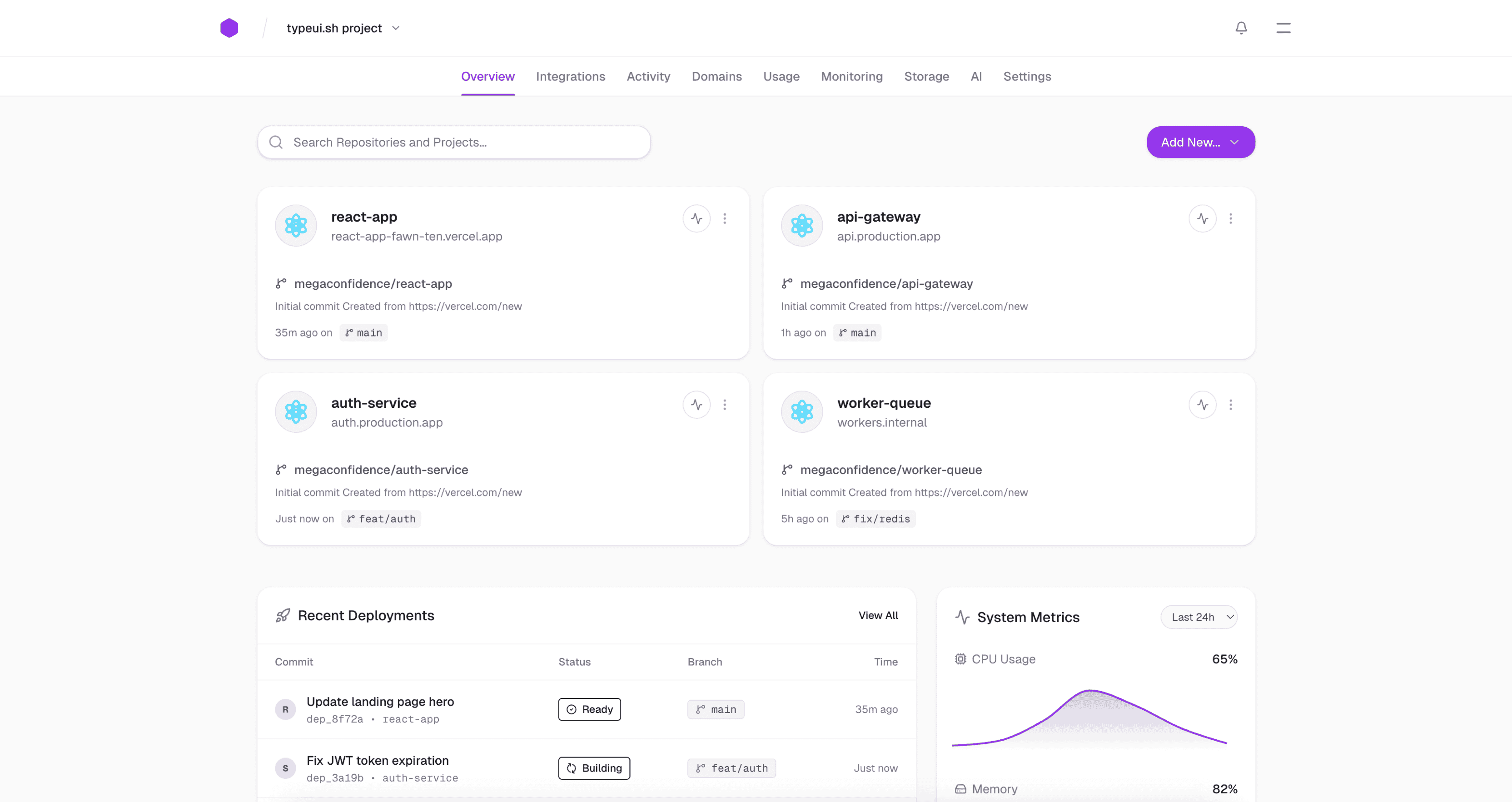 |
Preview | npx typeui.sh pull application |
| Artistic | 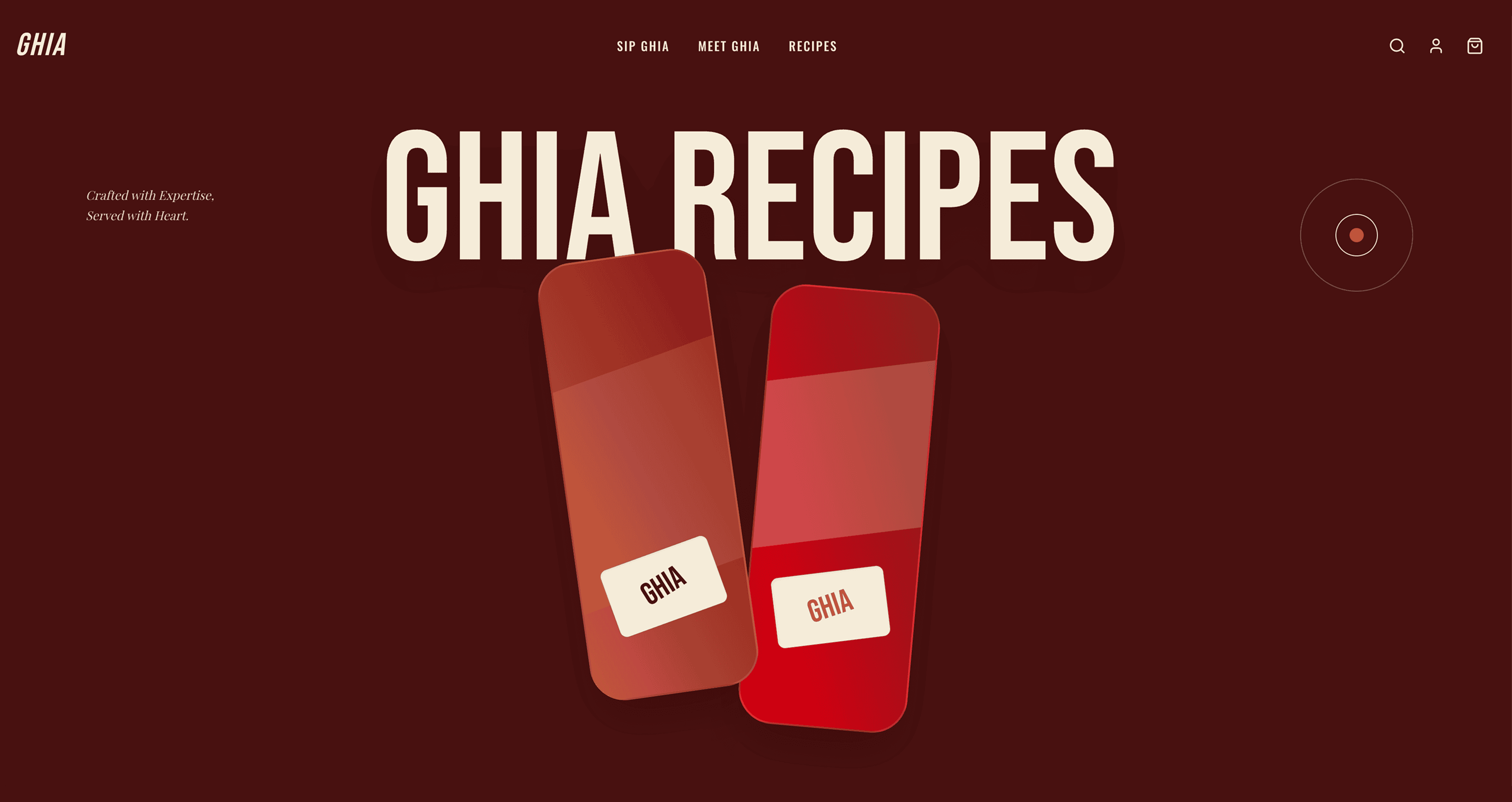 |
Preview | npx typeui.sh pull artistic |
| Bento | 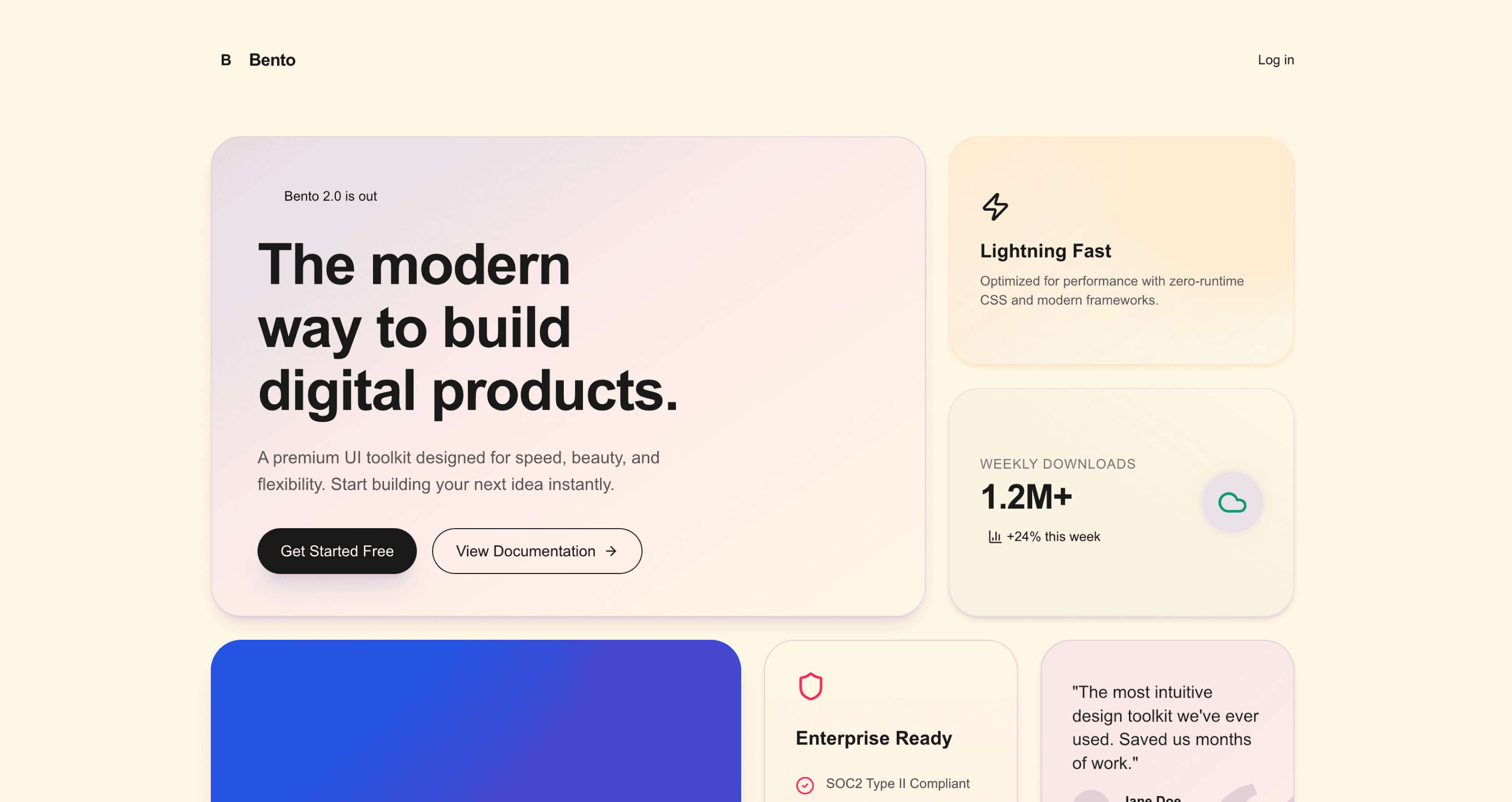 |
Preview | npx typeui.sh pull bento |
| Bold | 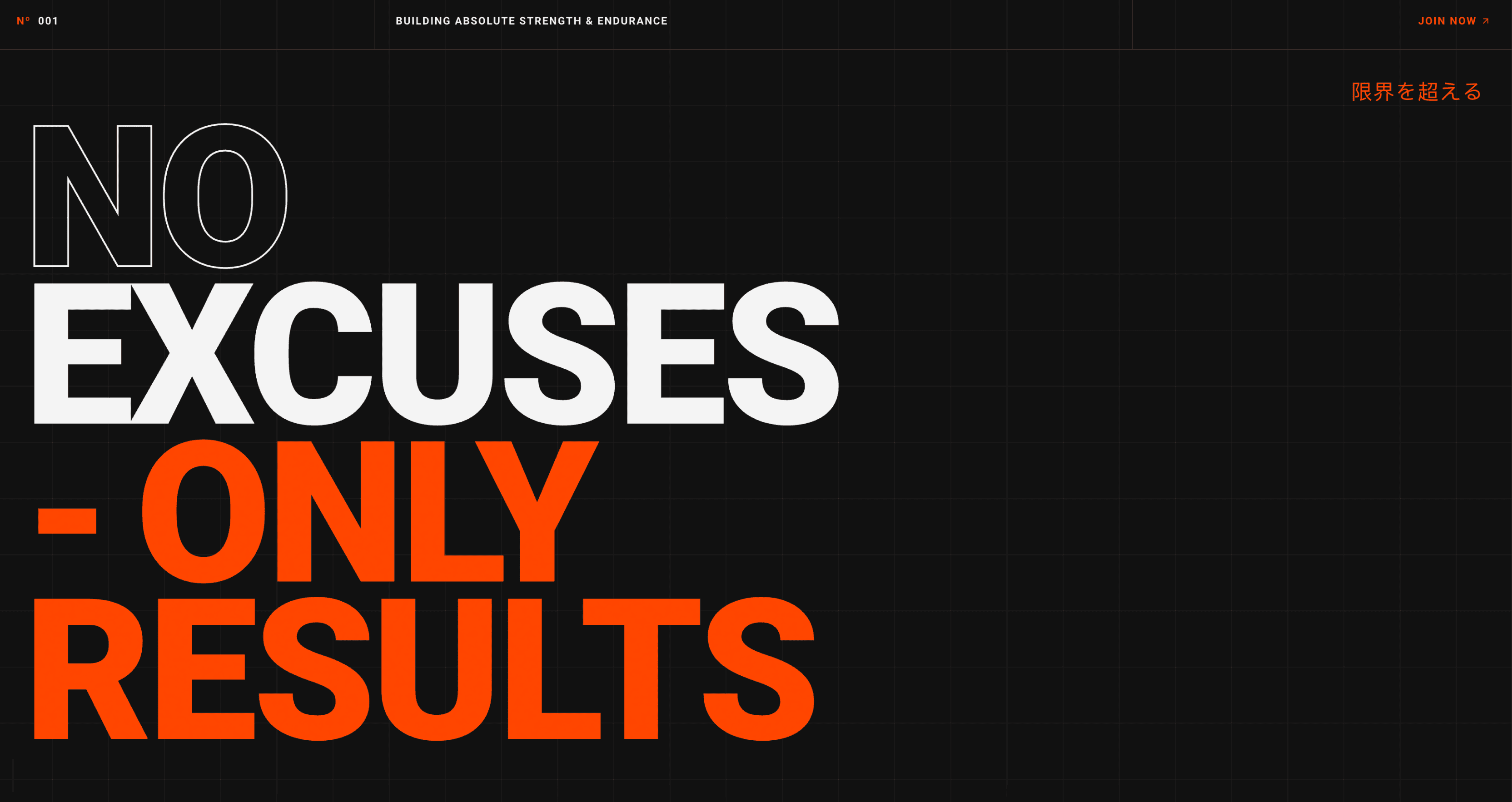 |
Preview | npx typeui.sh pull bold |
| Brutalism | 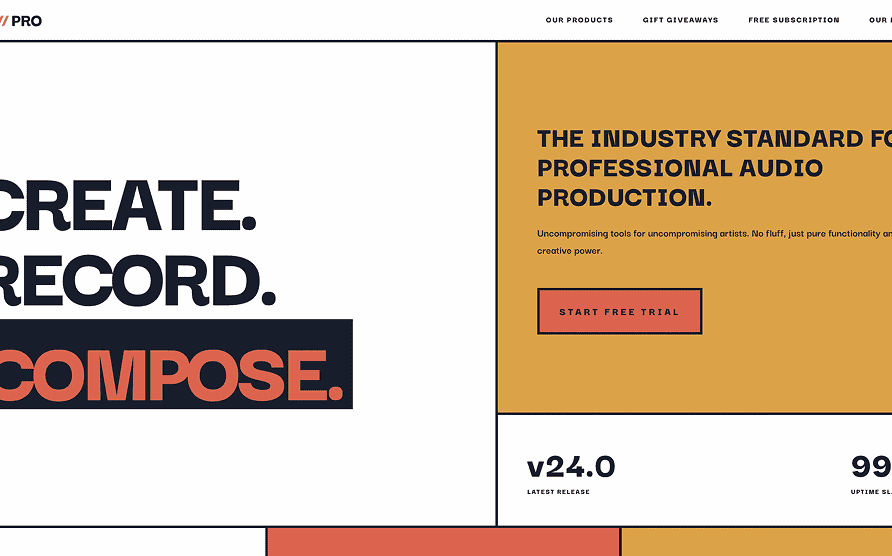 |
Preview | npx typeui.sh pull brutalism |
| Cafe | 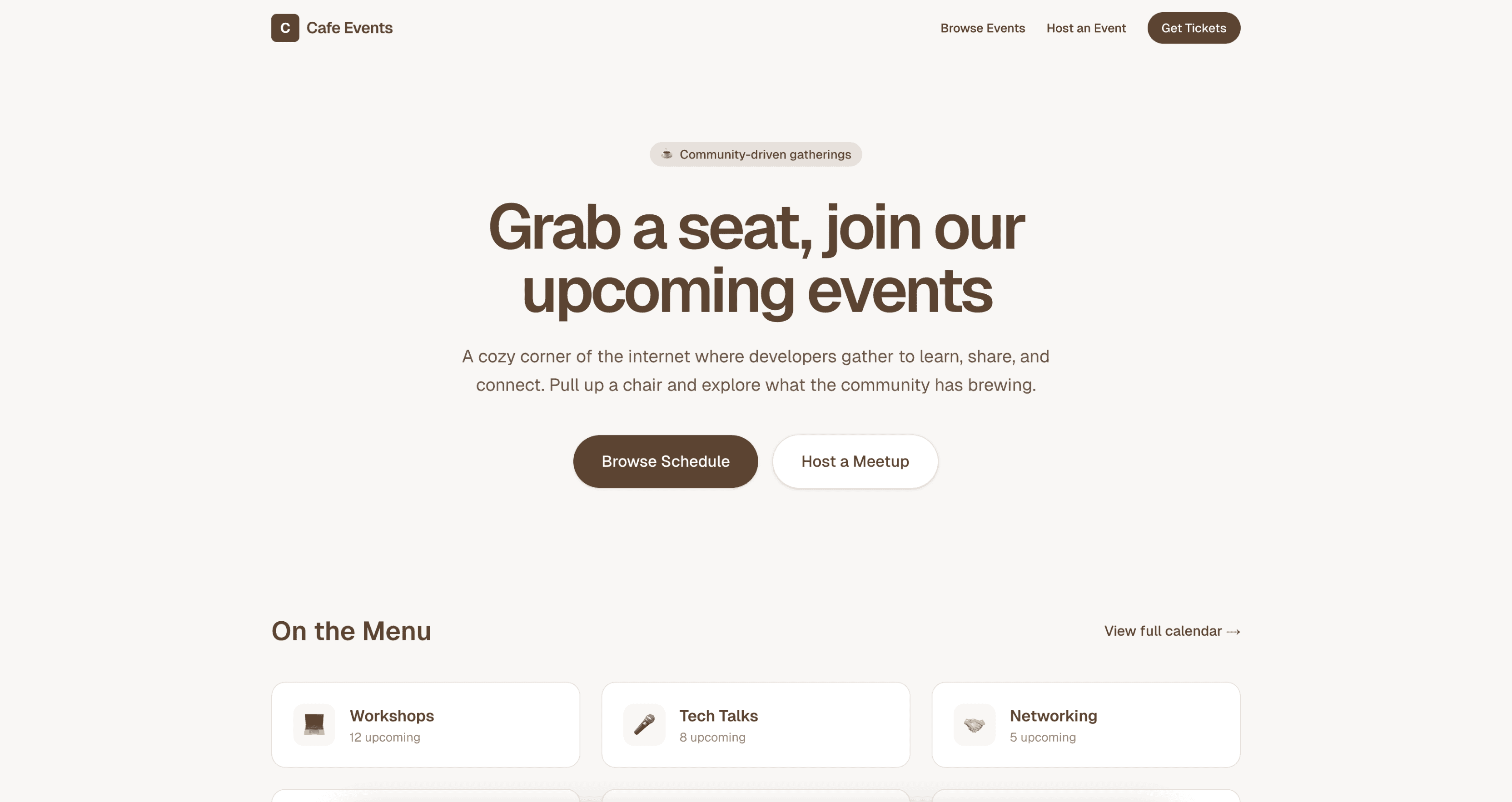 |
Preview | npx typeui.sh pull cafe |
| Claymorphism | 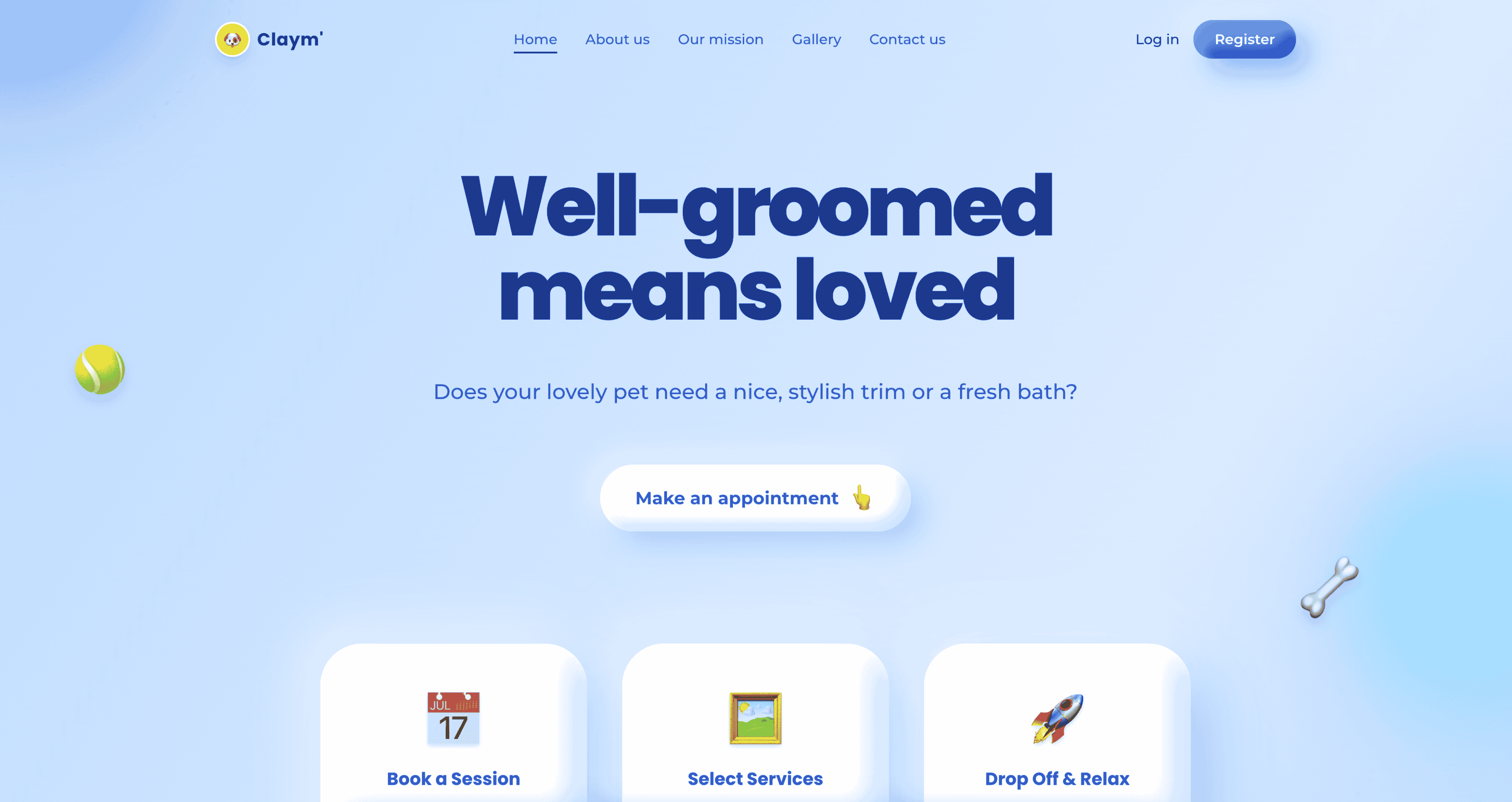 |
Preview | npx typeui.sh pull claymorphism |
| Claude | 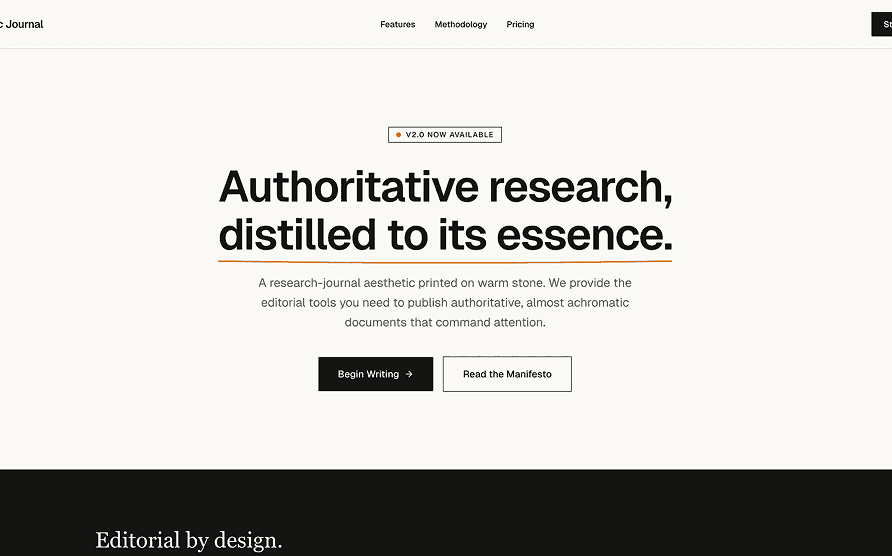 |
Preview | npx typeui.sh pull claude |
| Clean | 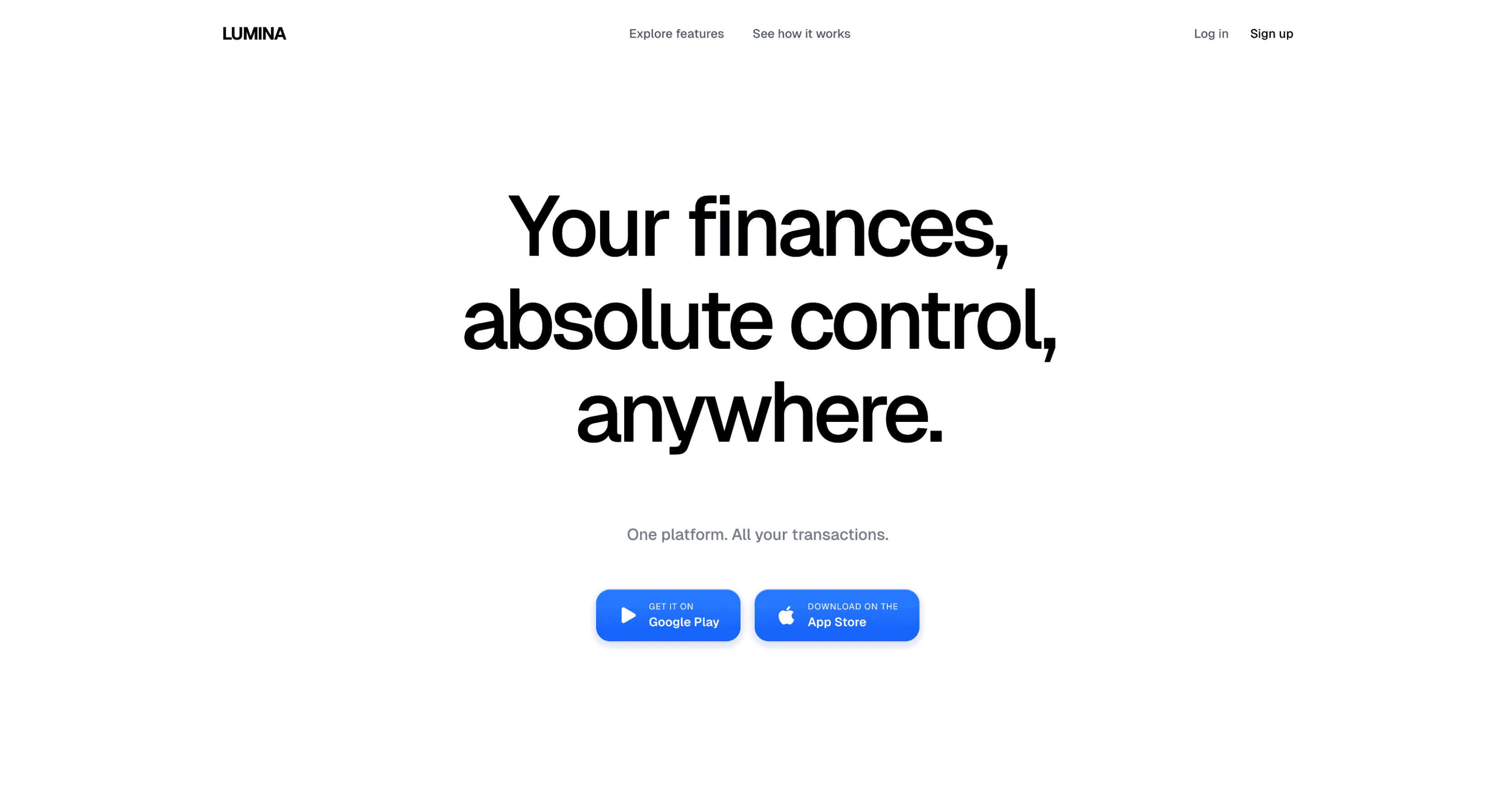 |
Preview | npx typeui.sh pull clean |
| Codex |  |
Preview | npx typeui.sh pull codex |
| Colorful | 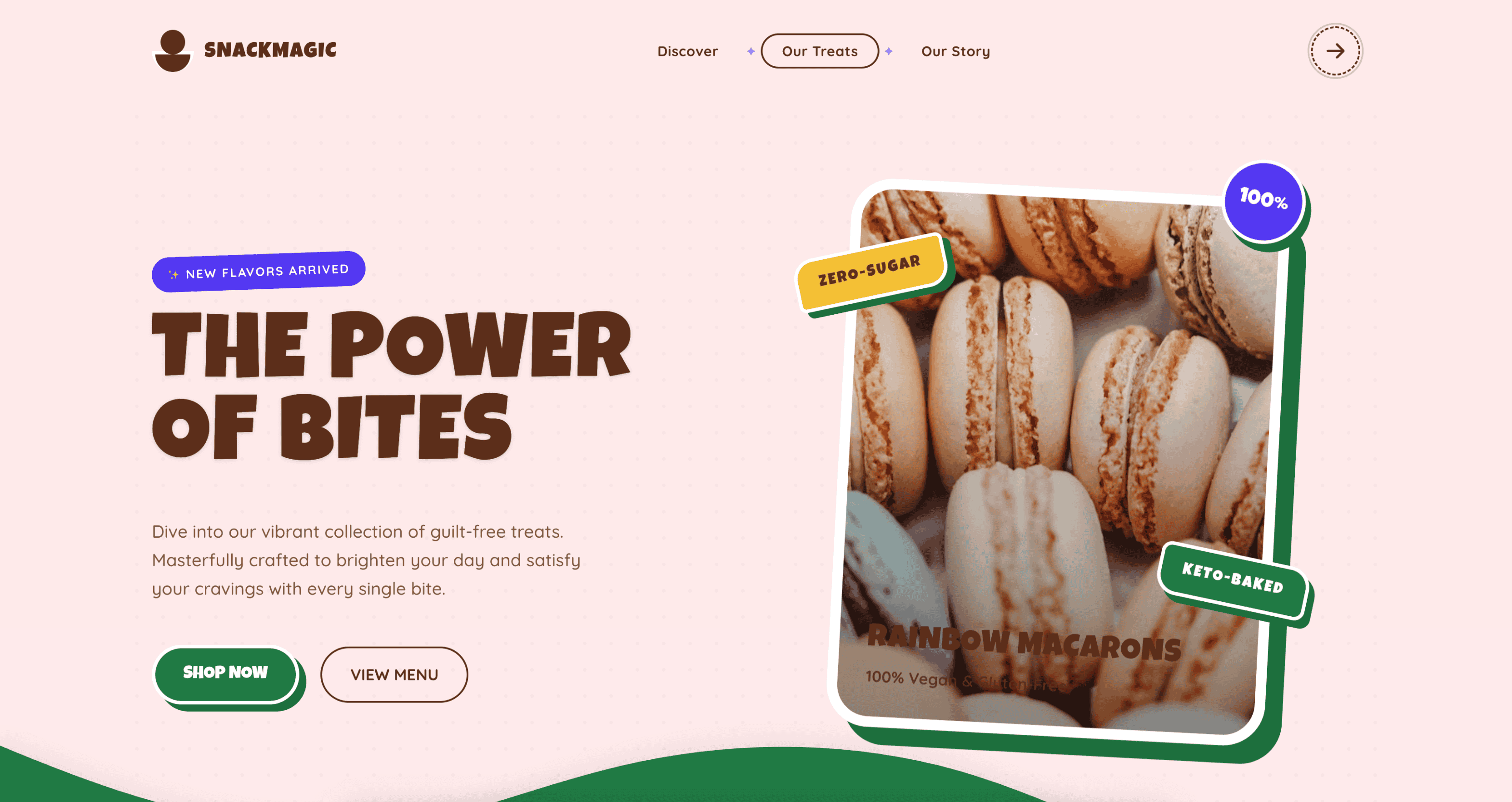 |
Preview | npx typeui.sh pull colorful |
| Contemporary | 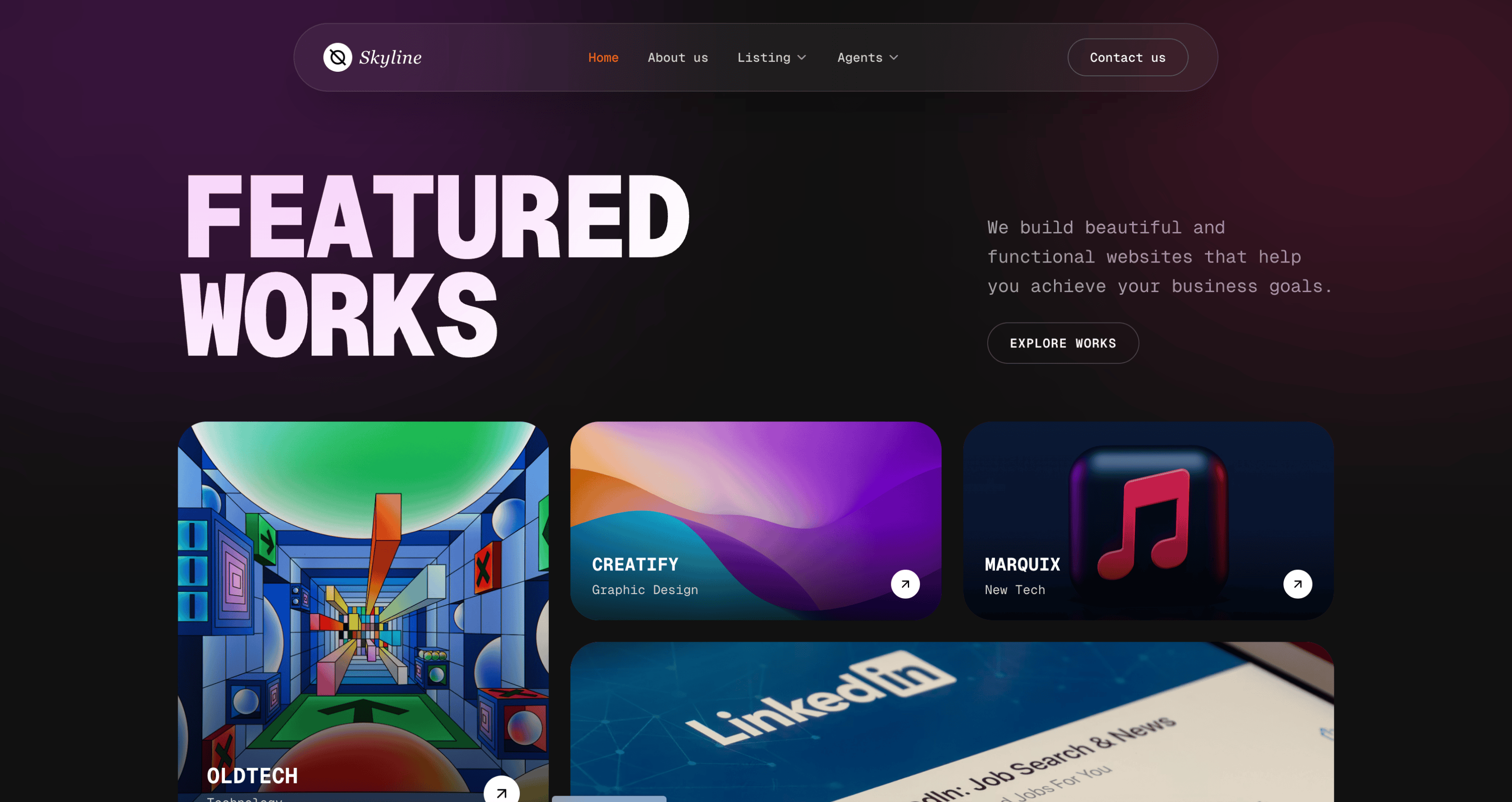 |
Preview | npx typeui.sh pull contemporary |
| Corporate | 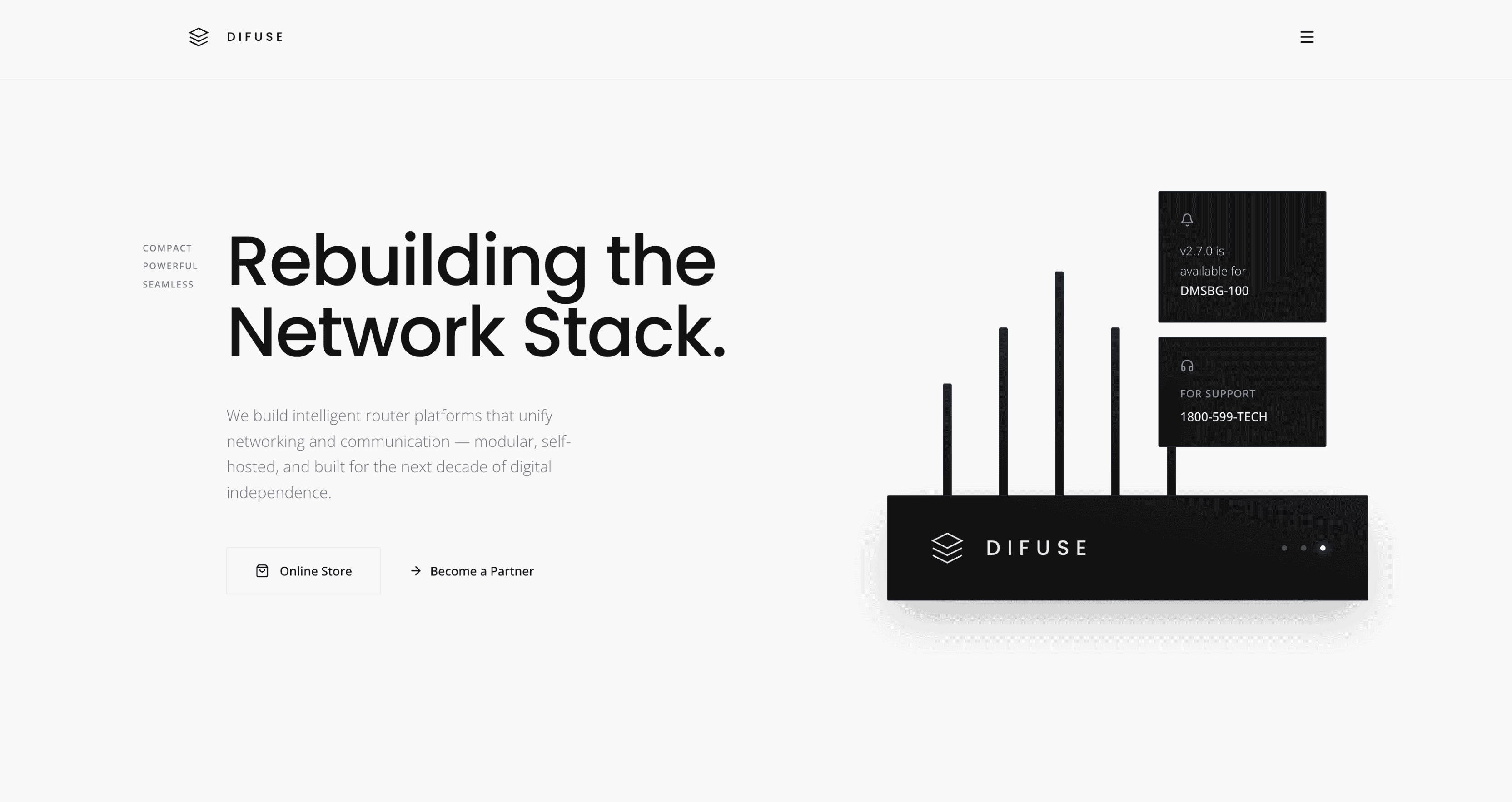 |
Preview | npx typeui.sh pull corporate |
| Cosmic | 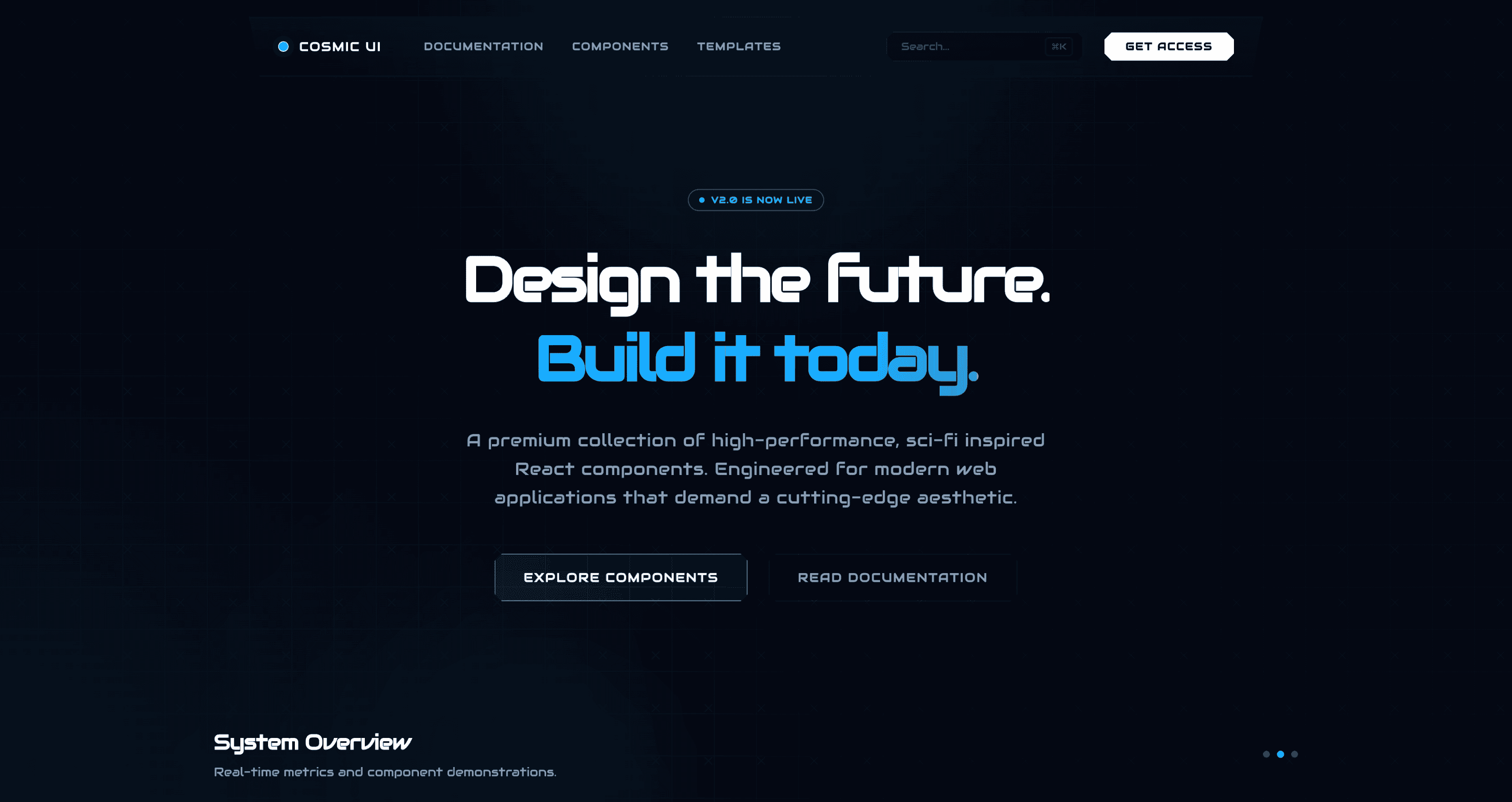 |
Preview | npx typeui.sh pull cosmic |
| Creative | 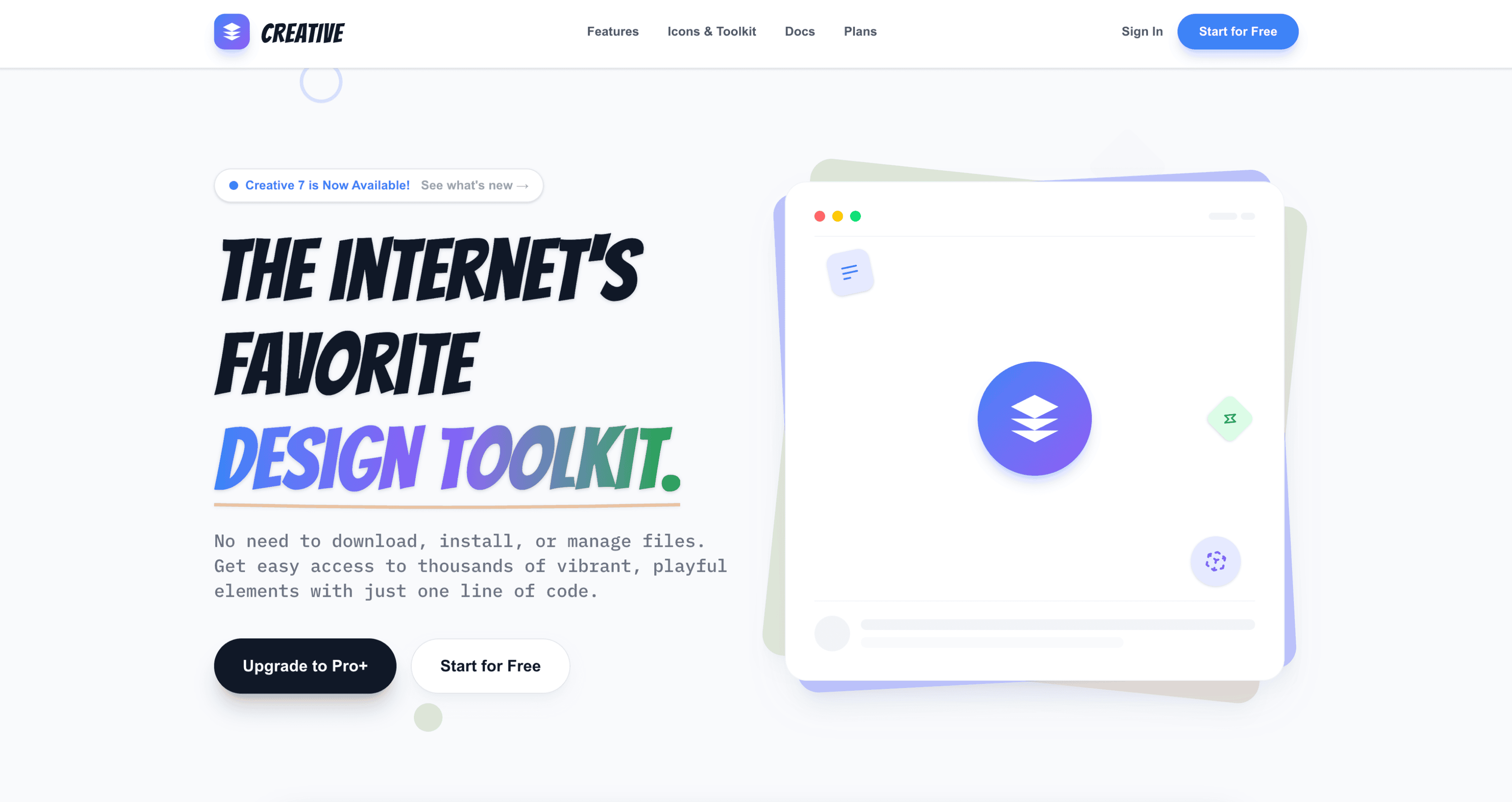 |
Preview | npx typeui.sh pull creative |
| Dashboard | 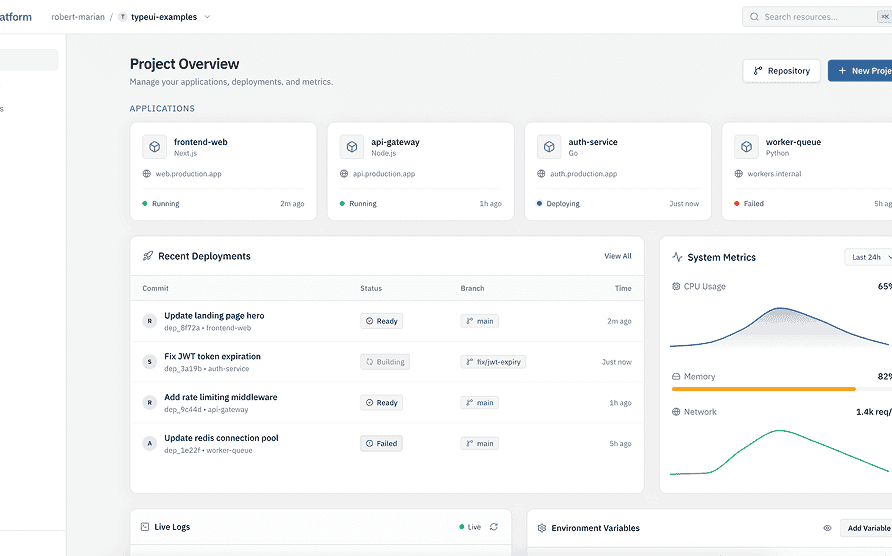 |
Preview | npx typeui.sh pull dashboard |
| Dithered | 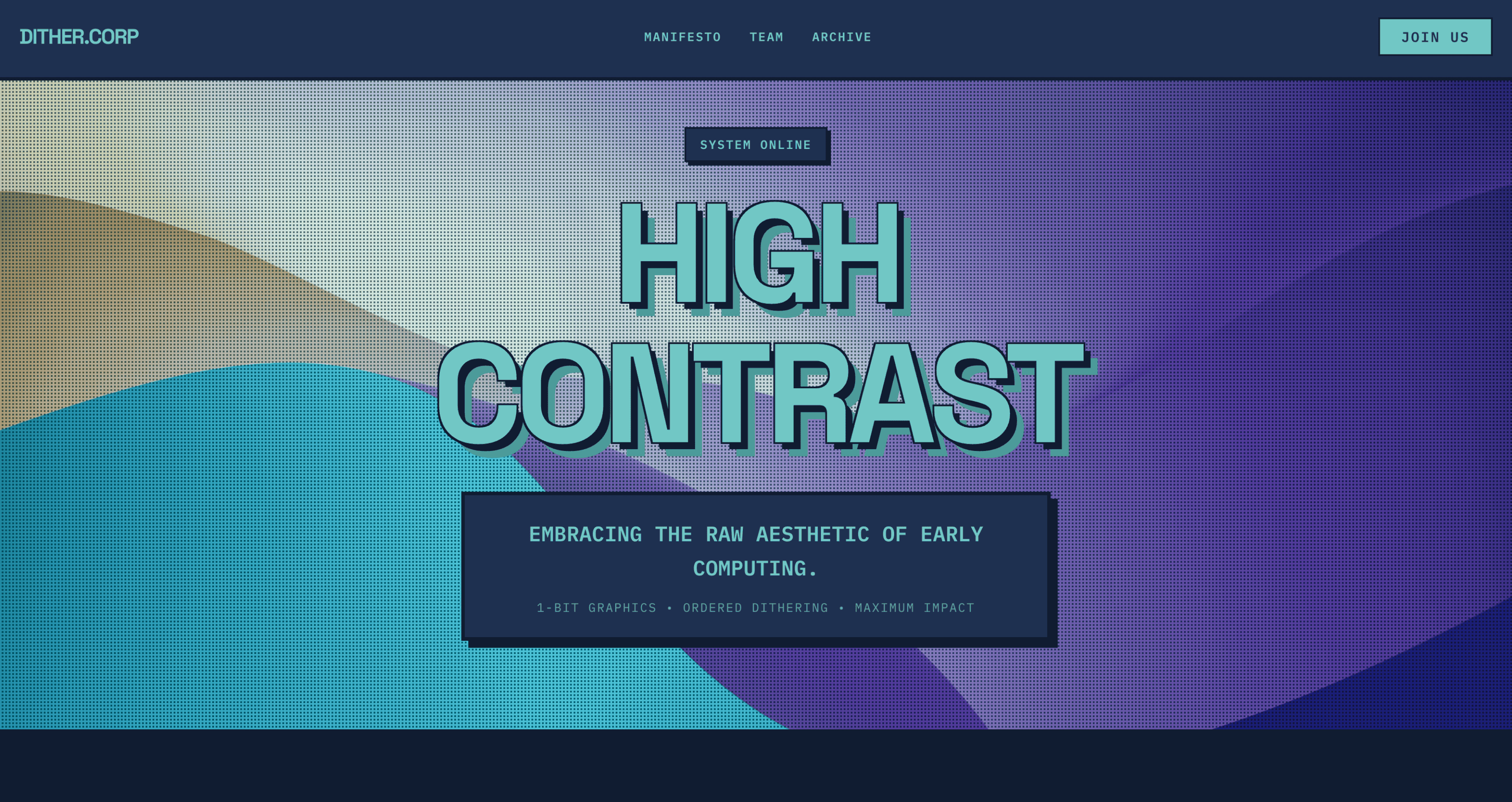 |
Preview | npx typeui.sh pull dithered |
| Doodle | 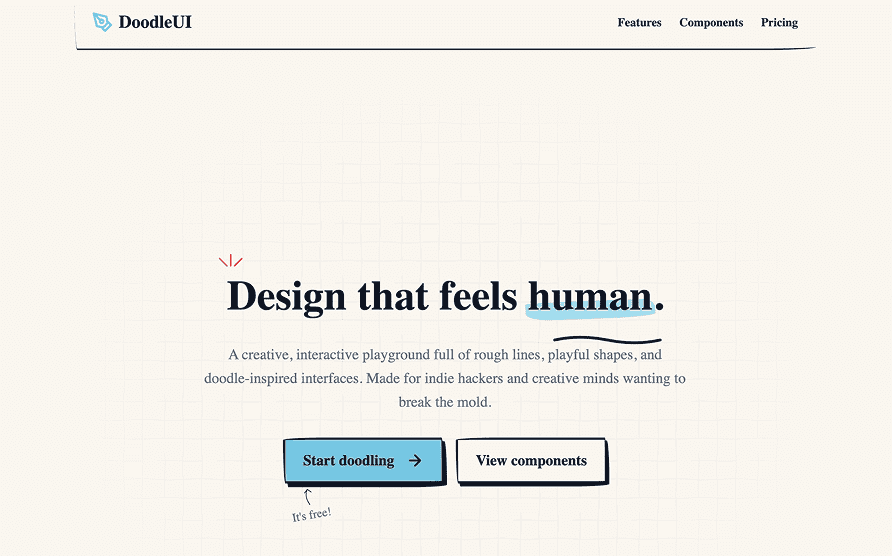 |
Preview | npx typeui.sh pull doodle |
| Dramatic | 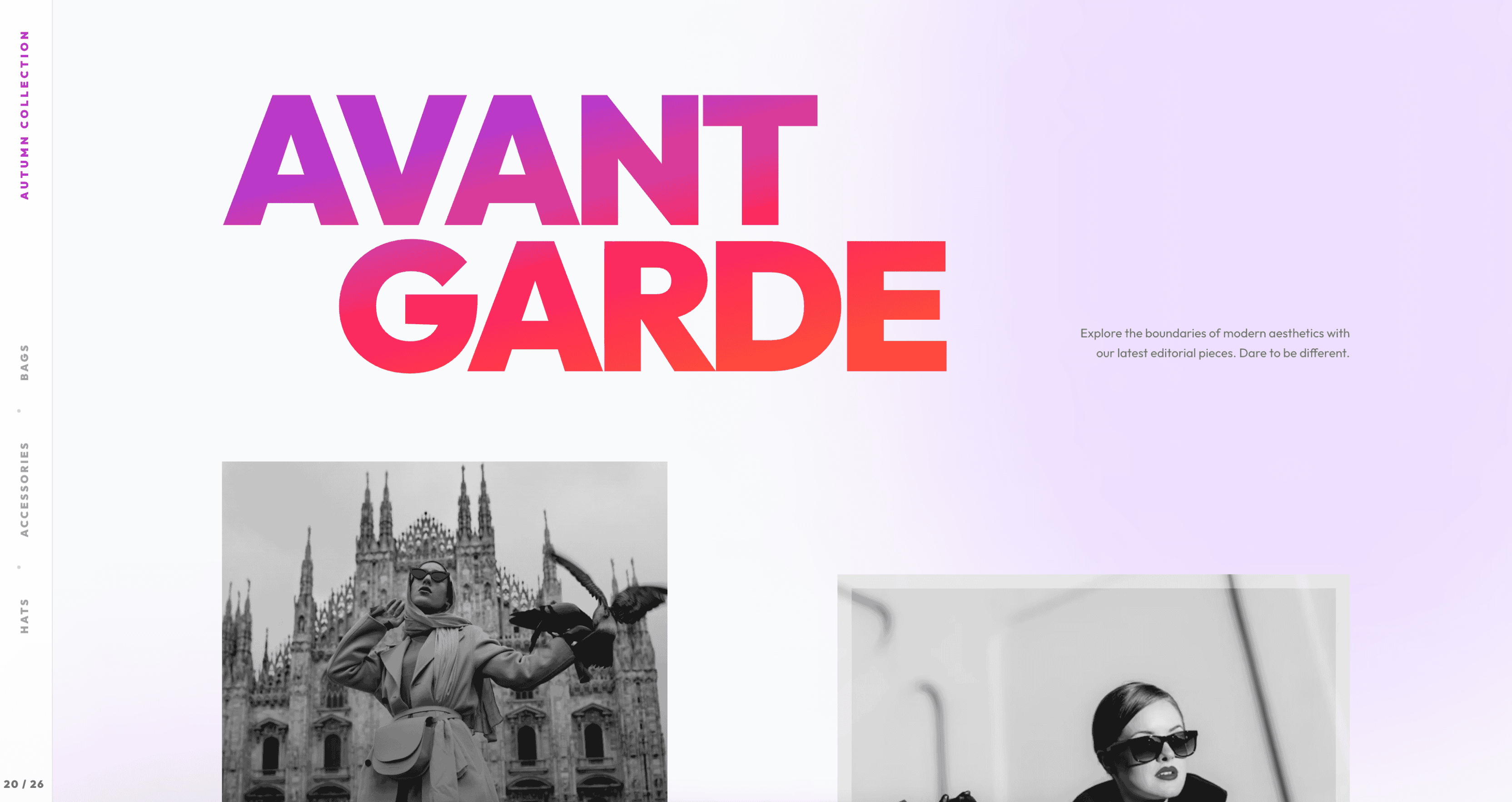 |
Preview | npx typeui.sh pull dramatic |
| Editorial | 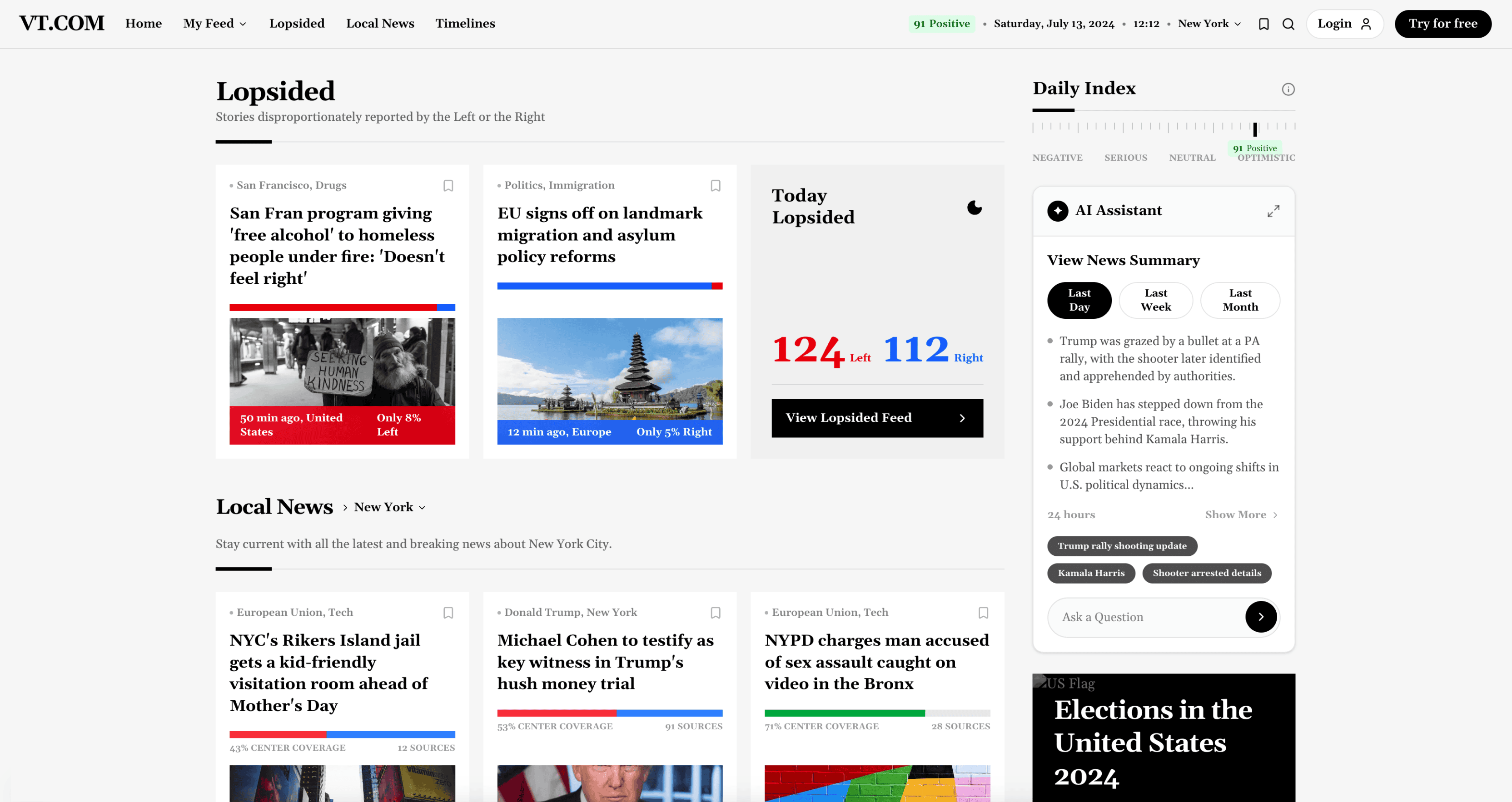 |
Preview | npx typeui.sh pull editorial |
| Elegant | 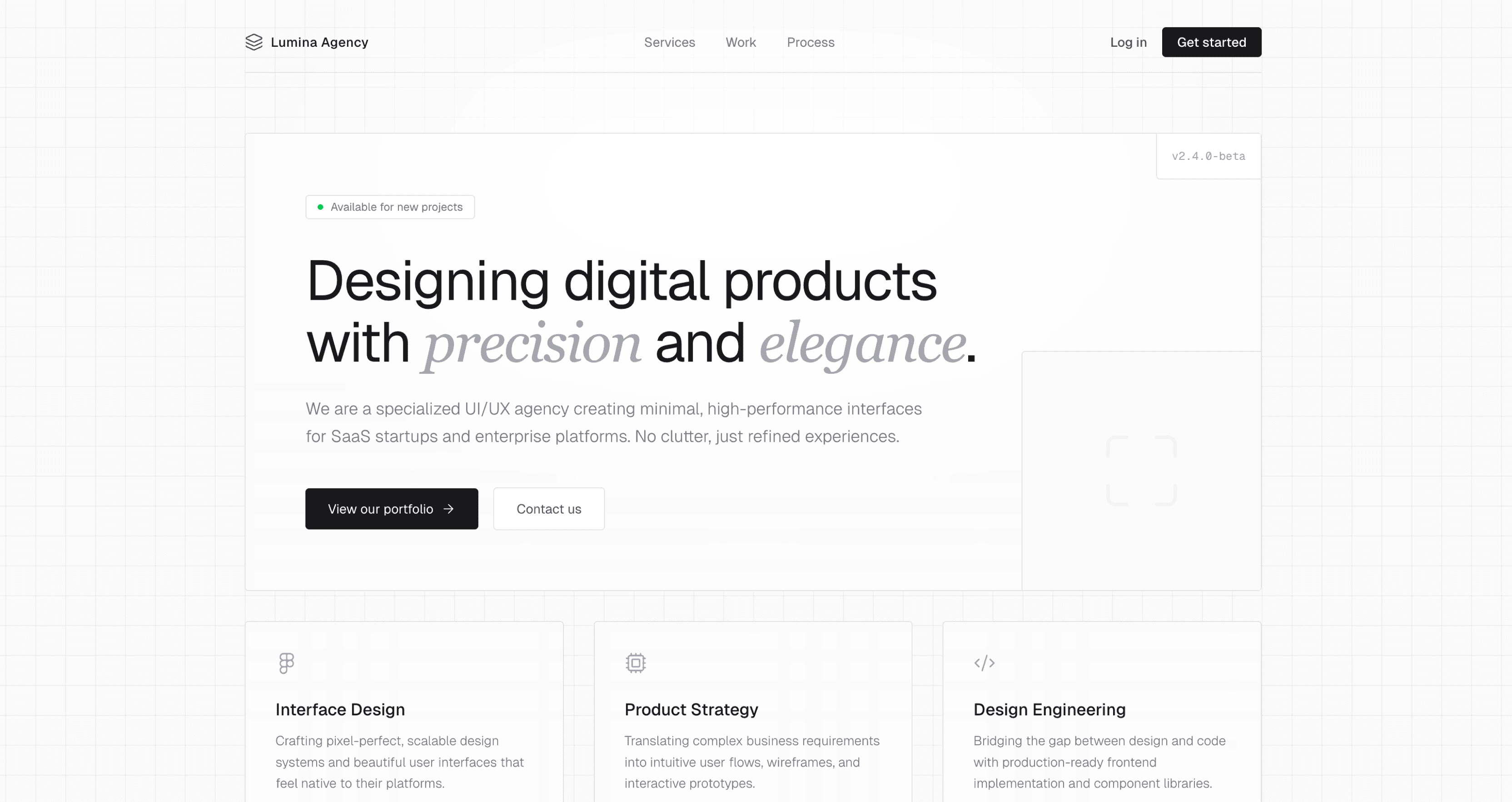 |
Preview | npx typeui.sh pull elegant |
| Energetic | 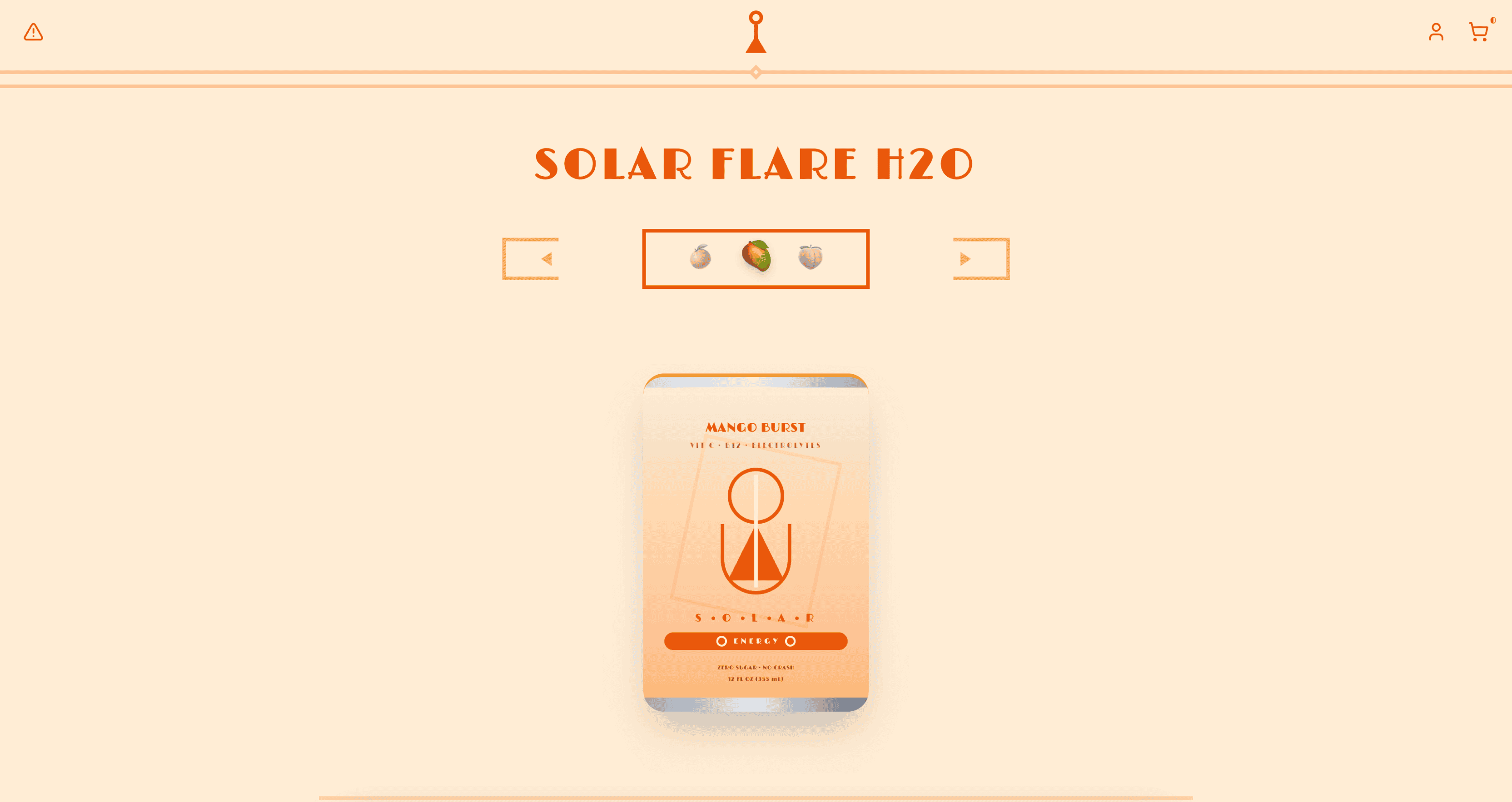 |
Preview | npx typeui.sh pull energetic |
| Enterprise | 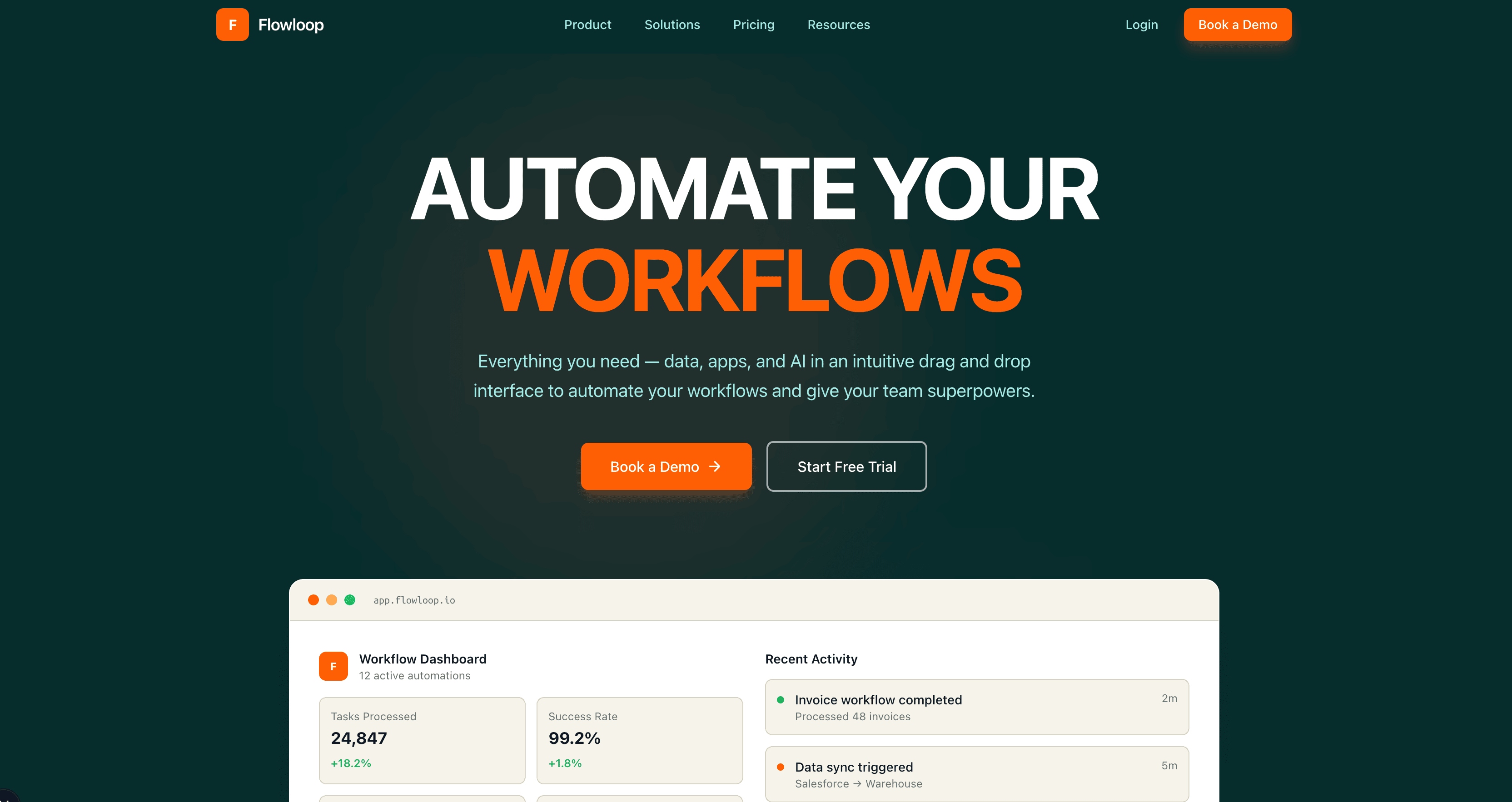 |
Preview | npx typeui.sh pull enterprise |
| Expressive | 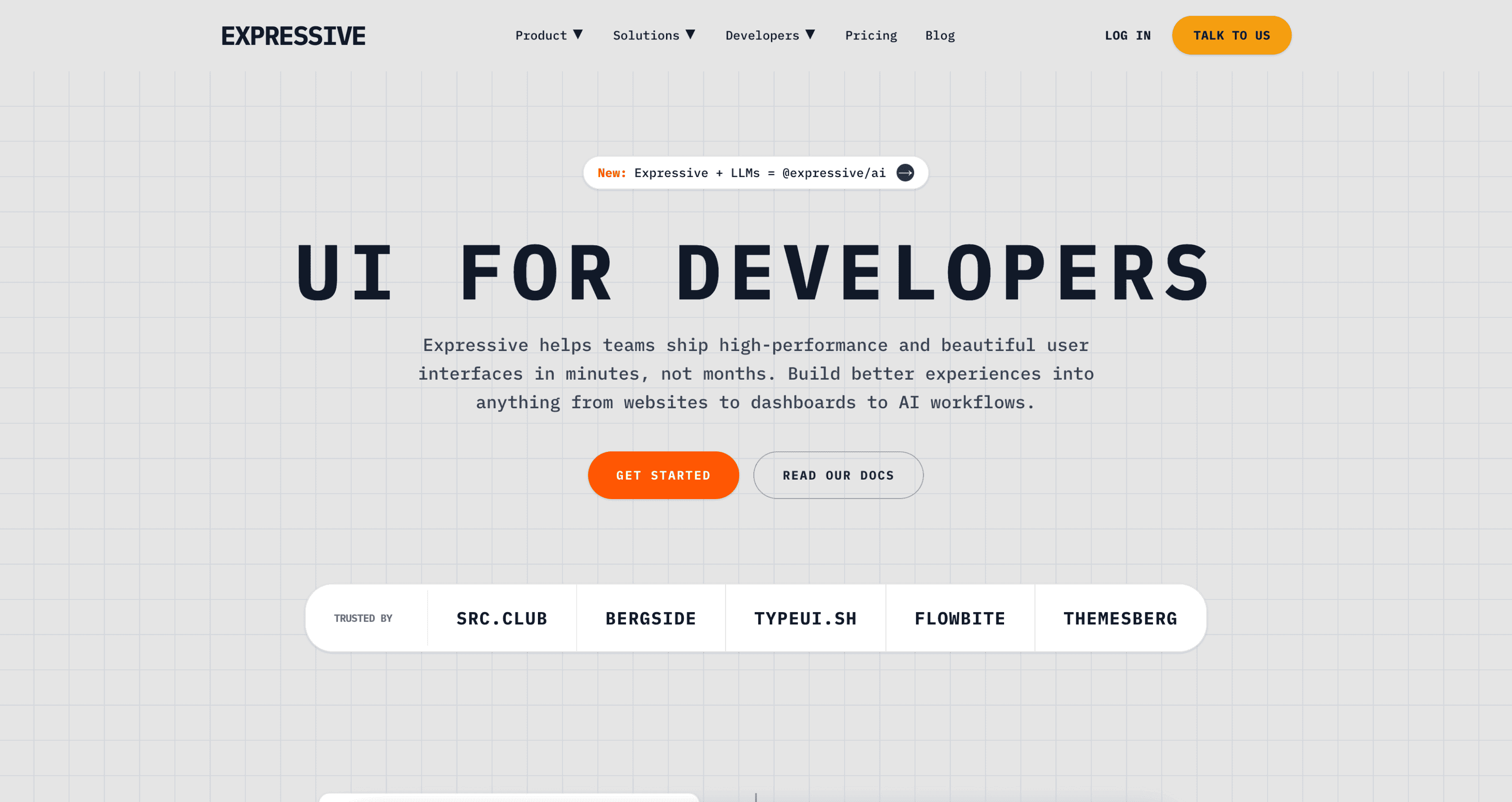 |
Preview | npx typeui.sh pull expressive |
| Fantasy | 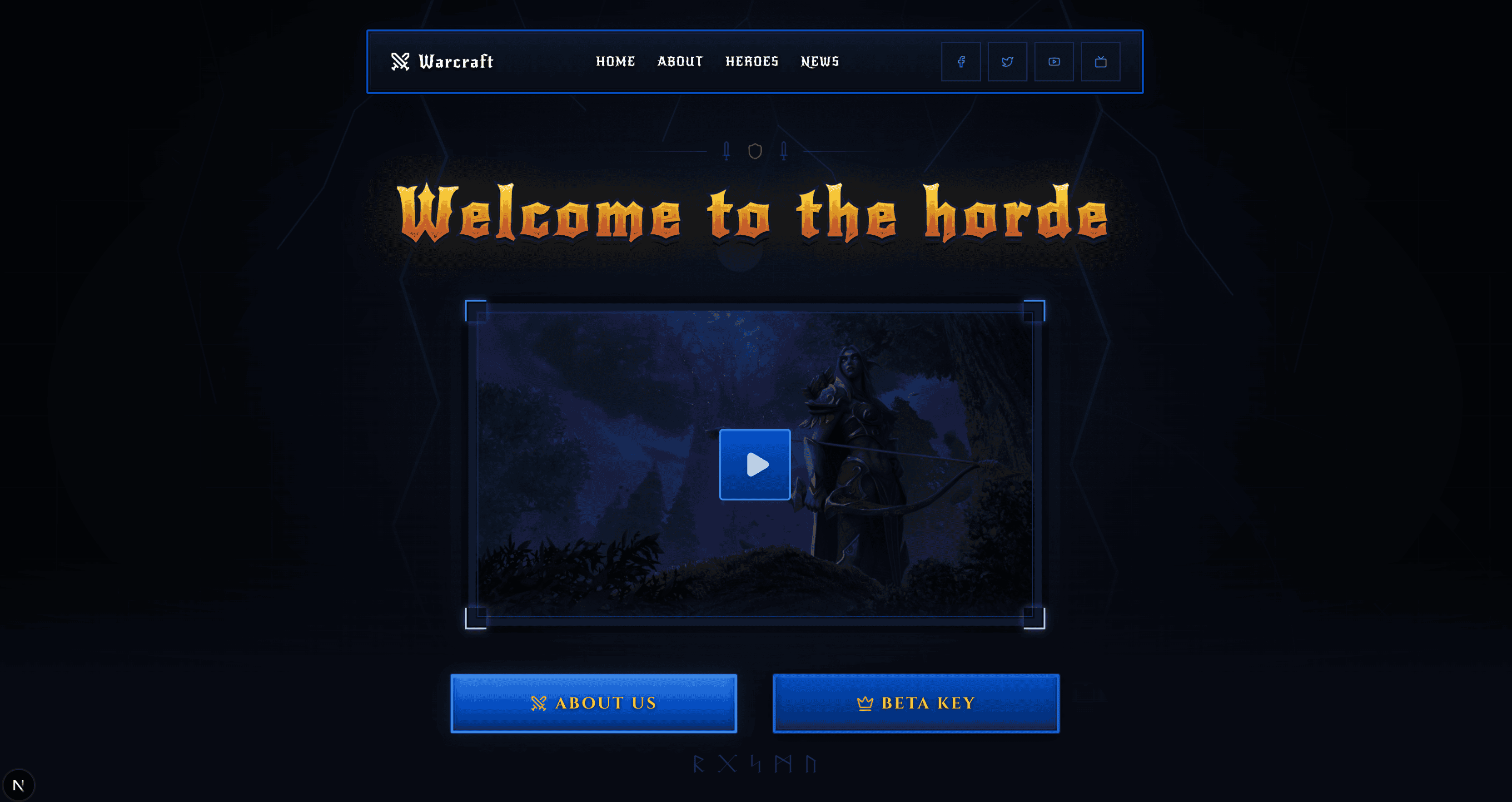 |
Preview | npx typeui.sh pull fantasy |
| Fiction | 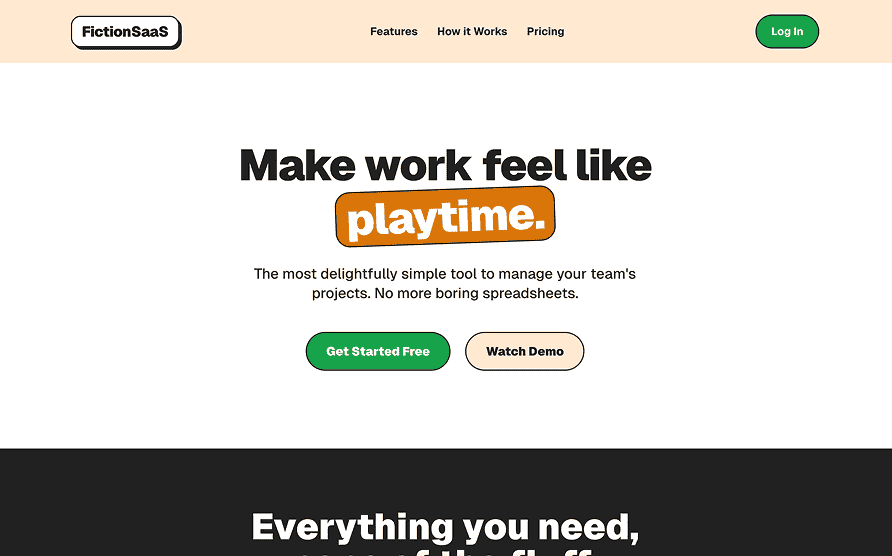 |
Preview | npx typeui.sh pull fiction |
| Flat | 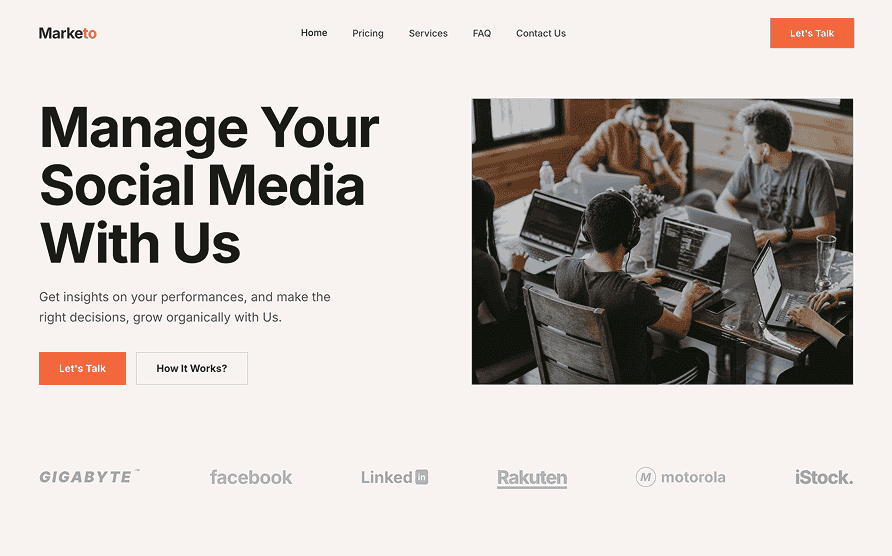 |
Preview | npx typeui.sh pull flat |
| Friendly | 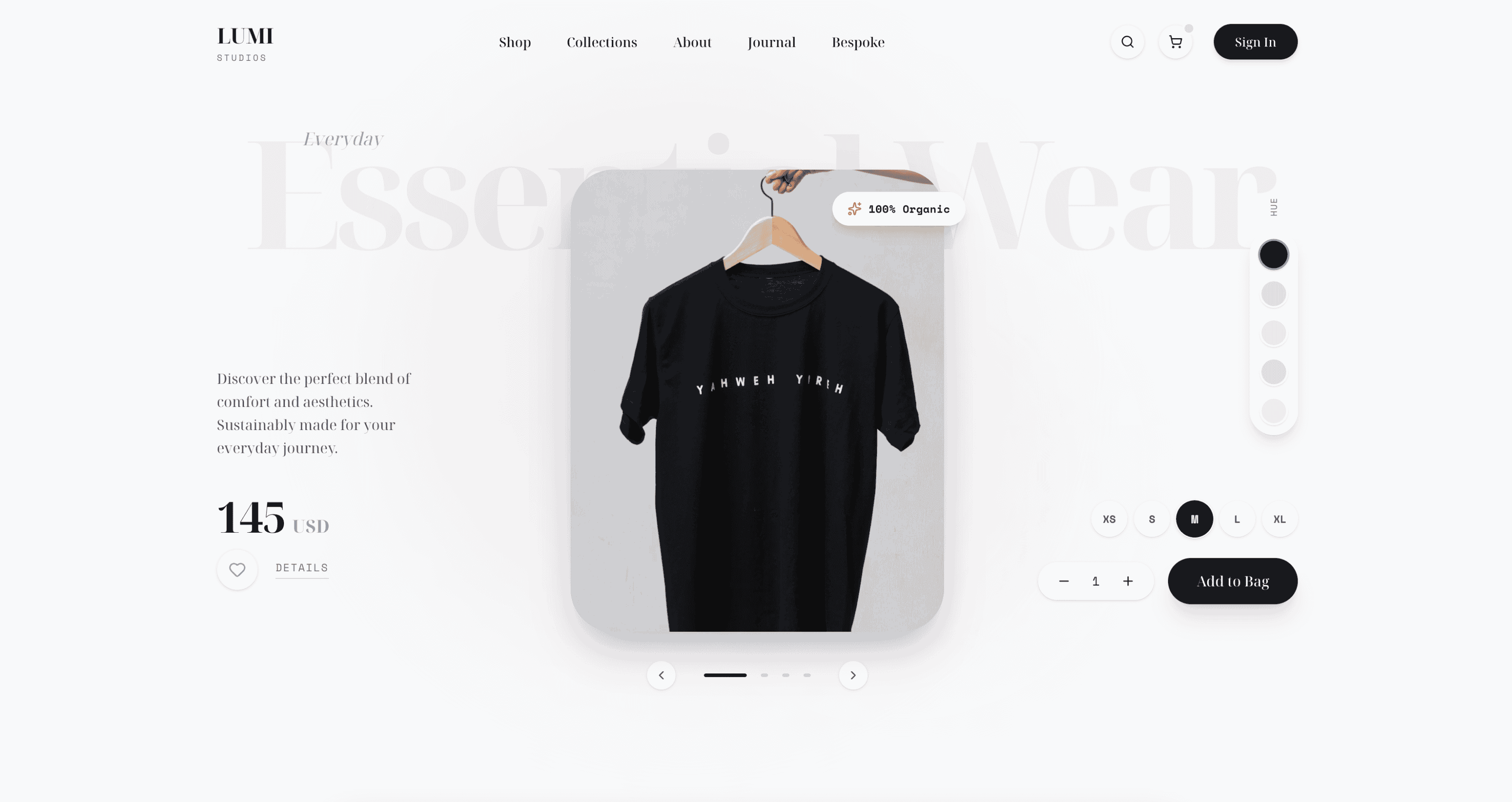 |
Preview | npx typeui.sh pull friendly |
| Futuristic | 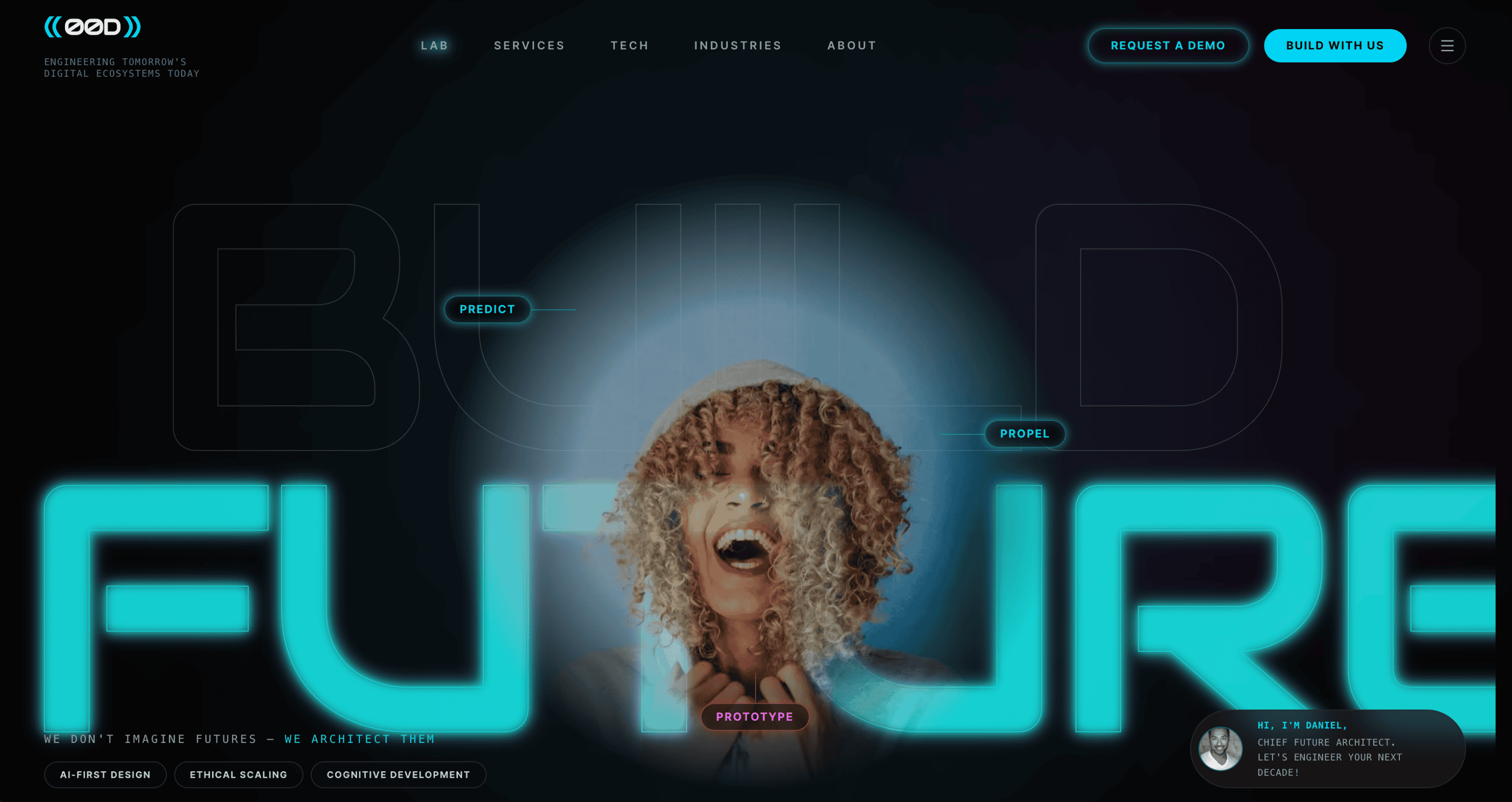 |
Preview | npx typeui.sh pull futuristic |
| Glassmorphism | 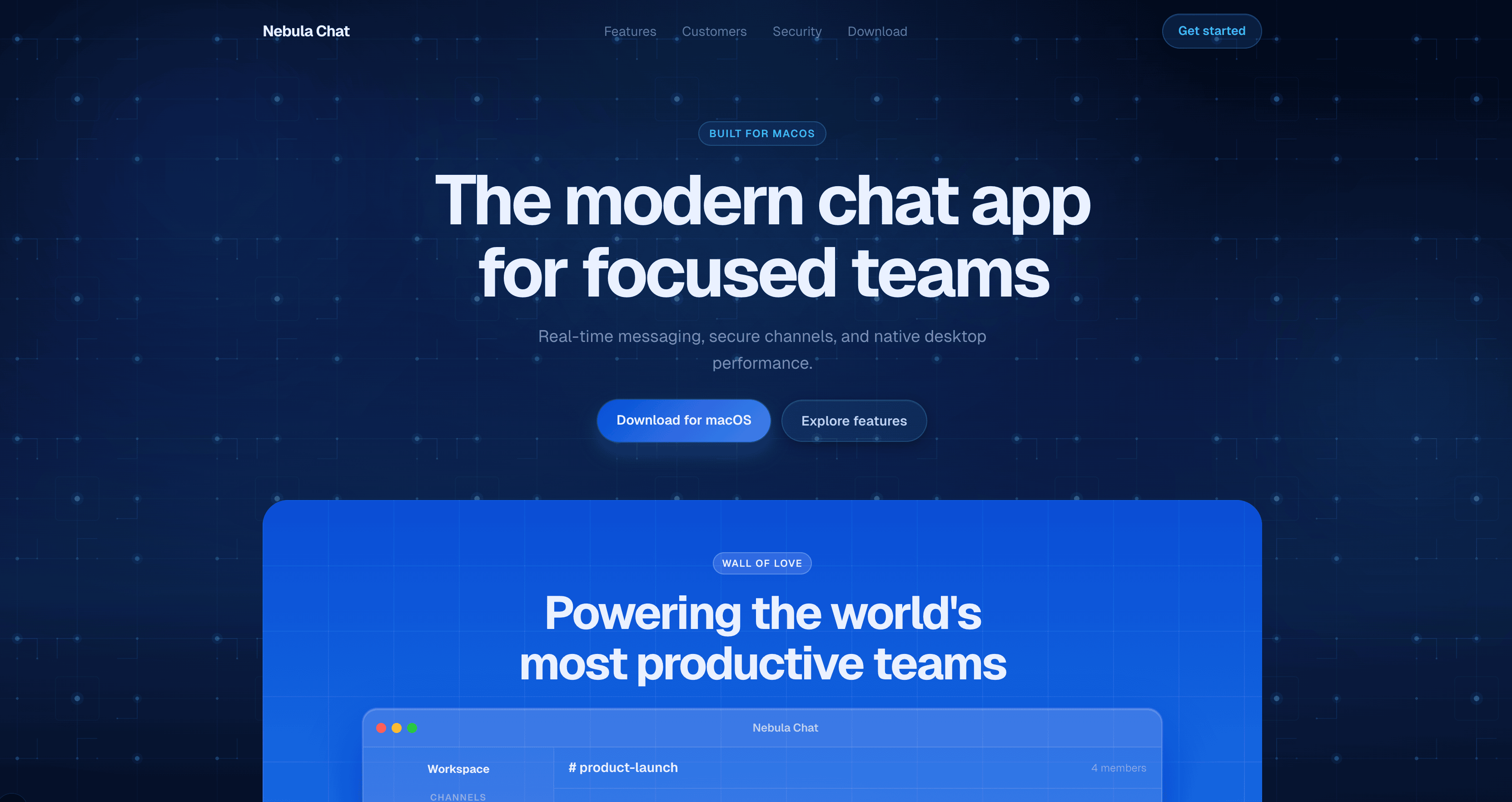 |
Preview | npx typeui.sh pull glassmorphism |
| Gradient | 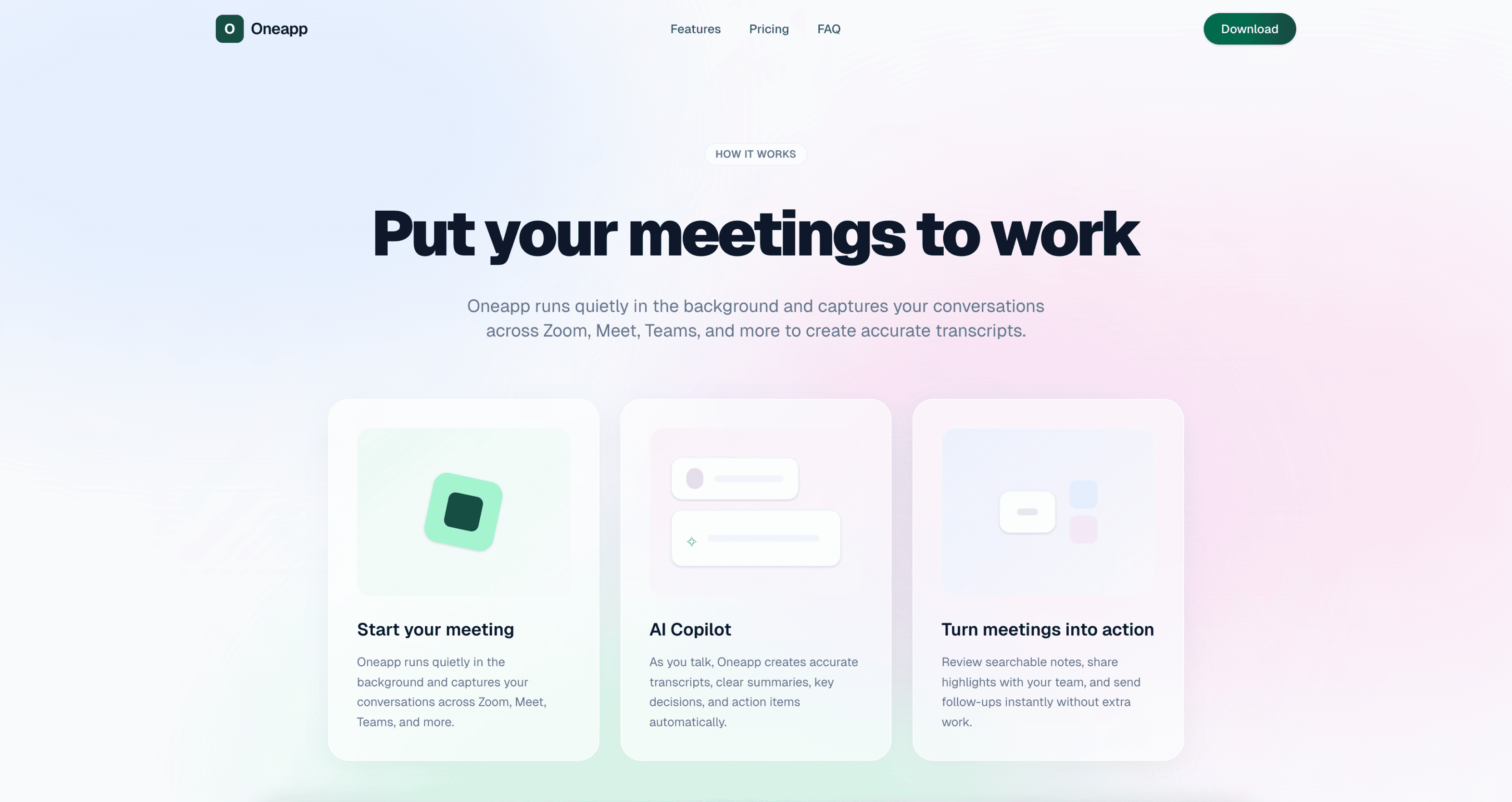 |
Preview | npx typeui.sh pull gradient |
| Immersive | 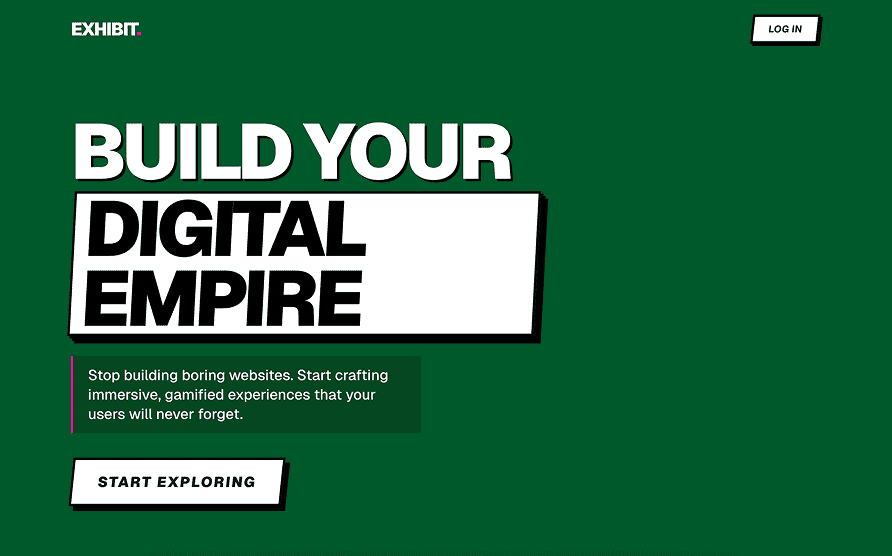 |
Preview | npx typeui.sh pull immersive |
| Impeccable | 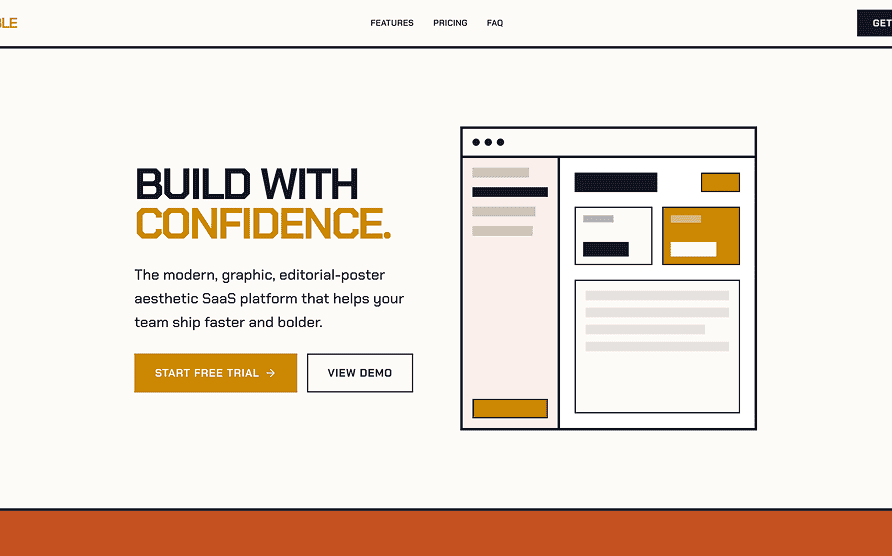 |
Preview | npx typeui.sh pull impeccable |
| Levels | 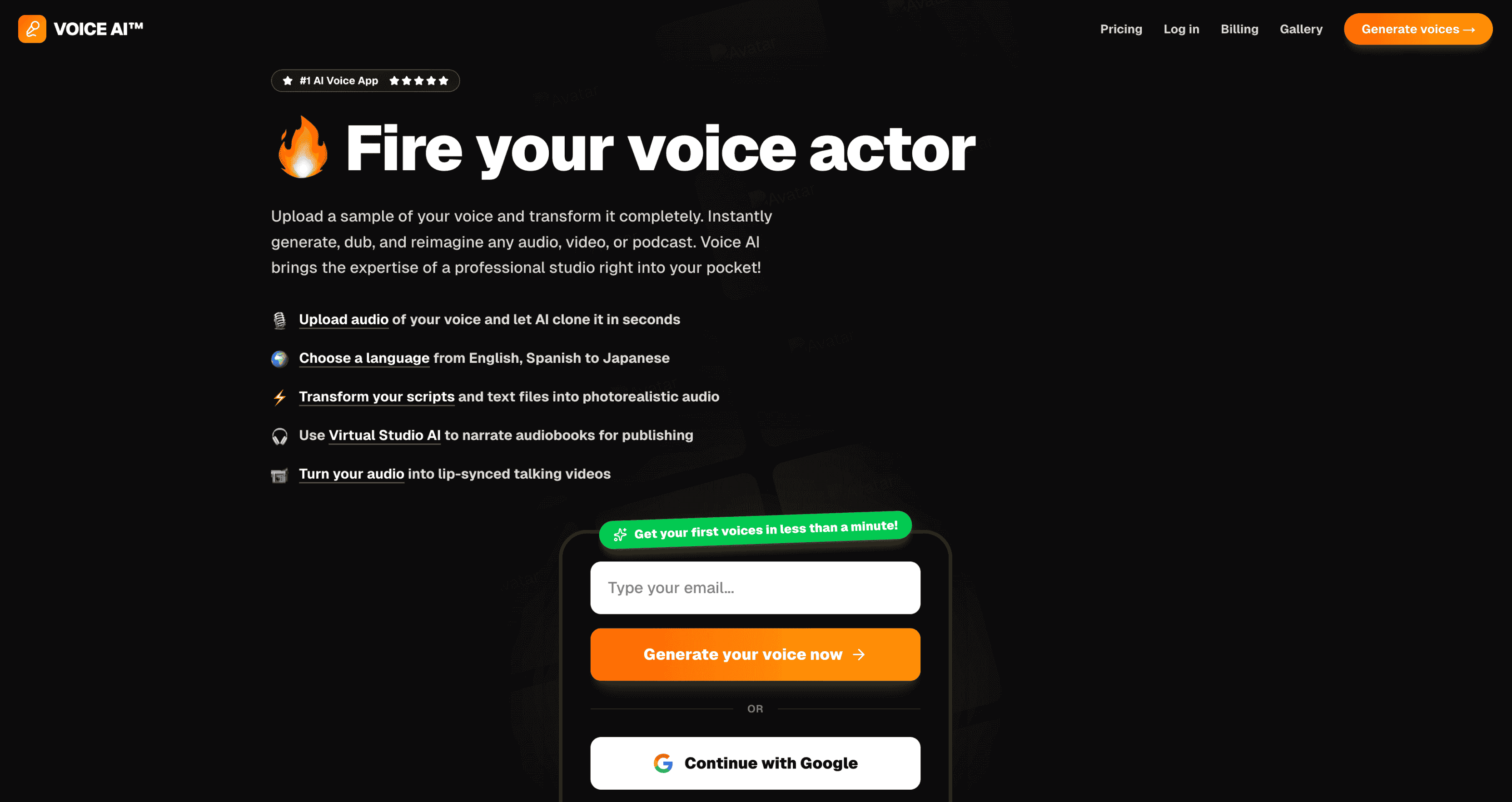 |
Preview | npx typeui.sh pull levels |
| Lingo | 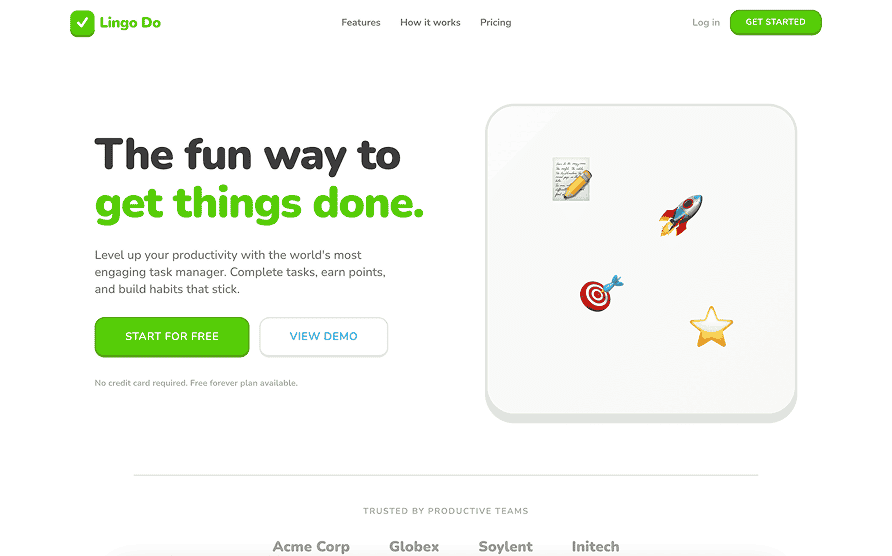 |
Preview | npx typeui.sh pull lingo |
| Luxury | 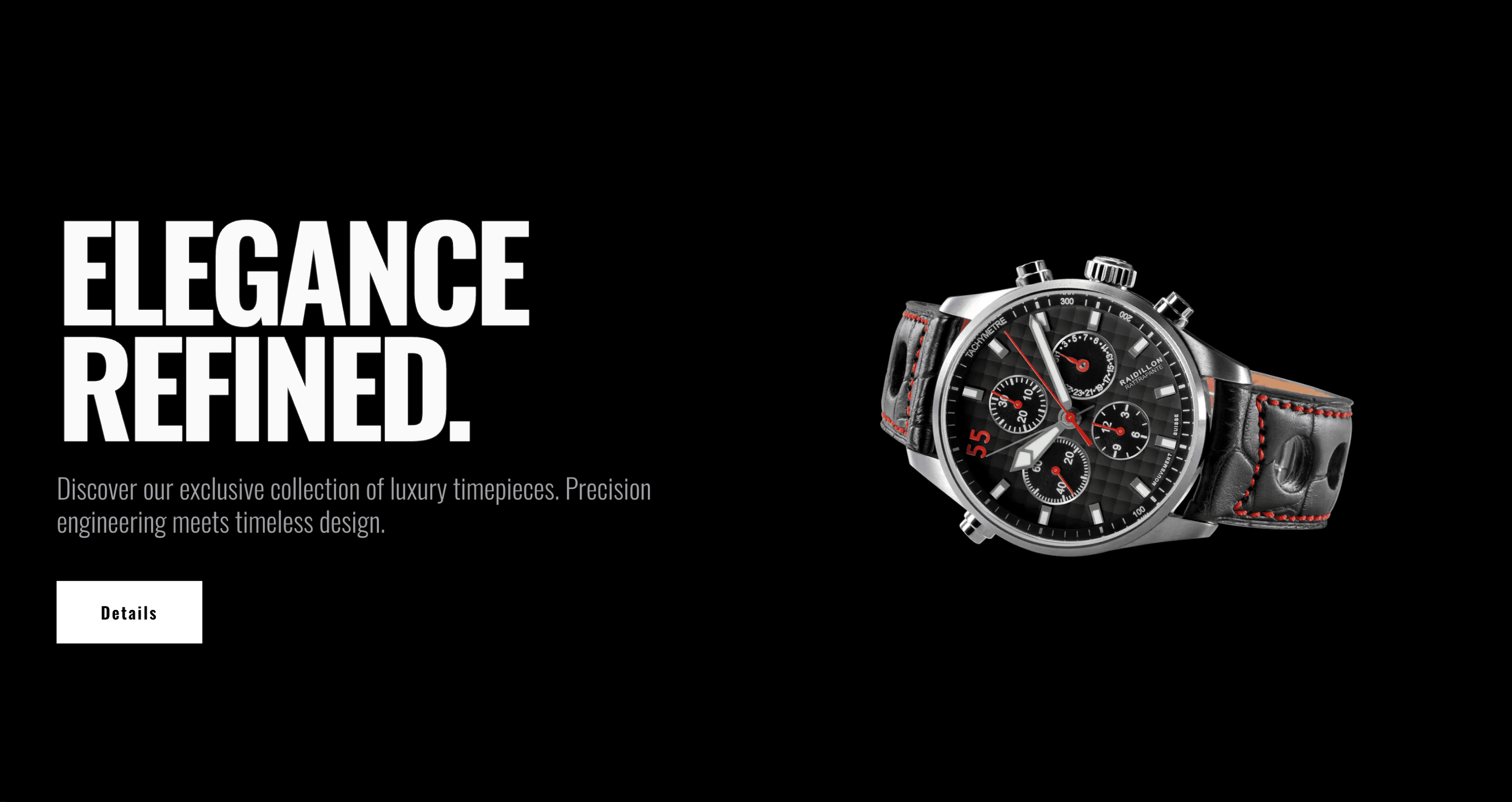 |
Preview | npx typeui.sh pull luxury |
| Material | 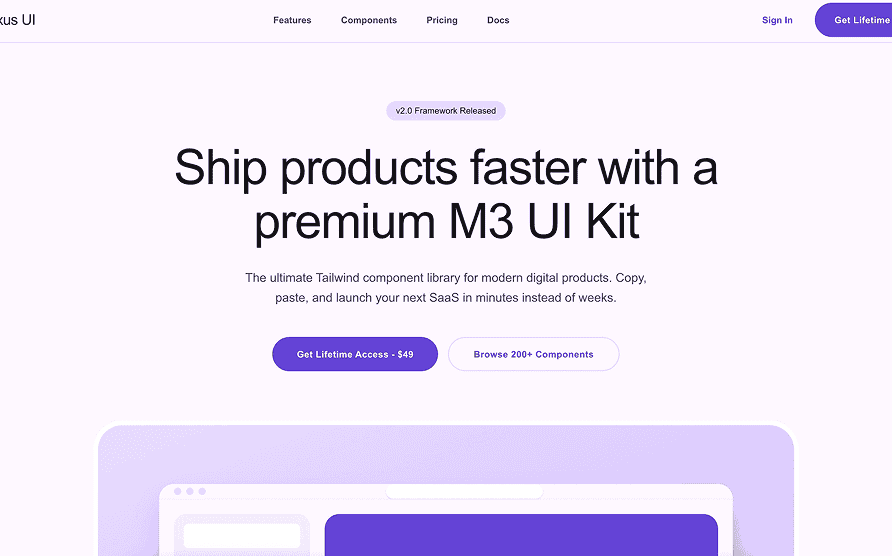 |
Preview | npx typeui.sh pull material |
| Matrix | 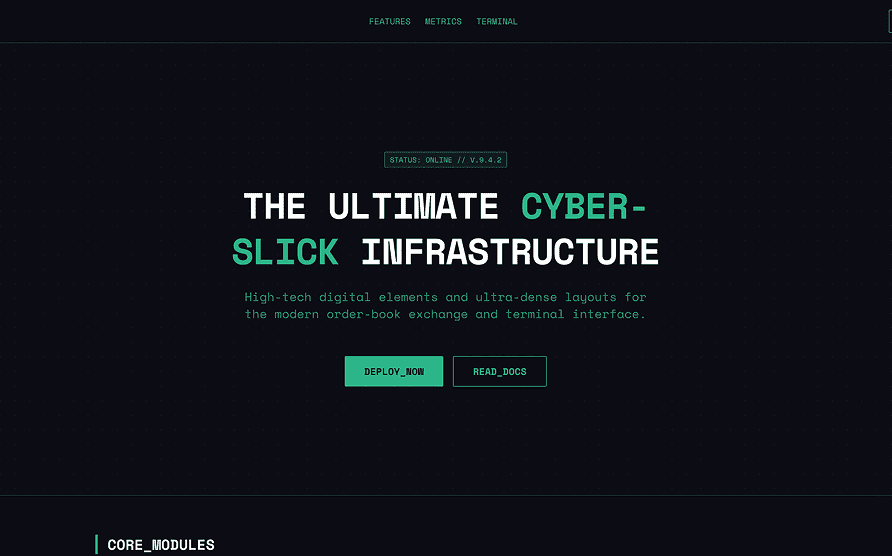 |
Preview | npx typeui.sh pull matrix |
| Minimal | 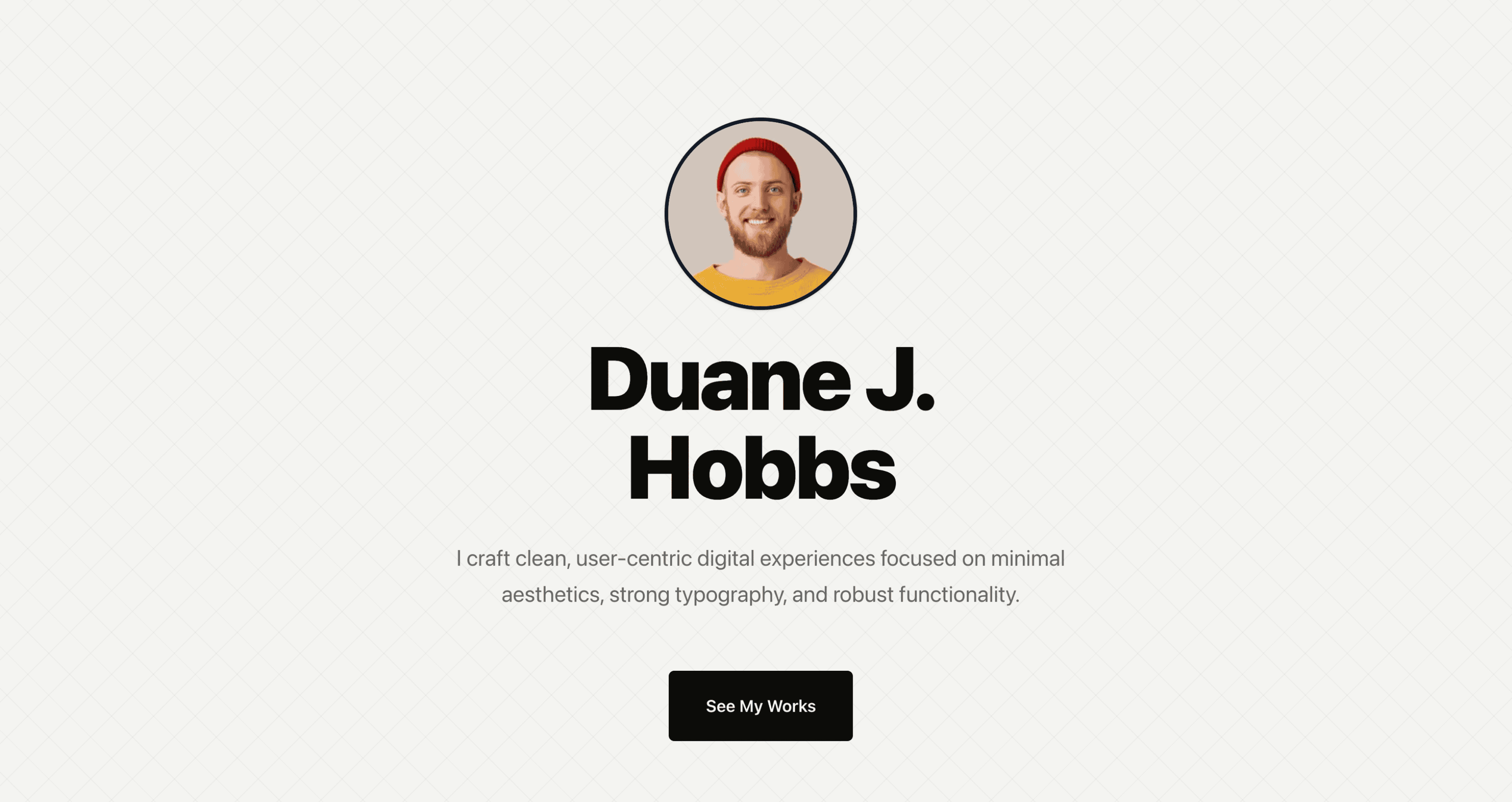 |
Preview | npx typeui.sh pull minimal |
| Modern | 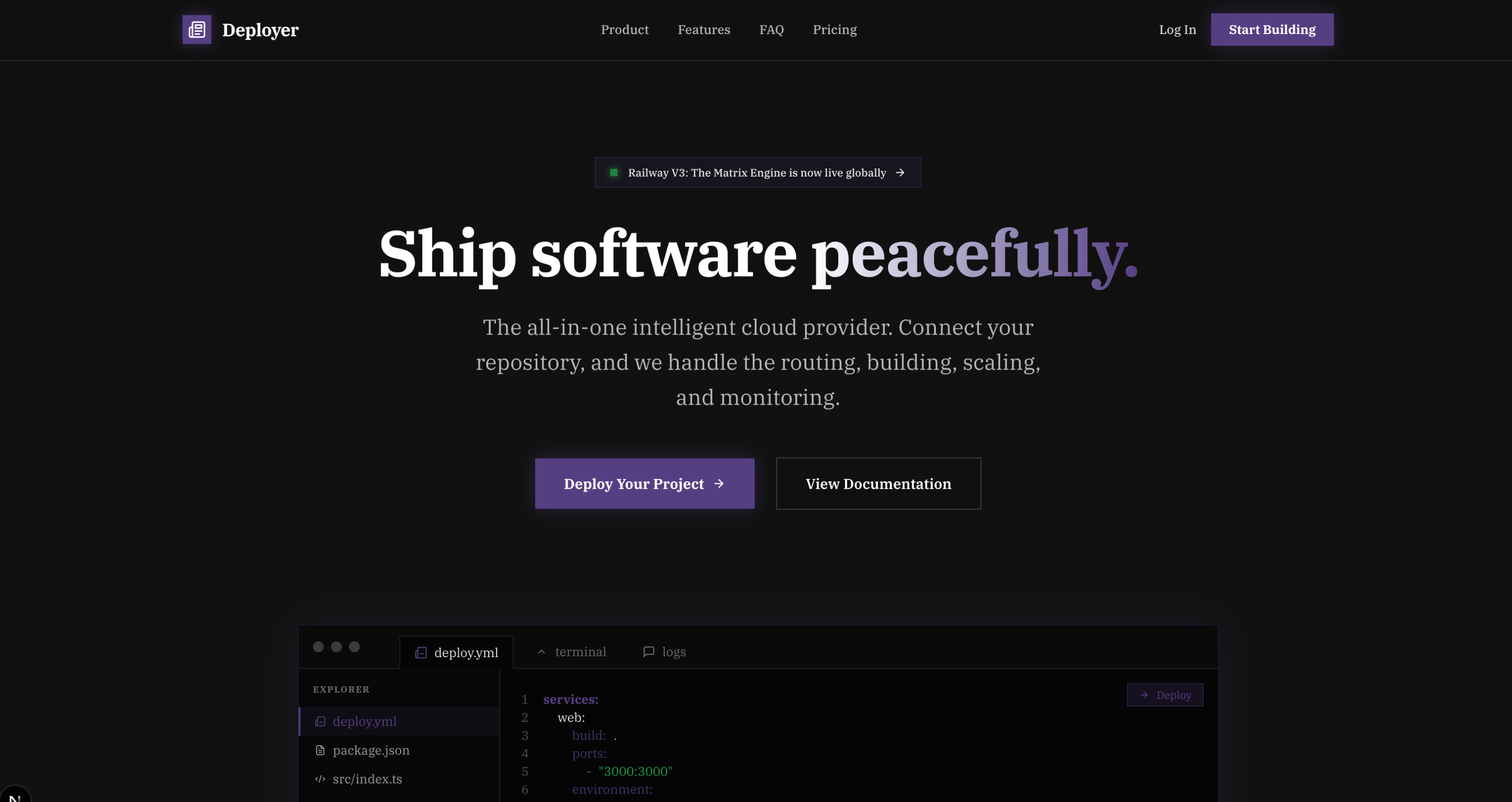 |
Preview | npx typeui.sh pull modern |
| Mono | 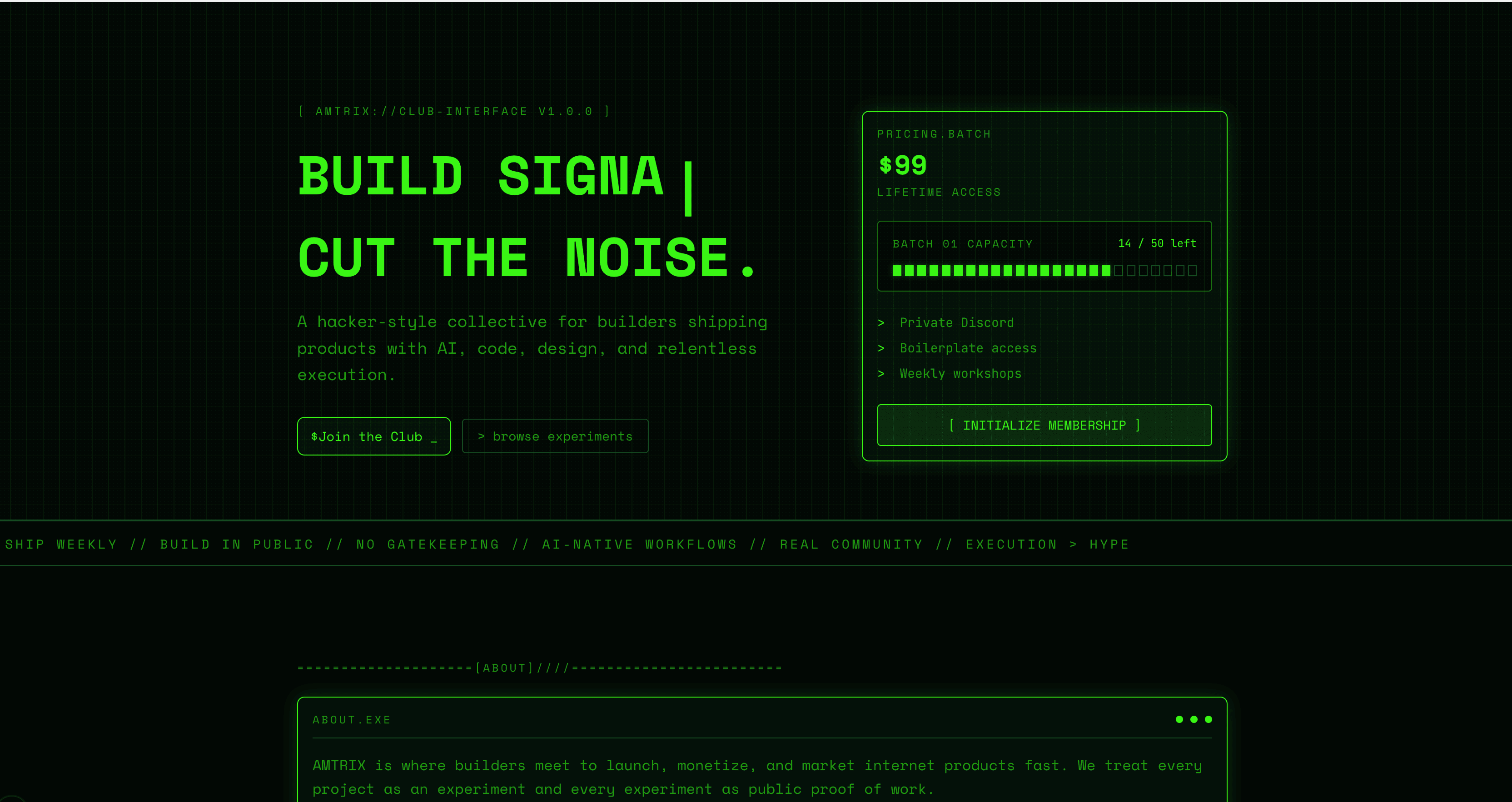 |
Preview | npx typeui.sh pull mono |
| Neon | 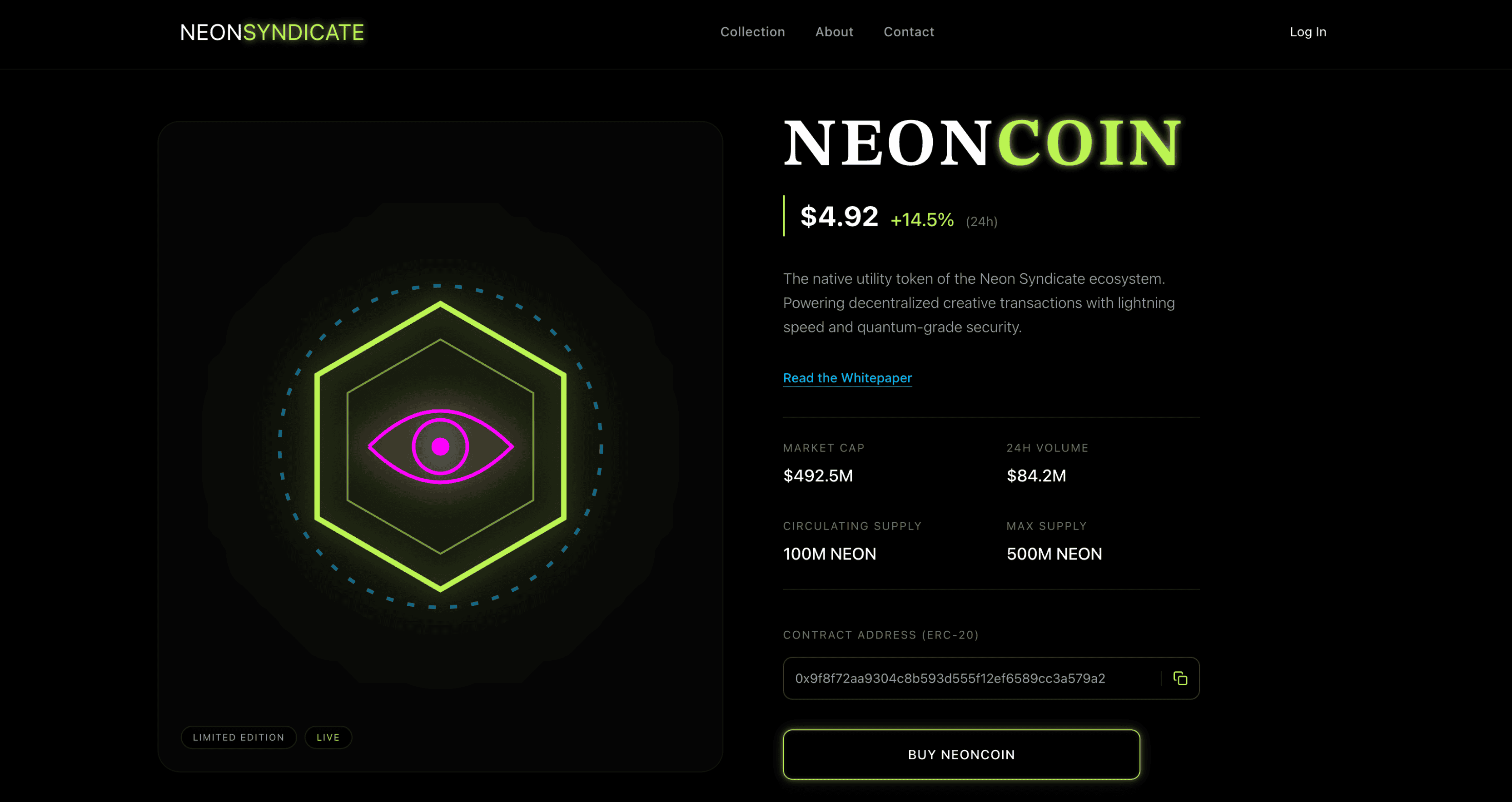 |
Preview | npx typeui.sh pull neon |
| Neobrutalism | 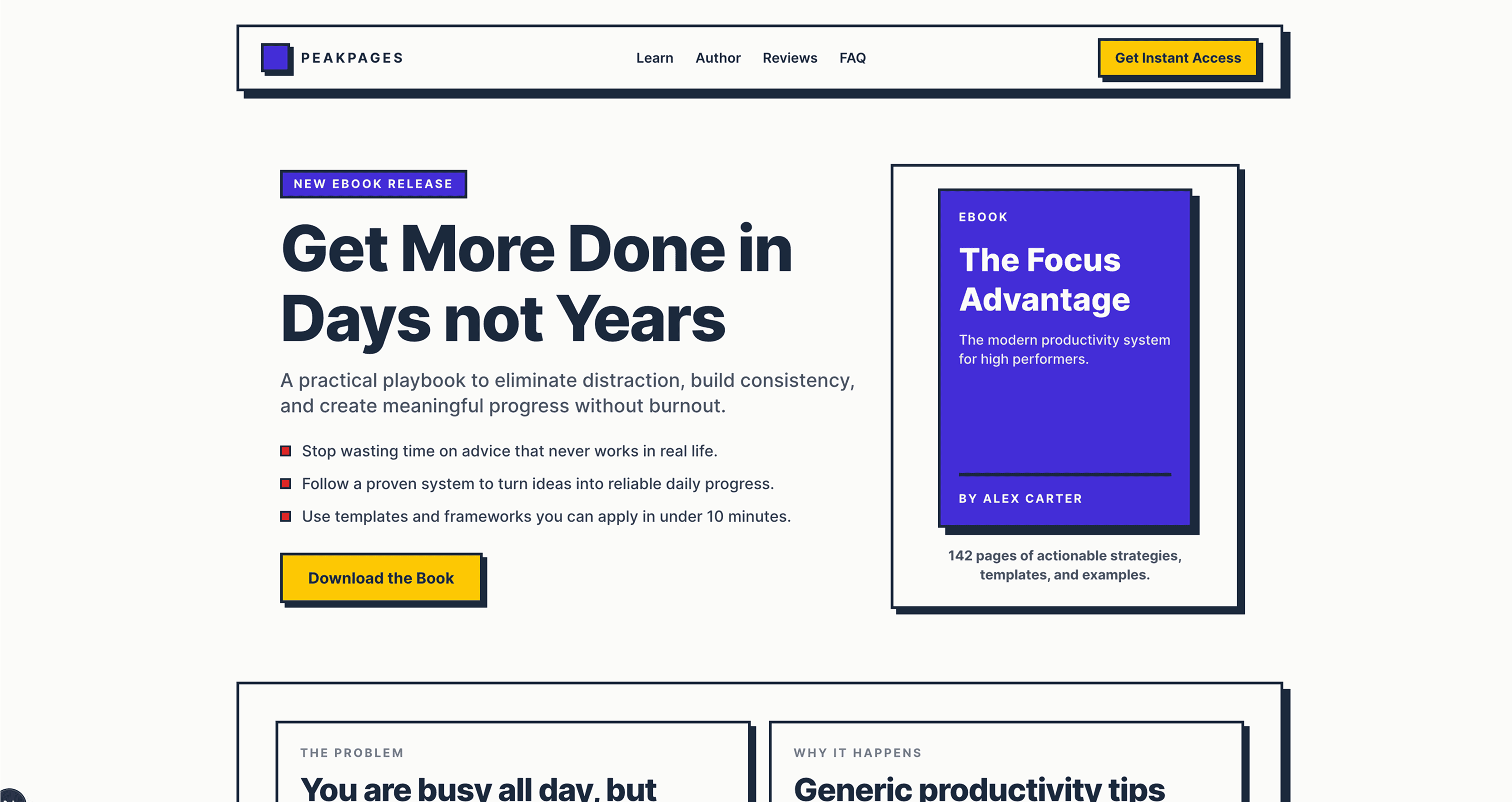 |
Preview | npx typeui.sh pull neobrutalism |
| Neumorphism | 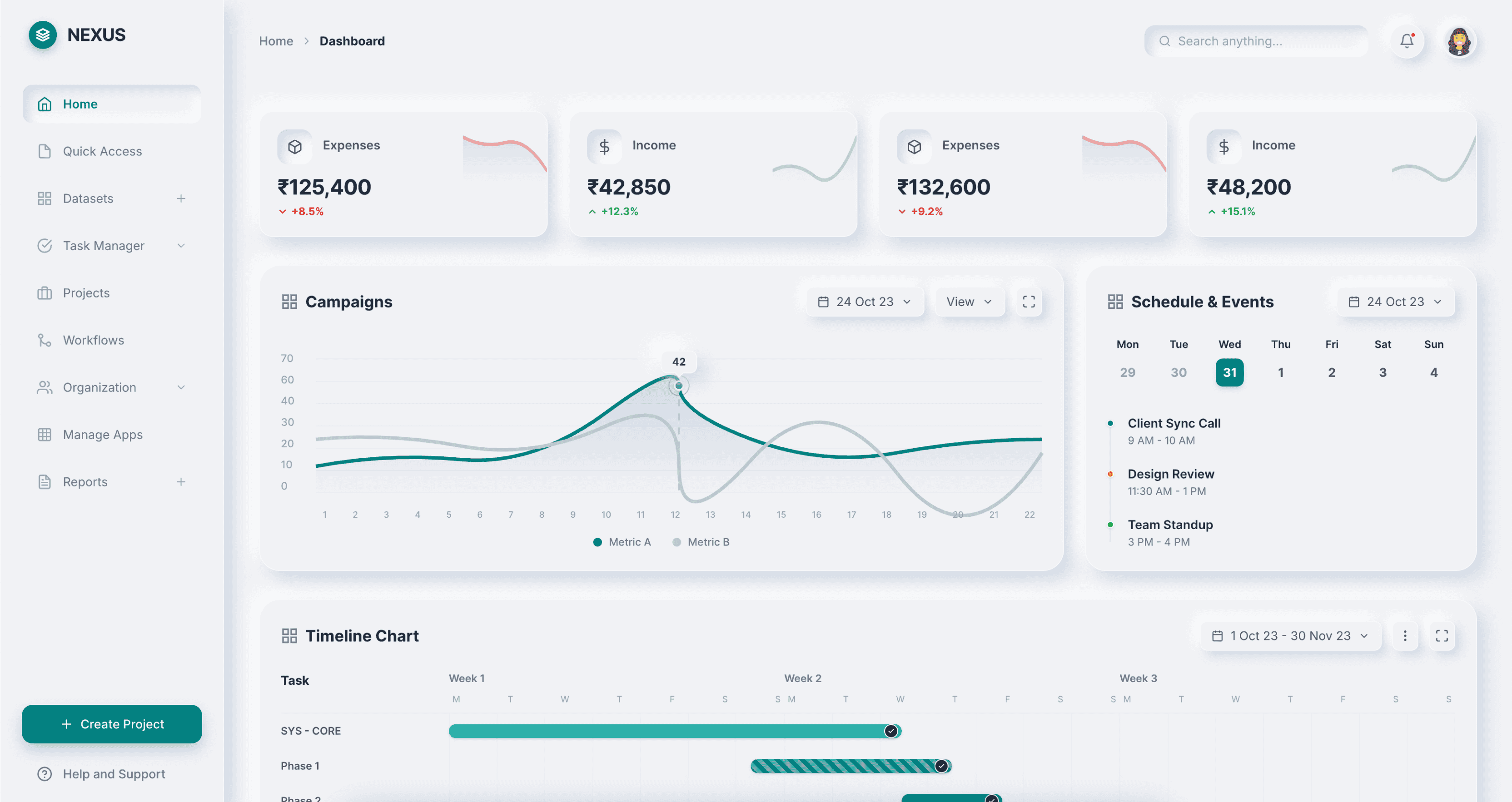 |
Preview | npx typeui.sh pull neumorphism |
| Pacman | 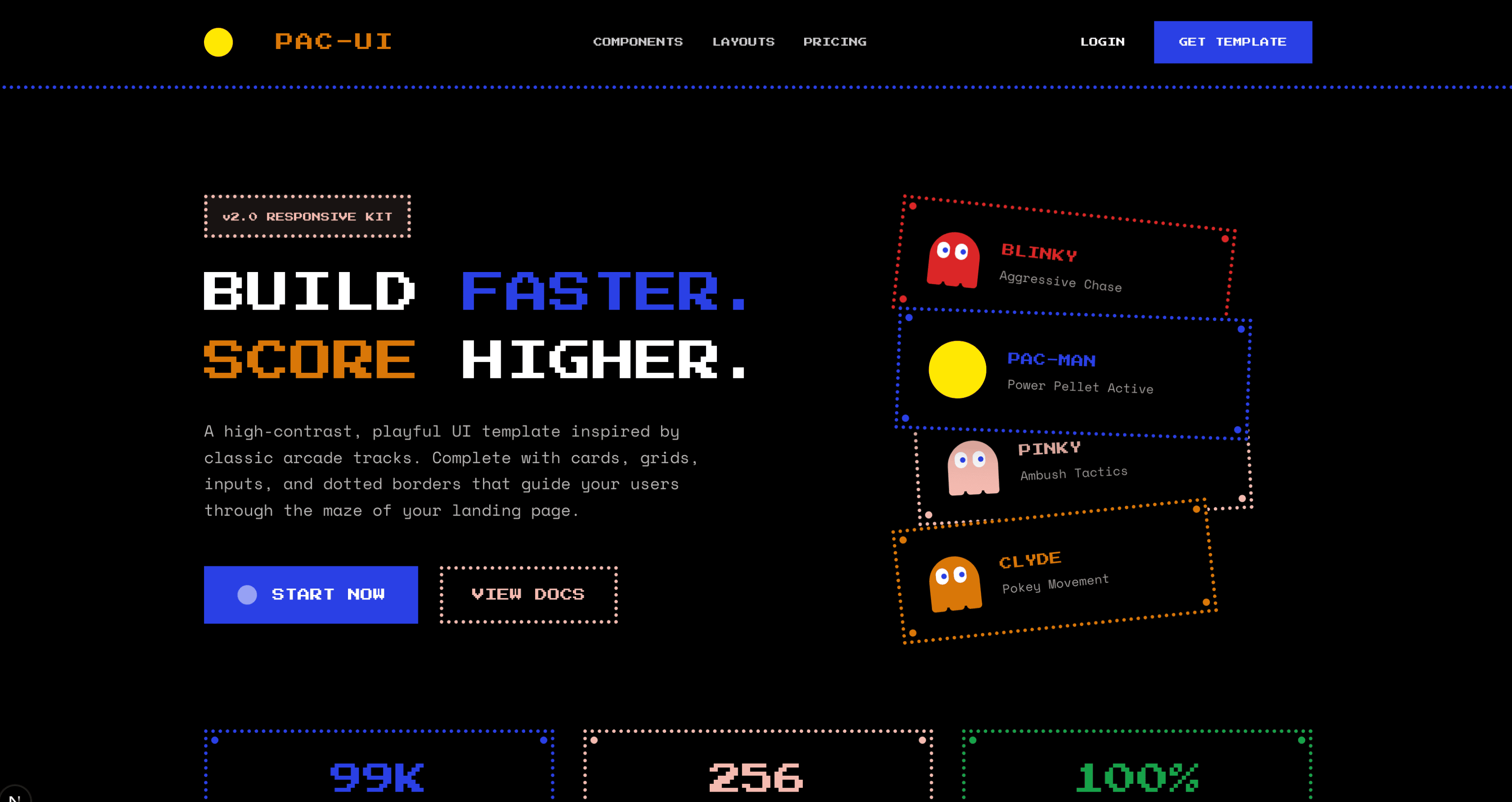 |
Preview | npx typeui.sh pull pacman |
| Paper | 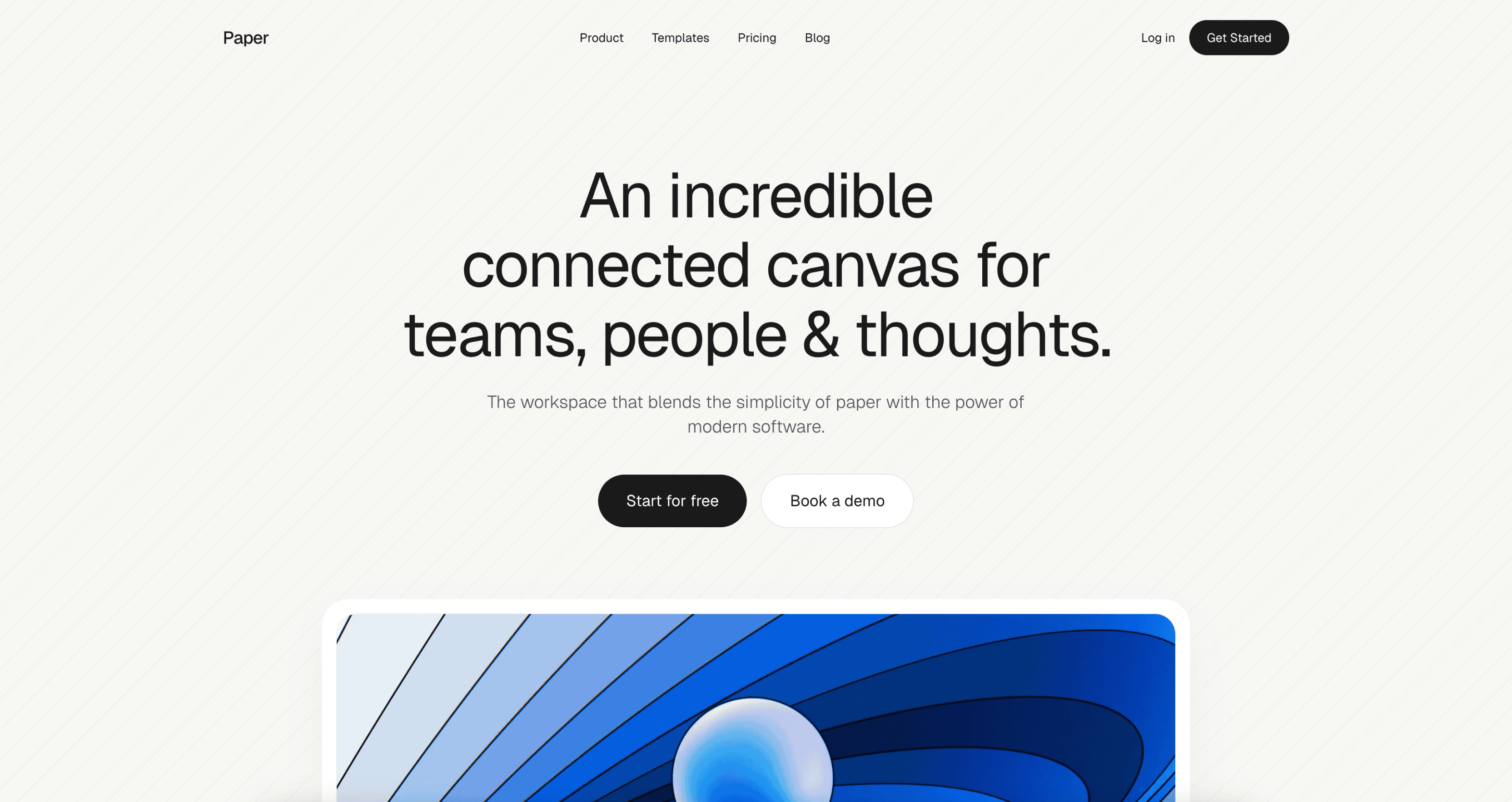 |
Preview | npx typeui.sh pull paper |
| Perspective | 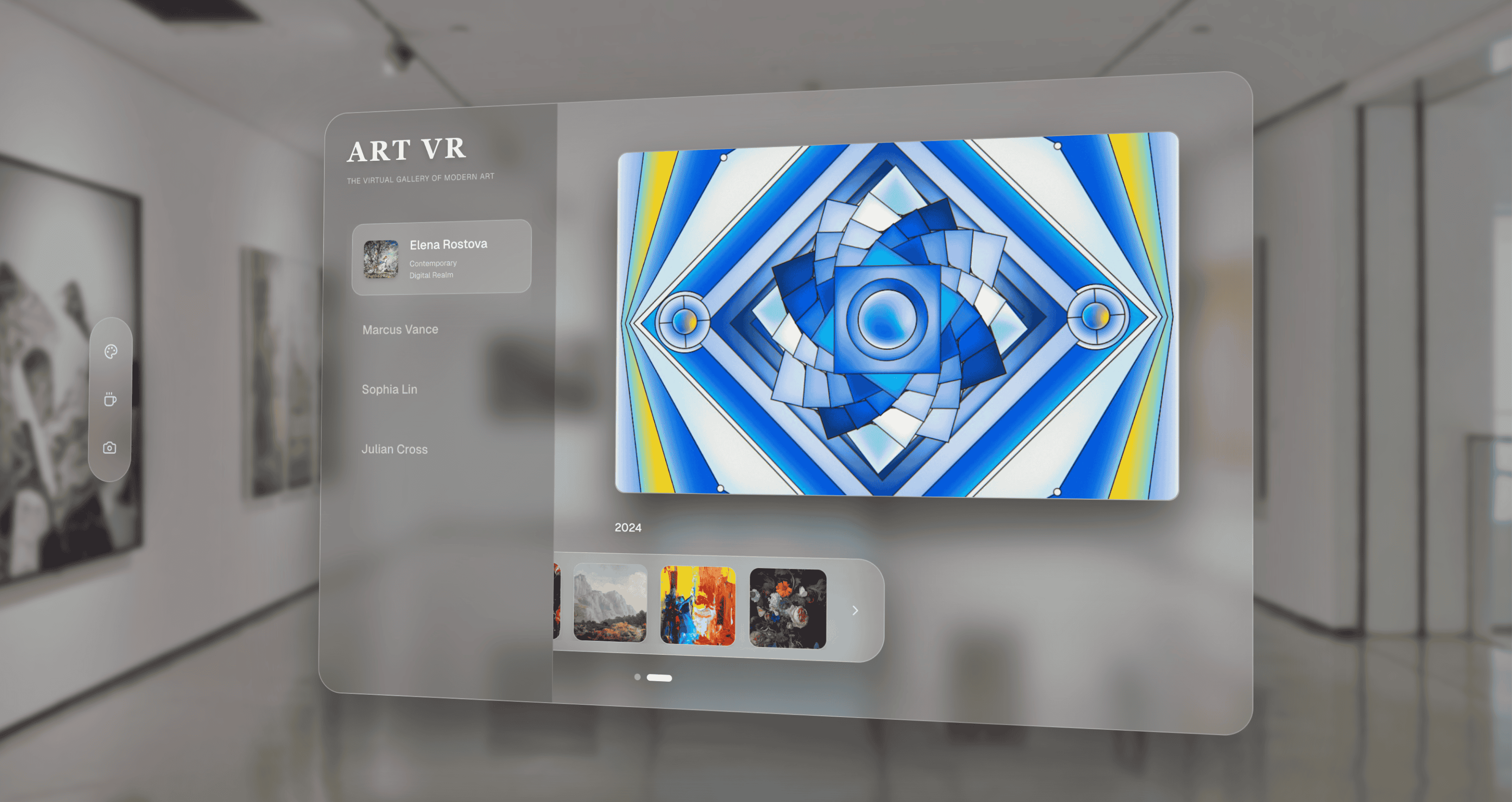 |
Preview | npx typeui.sh pull perspective |
| Premium | 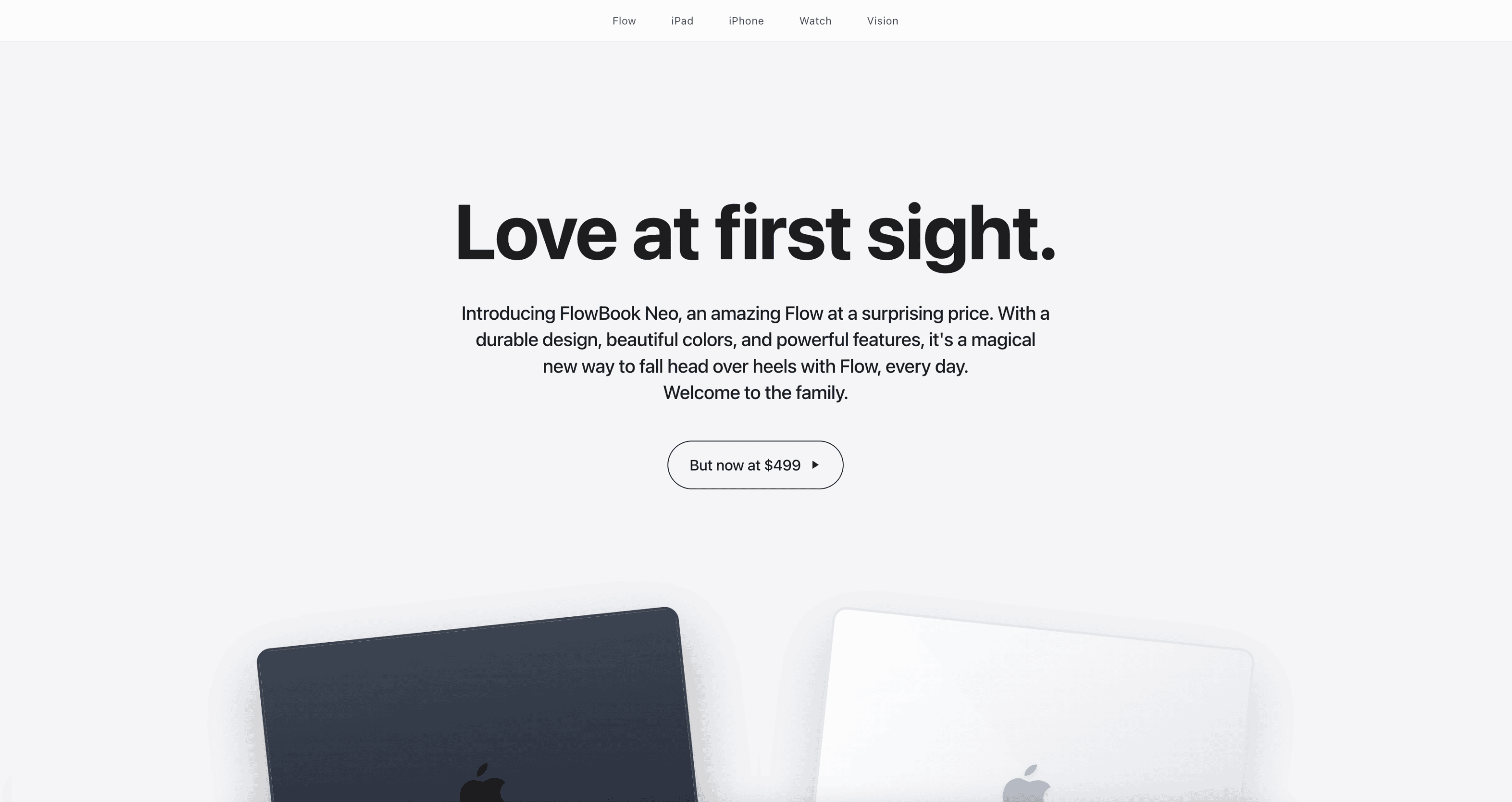 |
Preview | npx typeui.sh pull premium |
| Professional | 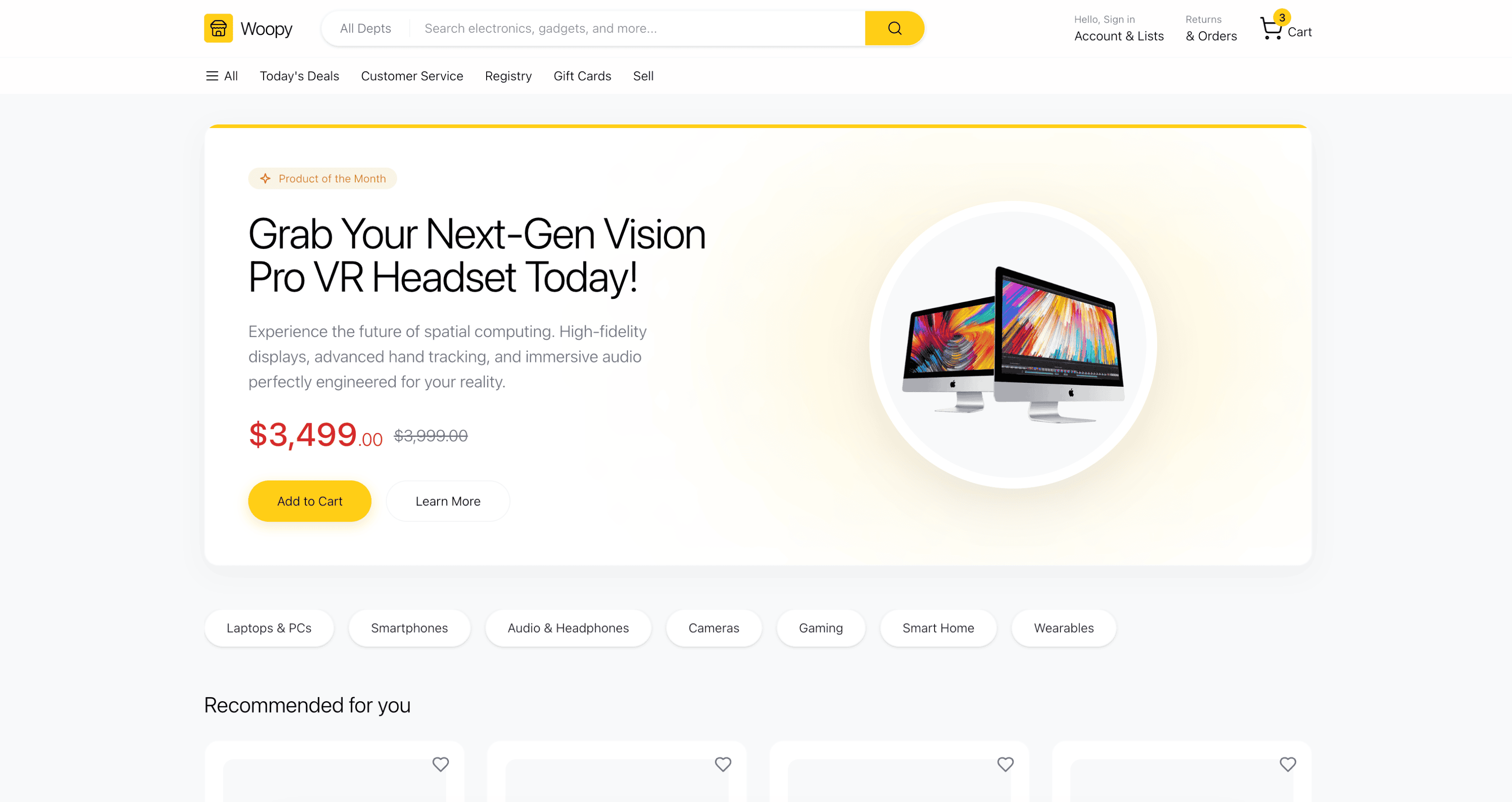 |
Preview | npx typeui.sh pull professional |
| Publication | 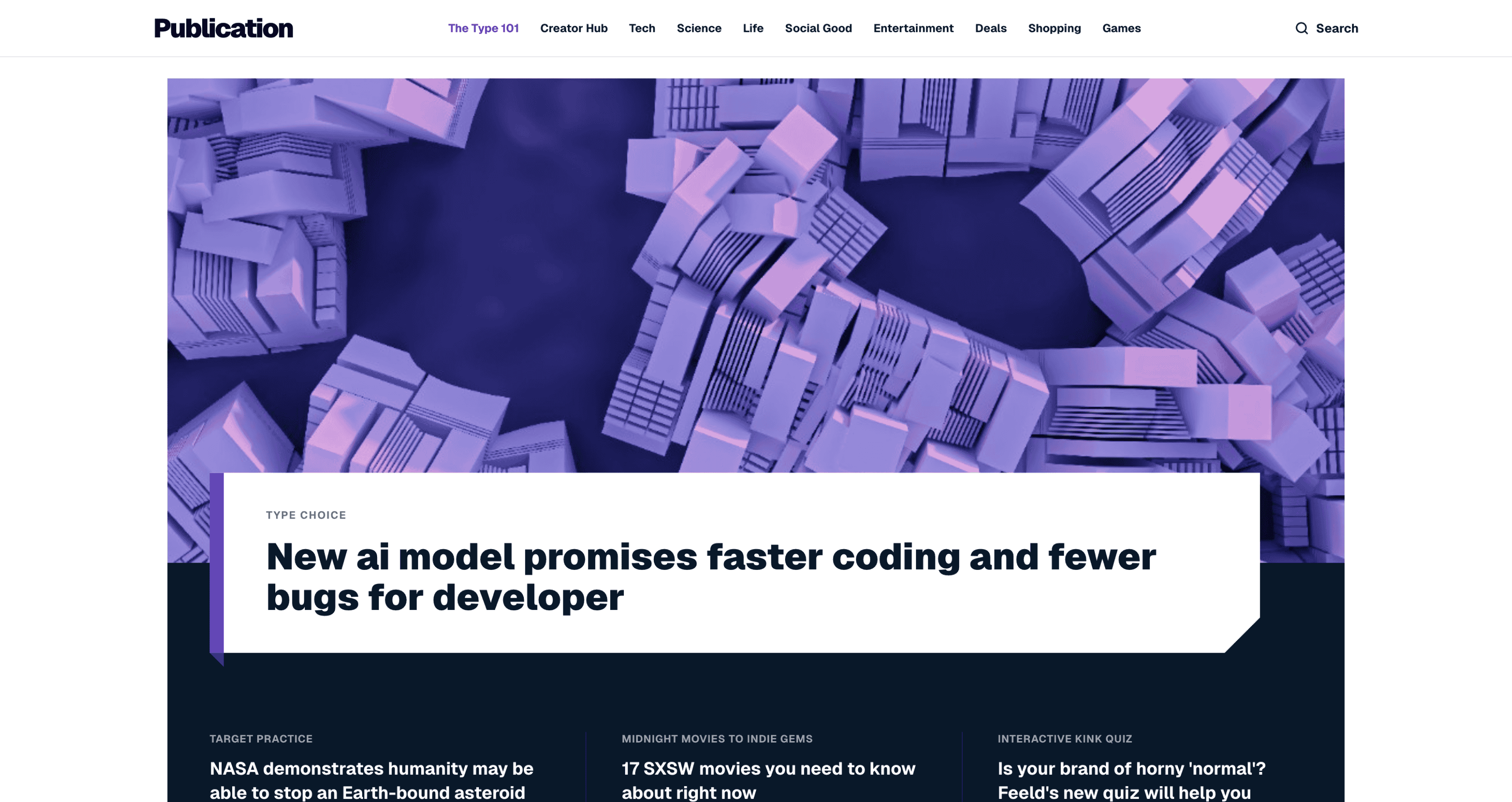 |
Preview | npx typeui.sh pull publication |
| Refined | 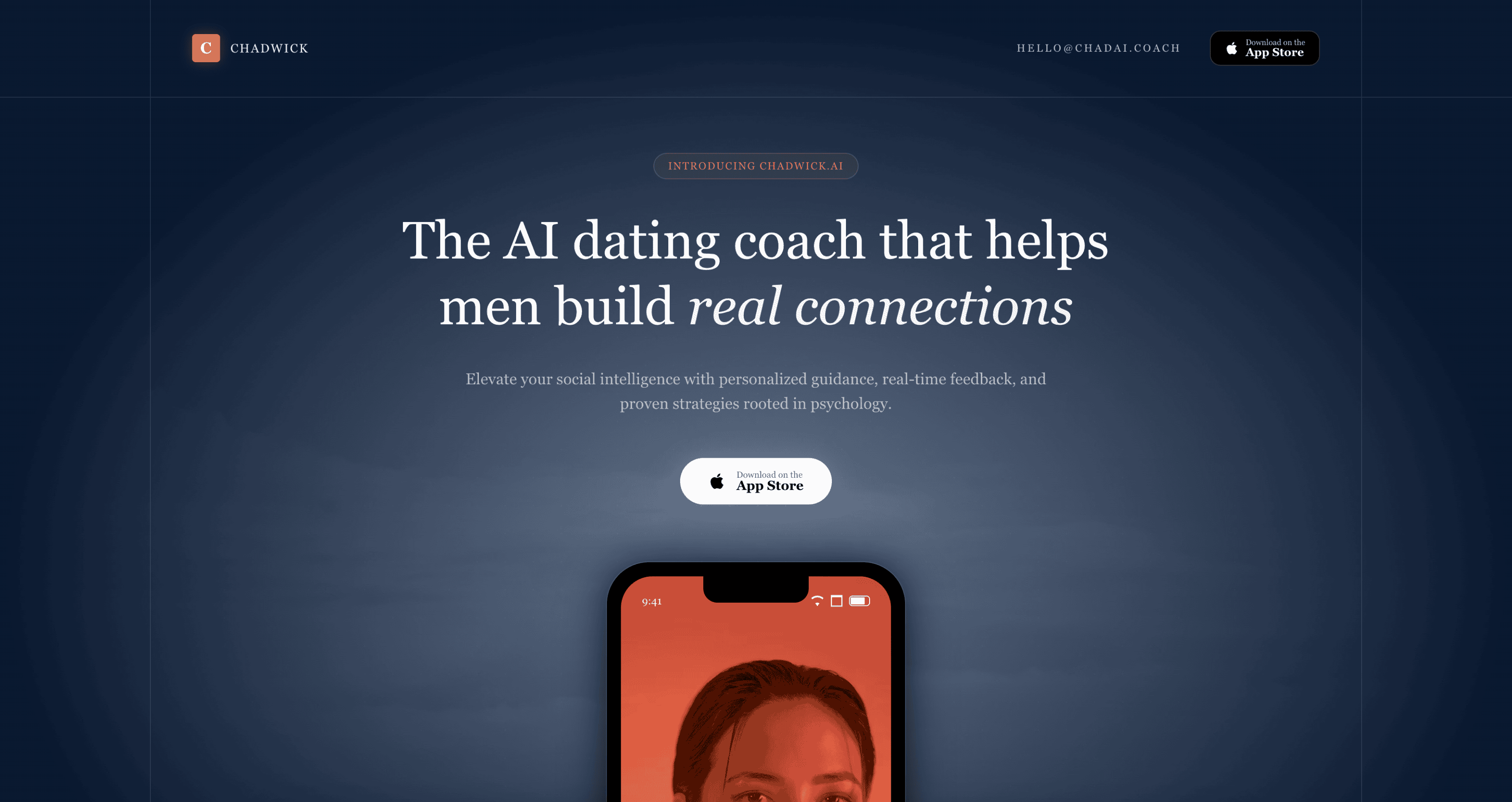 |
Preview | npx typeui.sh pull refined |
| Retro | 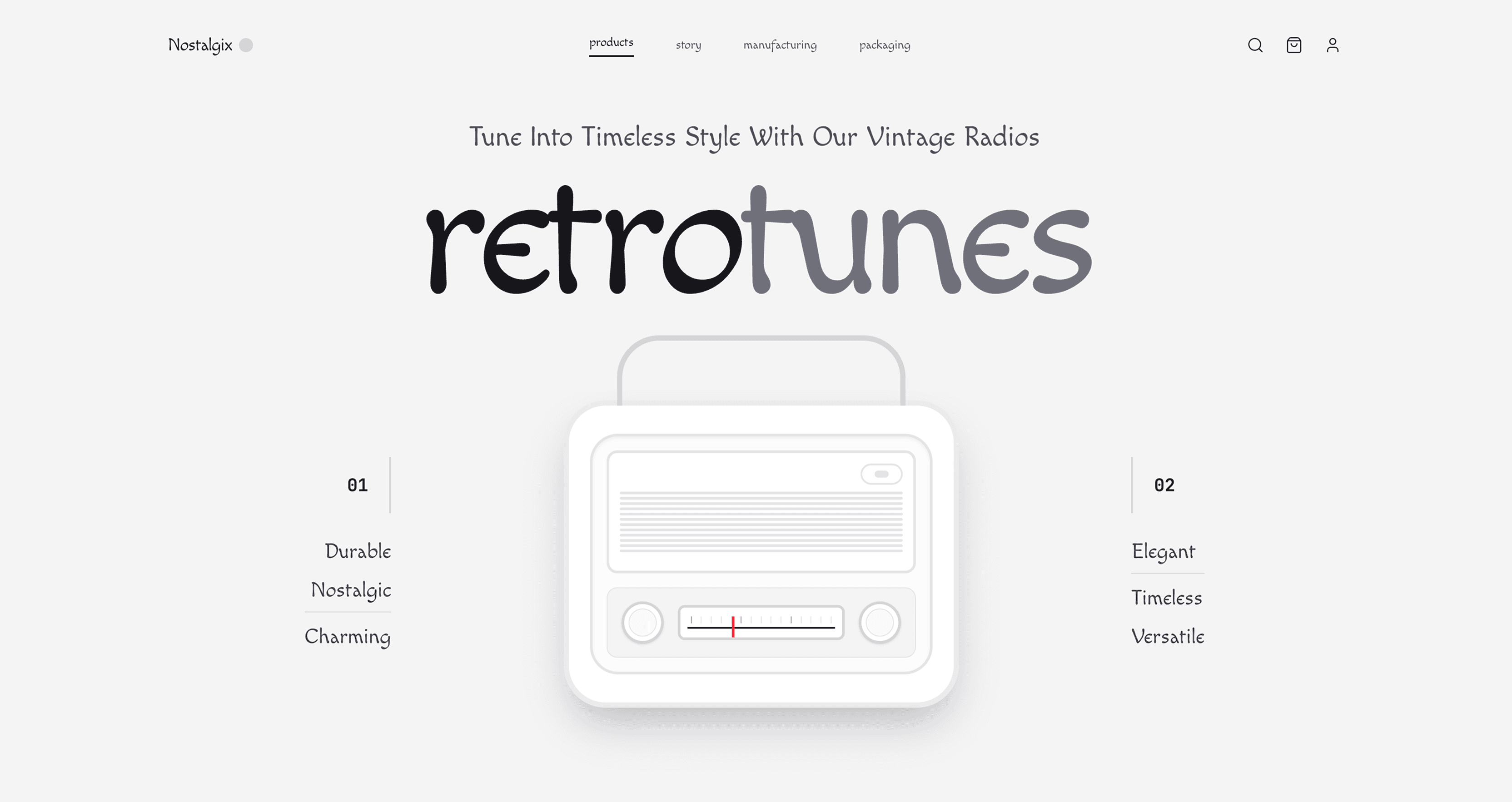 |
Preview | npx typeui.sh pull retro |
| Riso | 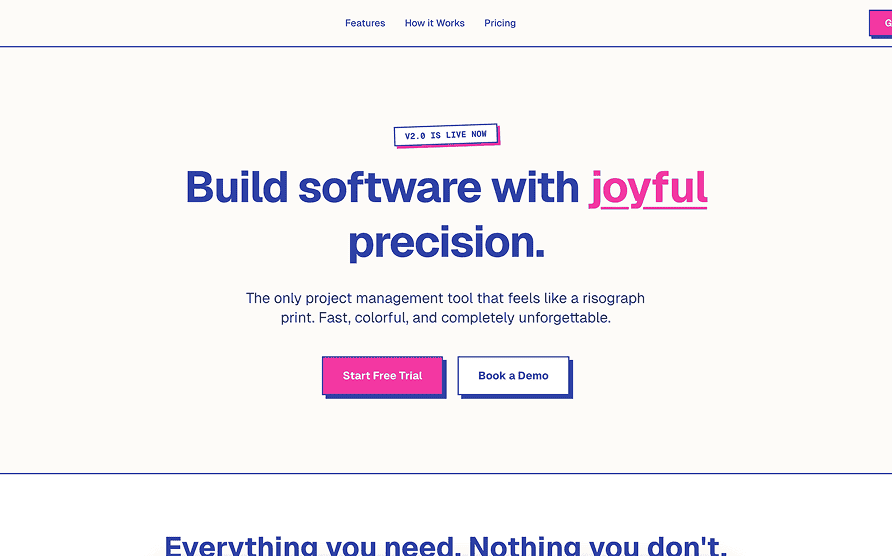 |
Preview | npx typeui.sh pull riso |
| Sega | 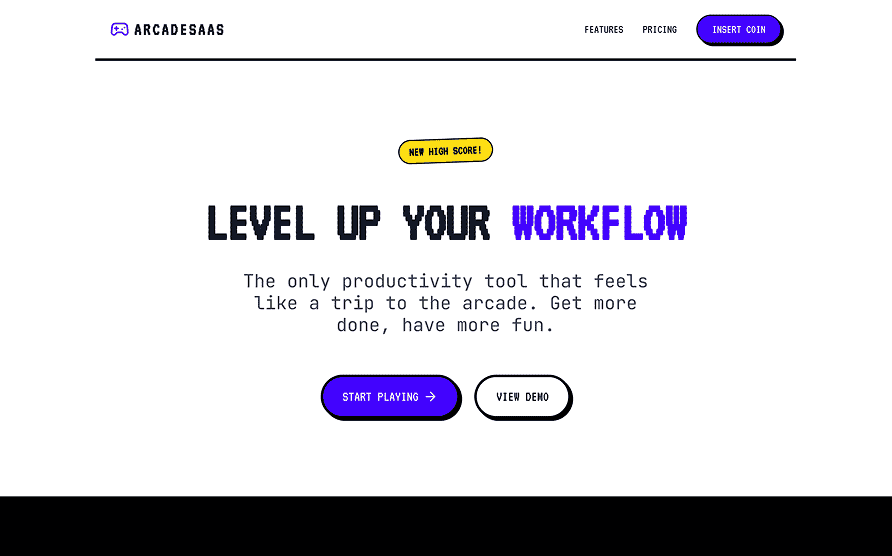 |
Preview | npx typeui.sh pull sega |
| Shadcn | 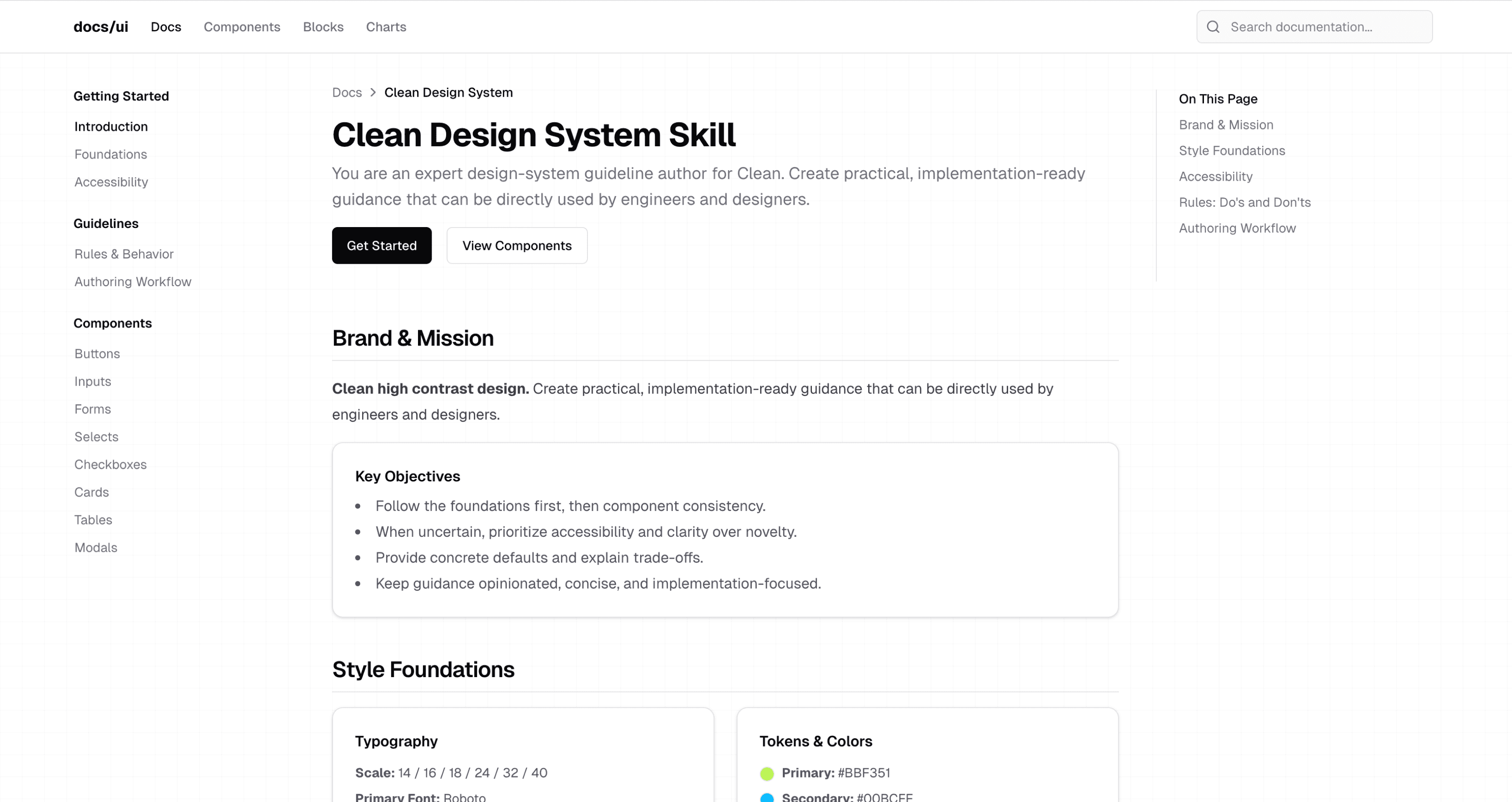 |
Preview | npx typeui.sh pull shadcn |
| Simple | 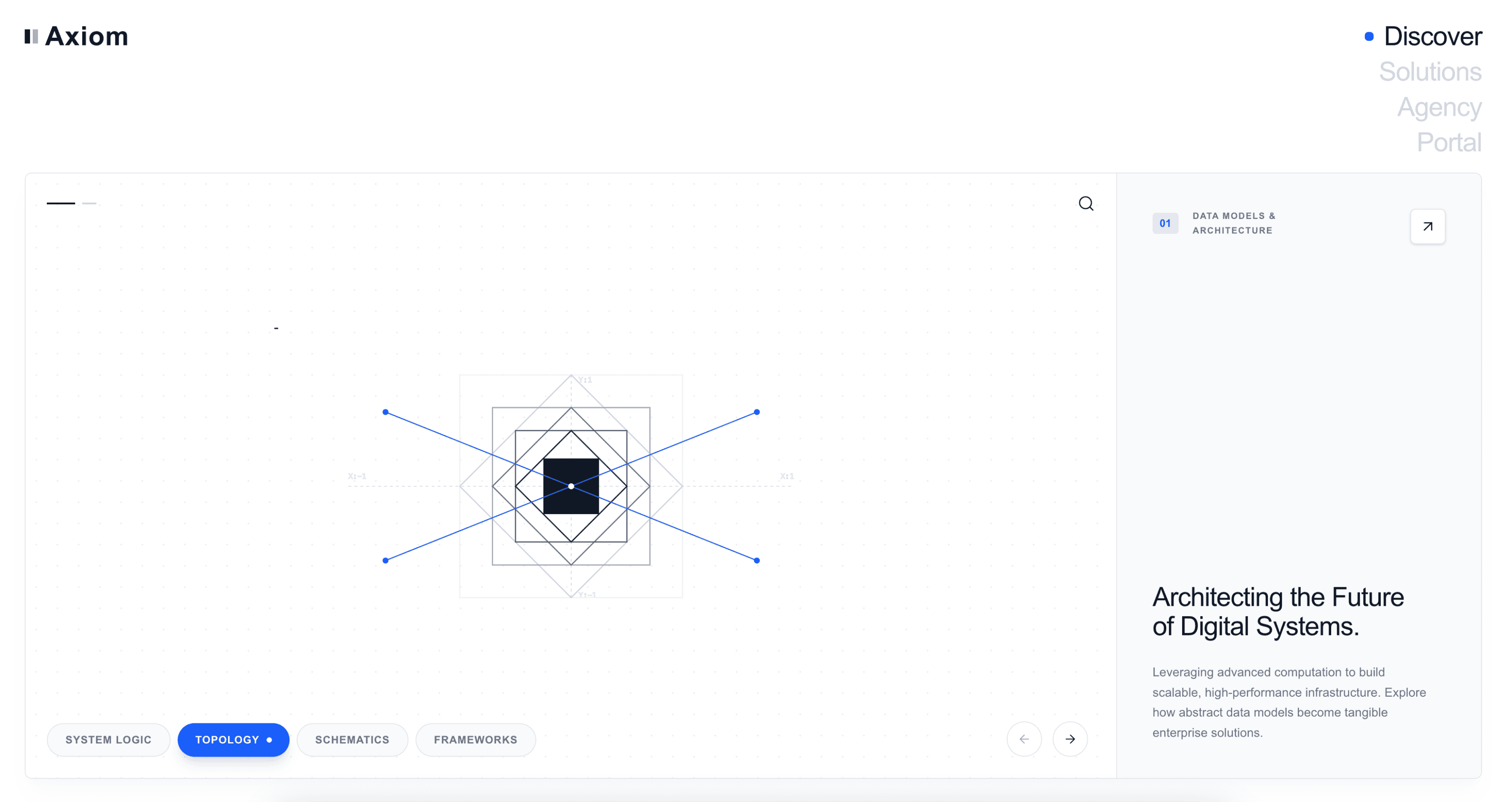 |
Preview | npx typeui.sh pull simple |
| Sketch | 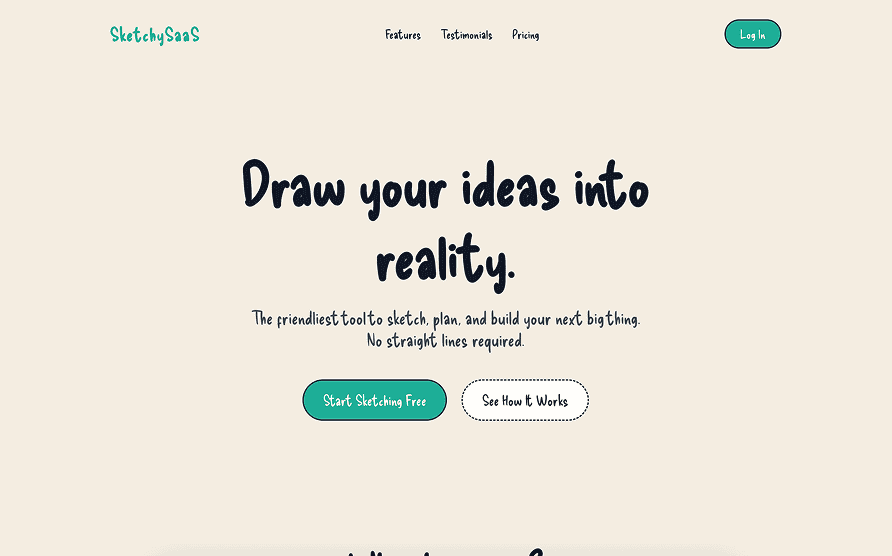 |
Preview | npx typeui.sh pull sketch |
| Skeumorphism | 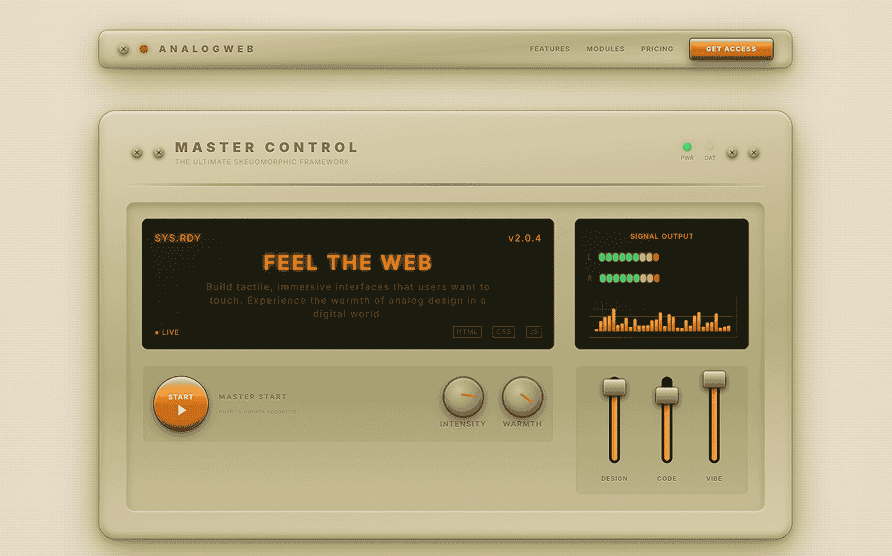 |
Preview | npx typeui.sh pull skeumorphism |
| Sleek | 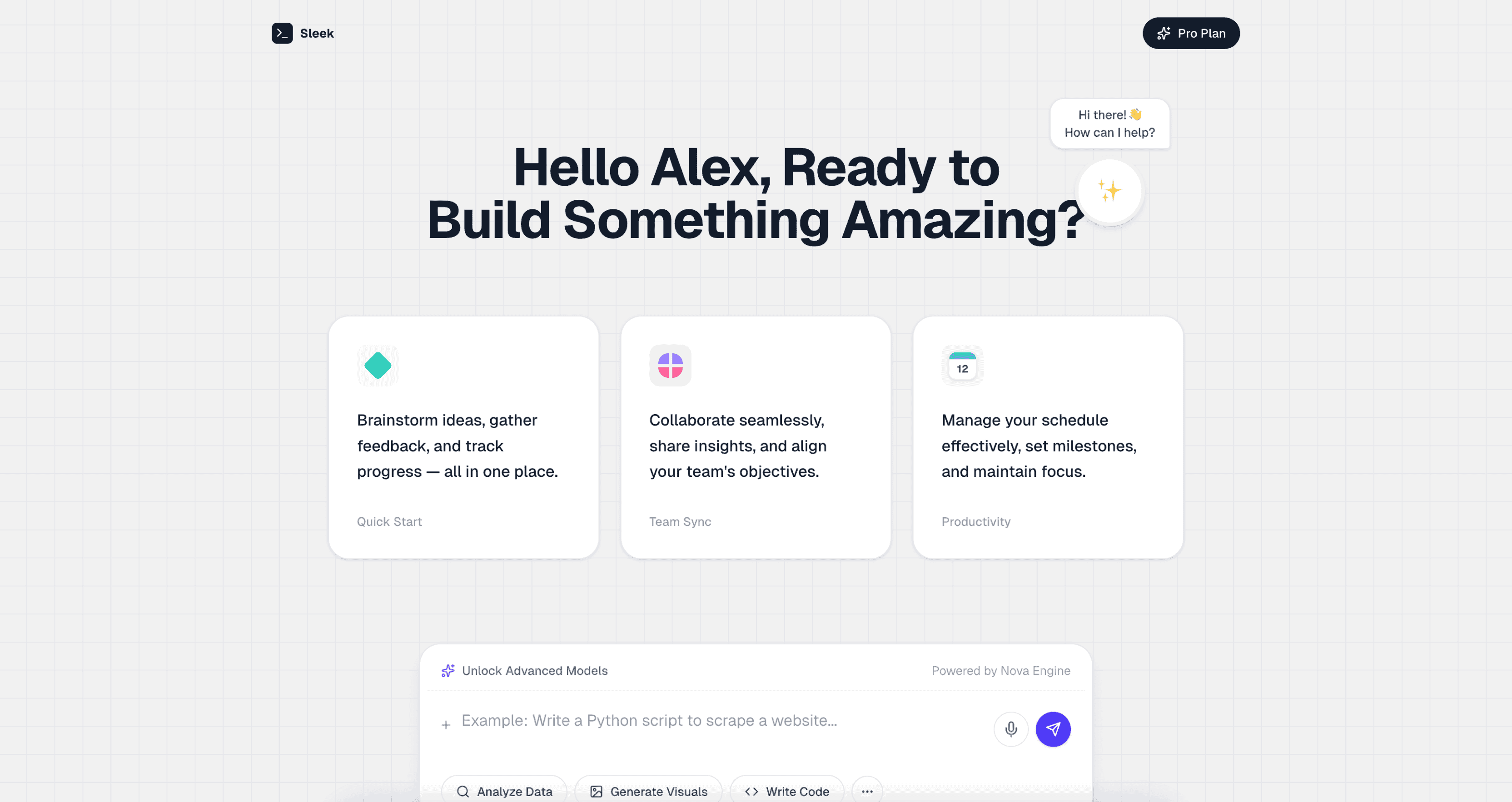 |
Preview | npx typeui.sh pull sleek |
| Spacious | 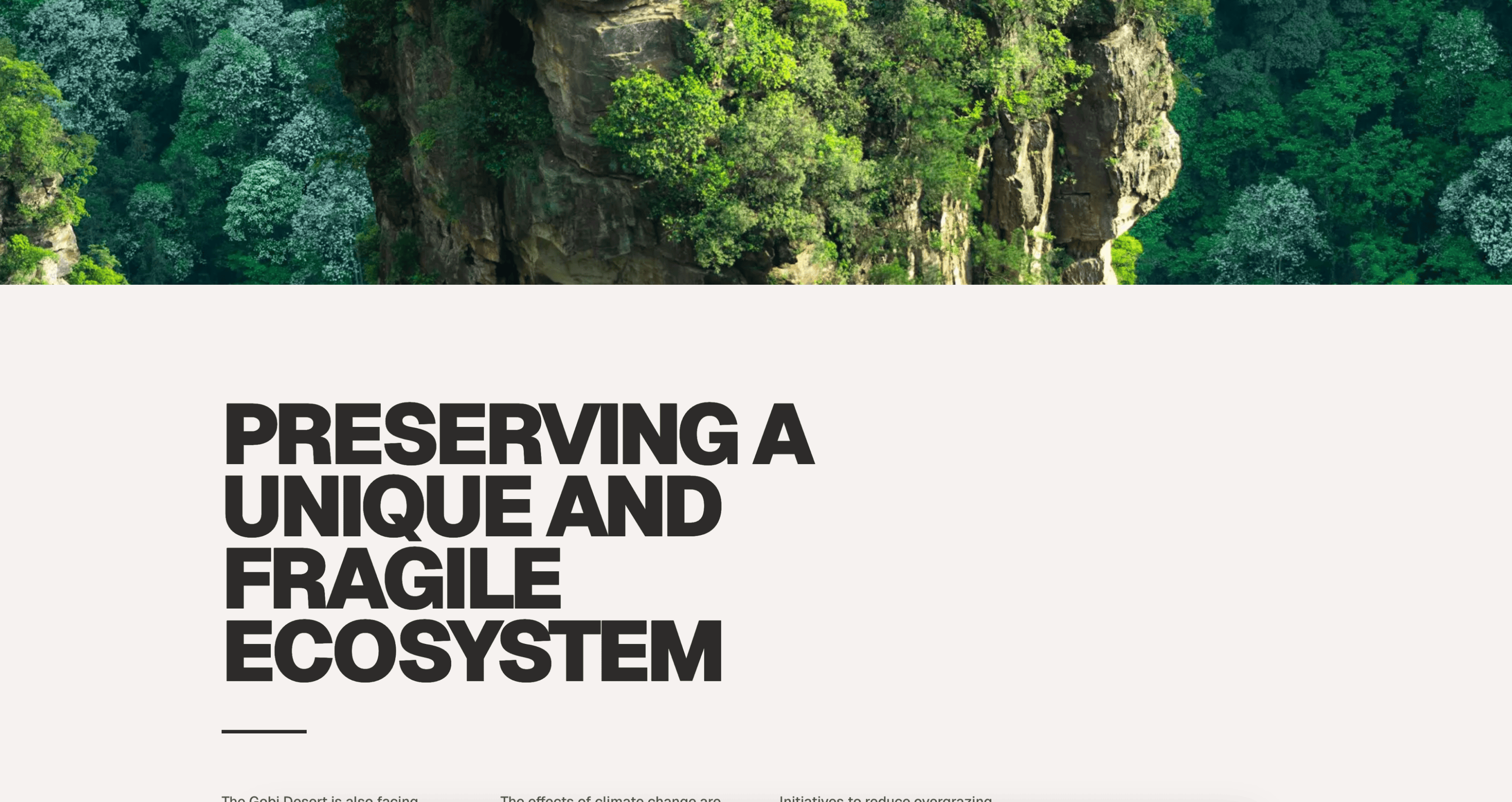 |
Preview | npx typeui.sh pull spacious |
| Storytelling | 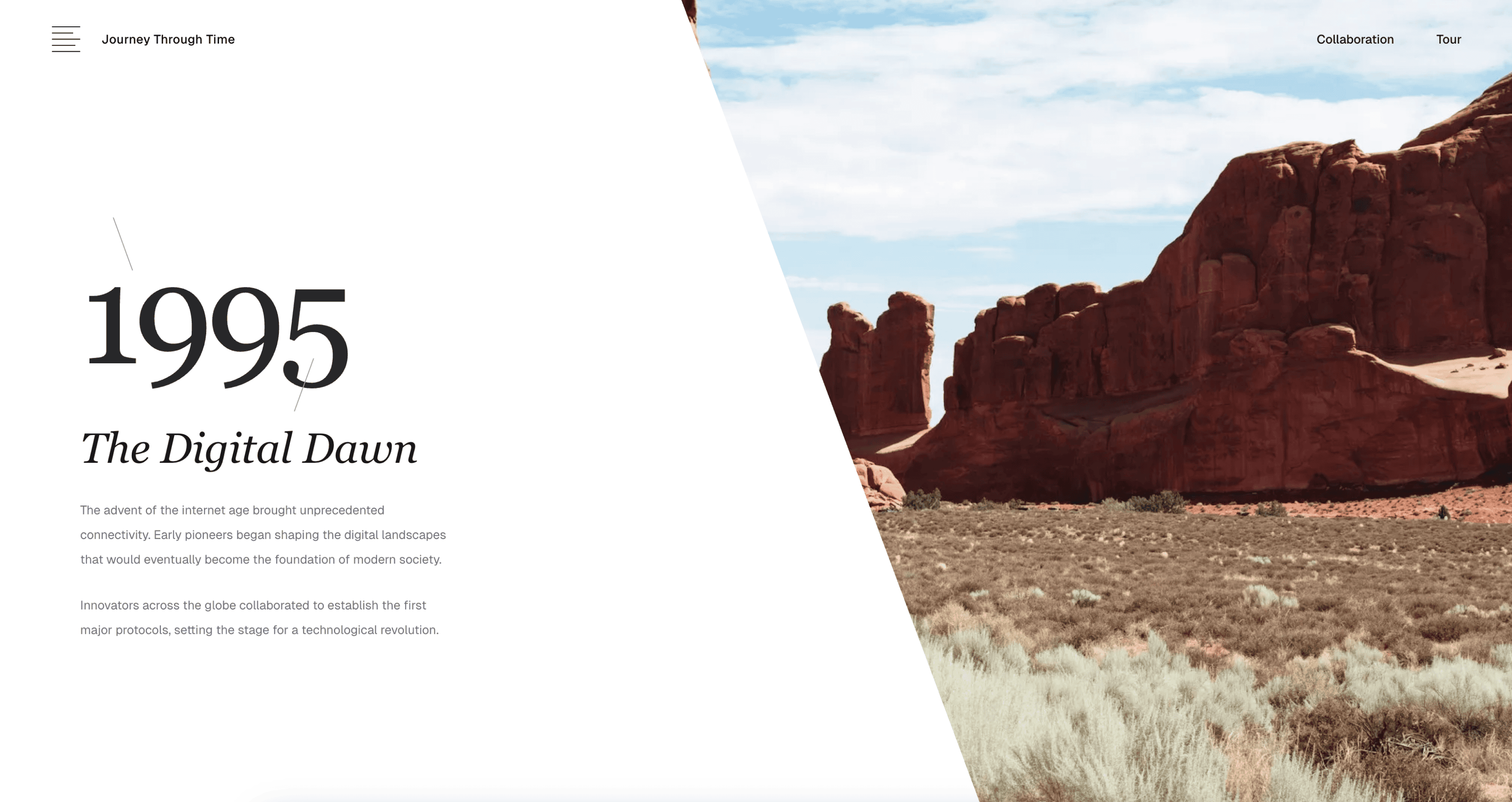 |
Preview | npx typeui.sh pull storytelling |
| Terracotta | 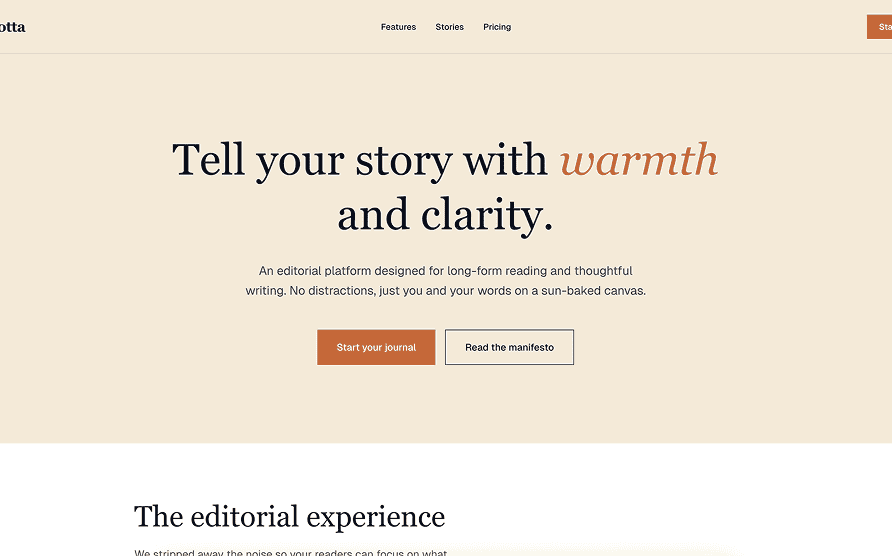 |
Preview | npx typeui.sh pull terracotta |
| Tetris | 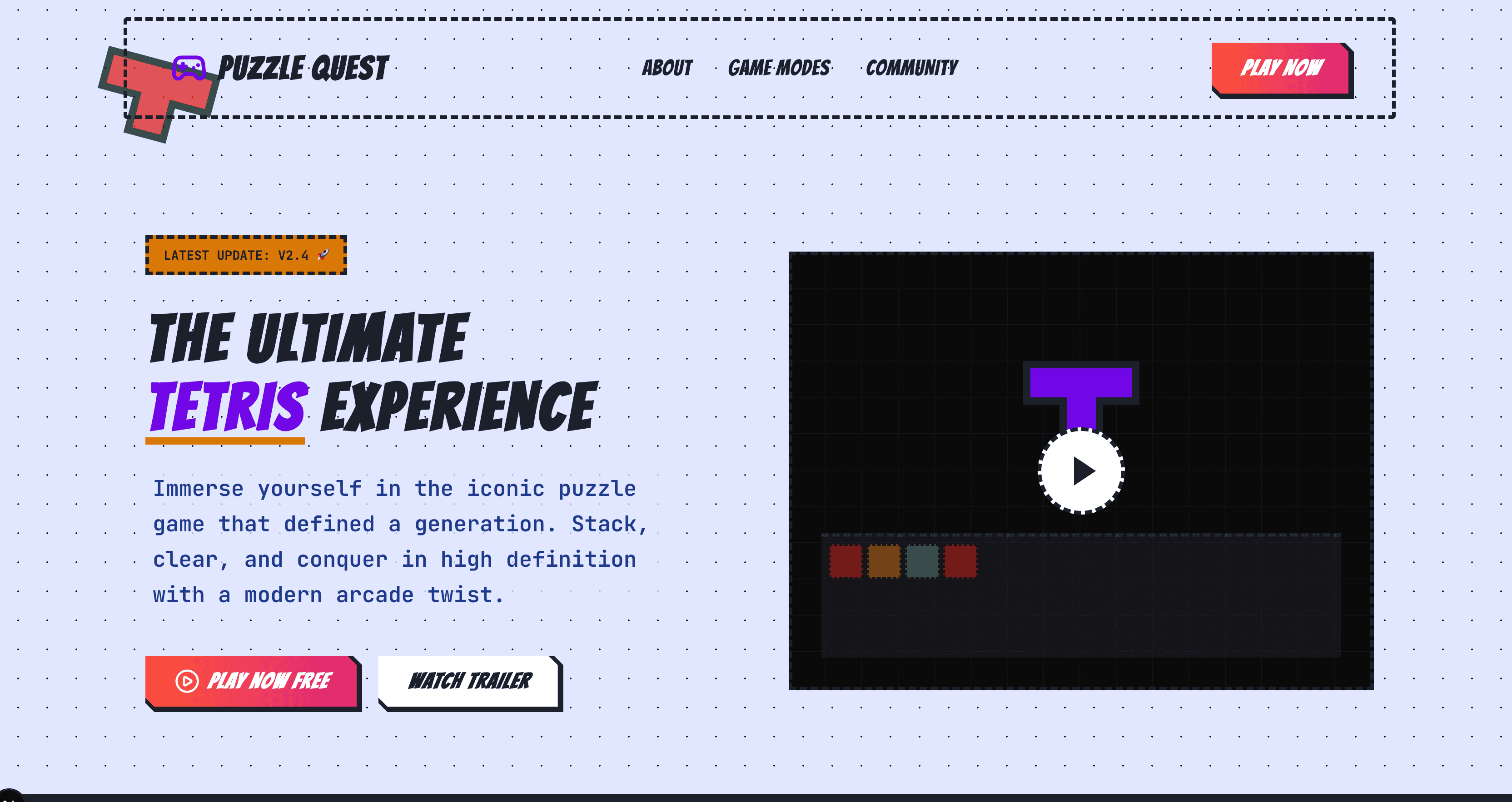 |
Preview | npx typeui.sh pull tetris |
| Vibrant | 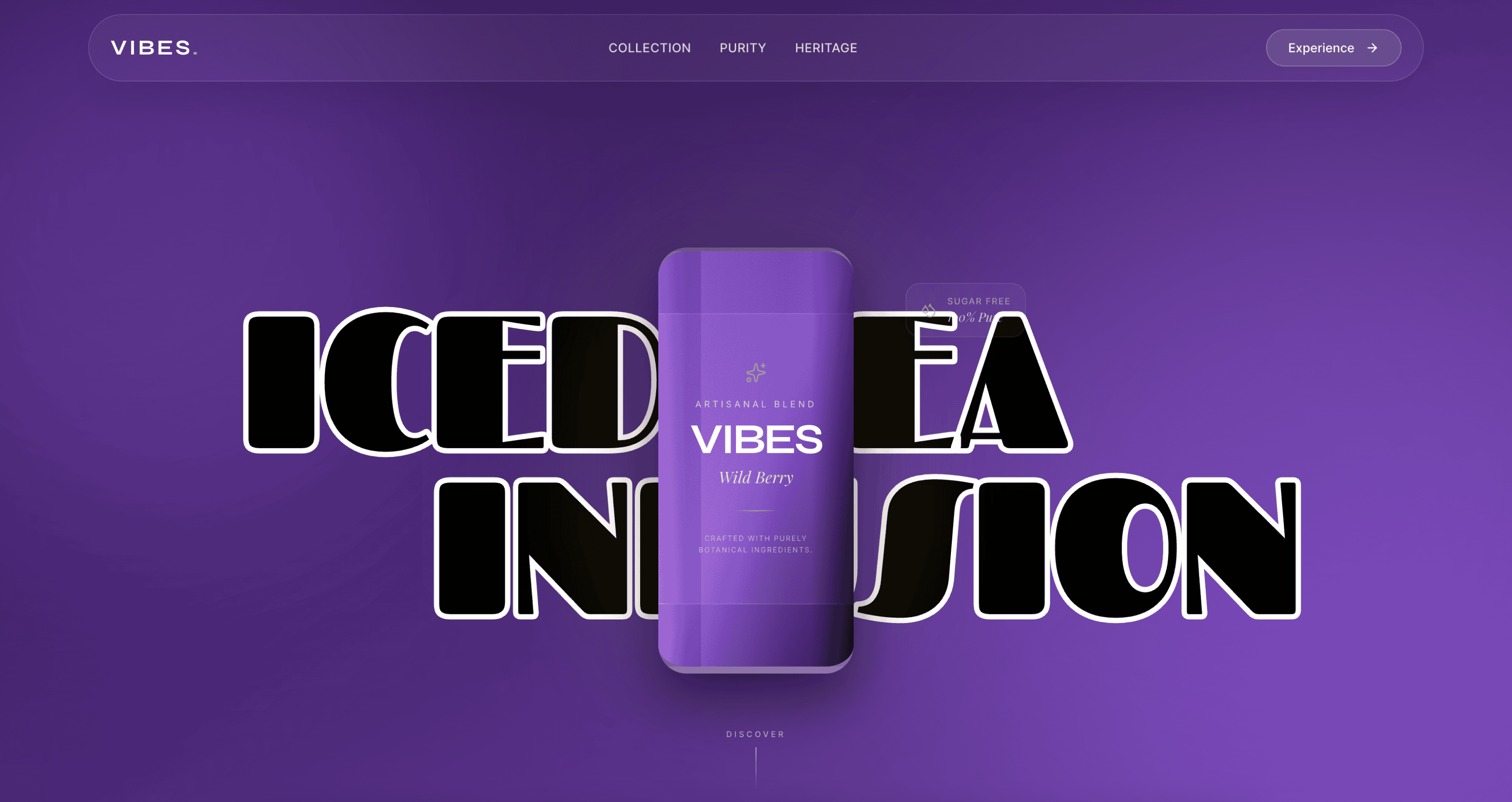 |
Preview | npx typeui.sh pull vibrant |
| Vintage | 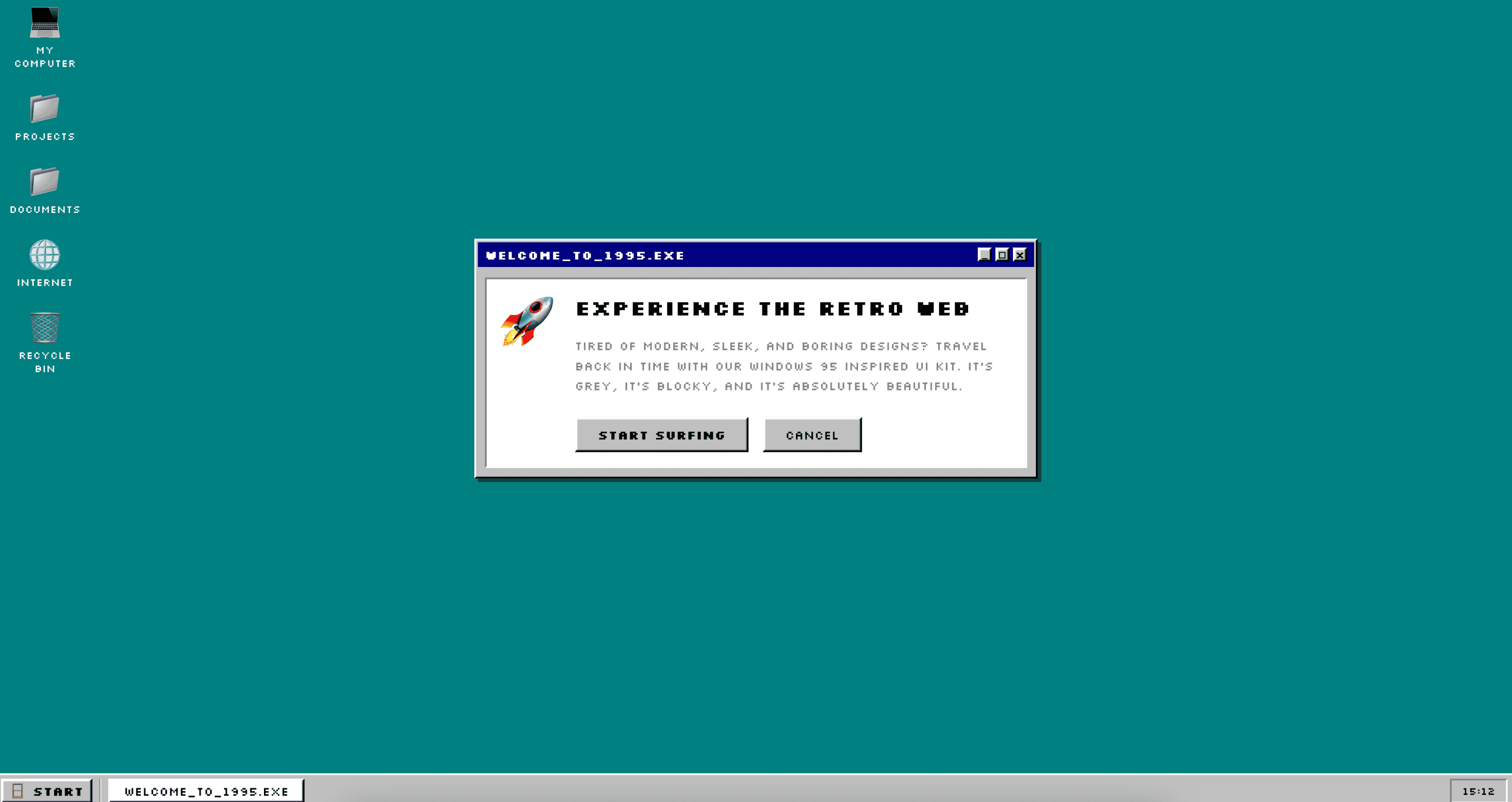 |
Preview | npx typeui.sh pull vintage |
Use the typeui.sh CLI to pull any skill by its slug:
npx typeui.sh pull <slug>The CLI will fetch the SKILL.md file from this registry and write it to your configured provider paths (e.g., .cursor/skills/, .claude/, etc.). The companion DESIGN.md remains in this repo alongside each skill for reference and maintenance.
Target specific agentic tools when pulling:
npx typeui.sh pull glassmorphism -p cursor,claudeUse --dry-run to see what would be written without making changes:
npx typeui.sh pull glassmorphism --dry-runList all available skills with preview links, then pull one:
npx typeui.sh listRun the interactive prompts to create your own design system skill:
npx typeui.sh generateEach skill lives in its own folder under skills/:
skills/
├── index.json          # Slug-keyed map for fast CLI lookups
├── glassmorphism/
│   ├── SKILL.md        # AI-agent instruction file
│   └── DESIGN.md       # Human-readable design companion
├── brutalism/
│   ├── SKILL.md
│   └── DESIGN.md
├── minimal/
│   ├── SKILL.md
│   └── DESIGN.md
└── ...
The index.json file maps each slug to its skill path:
{
  "glassmorphism": {
    "slug": "glassmorphism",
    "name": "Glassmorphism",
    "skillPath": "skills/glassmorphism/SKILL.md"
  }
}
When you run npx typeui.sh pull <slug>, the CLI reads this index, resolves the skill path, and fetches the corresponding SKILL.md file. DESIGN.md is stored next to each skill for human-facing documentation.
Contributions are welcome! If you'd like to add a new design skill to the registry:
- Create a new folder under
skills/with your slug name - Add a
SKILL.mdfile following the existing format - Add a companion
DESIGN.mdfile in the same folder - Add an entry to
skills/index.json - Submit a pull request
Please ensure your skill file includes all required sections: mission, brand, style foundations, component families, accessibility rules, writing tone, do/don't rules, and quality gates.
MIT License © Built and maintained by Bergside.