


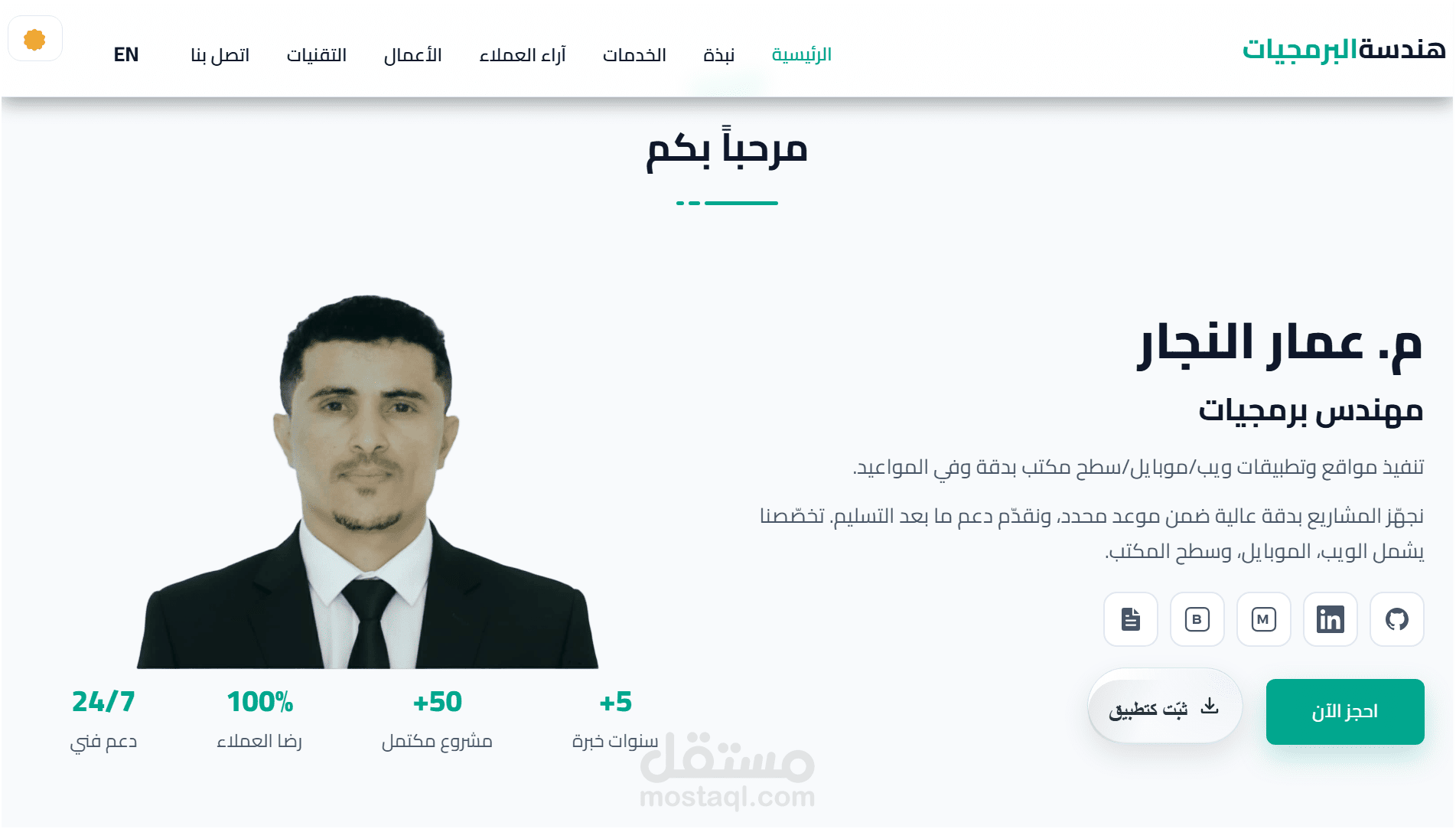





A lightweight, user-friendly, and high-performance personal website showcasing the work of engineer Ammar Al-Najjar. The site displays his services, selected projects (websites, mobile applications, and computers), the technologies used, and contact information. It features fast loading speeds, search engine optimization, a dark and light design, and supports both Arabic and English.
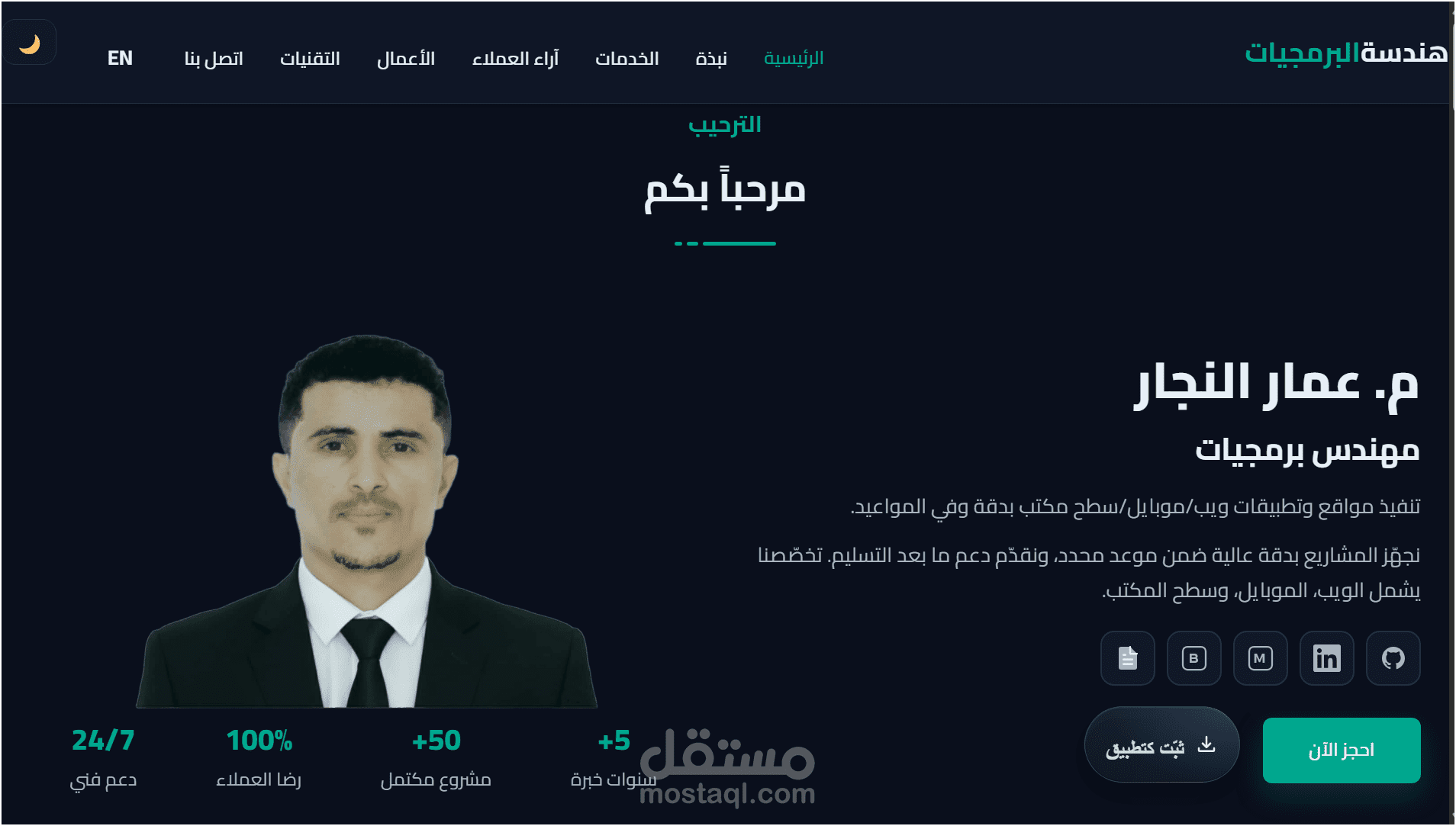
- 🎨 Dark theme with clear brand color
- 🧭 Sticky navbar + active section highlight
- 🗂️ Filterable portfolio (web/mobile/desktop) with Lightbox viewer
- 🖼️ Unified card ratio via CSS aspect-ratio
- ♿ Accessibility: semantic HTML, alt text, keyboard support, Esc to close Lightbox
- ⚡ Performance: lazy images, deferred JS, minimal scroll work
- 🌐 SEO/Social: title/description, Open Graph/Twitter cards, JSON‑LD (Person)
- Frontend: HTML5, CSS3 (Bootstrap RTL), Font Awesome
- JavaScript: Vanilla JS (no heavy libs)
- Hosting: GitHub Pages
- Clone:
git clone https://github.com/Ammar-1993/portfolio.git cd portfolio - Open
index.htmlin your browser, or use VS Code Live Server extension.
- Go to Settings → Pages
- Source: Deploy from a branch
- Branch:
main& Folder:/ (root), then Save - Your site will be available at: https://ammar-1993.github.io/portfolio/
- Change the primary color in
style.css::root{ --main-color:#00a78e; /* brand color */ }
- Default font: Cairo (adjust weights or swap as needed)
Set via CSS variable (default 16:9):
:root{
  --tile-ratio: 16/9; /* switch to 4/3 or 1/1 as you prefer */
  --tile-min-h: 220px;
}
.portfolio .portfolio-item-inner .portfolio-img,
.portfolio .portfolio-item-inner-video{
  aspect-ratio: var(--tile-ratio);
  min-height: var(--tile-min-h);
  display: grid; place-items: center;
  background:#0e1626;
}
.portfolio .portfolio-item-inner .portfolio-img img,
.portfolio .portfolio-item-inner-video video{
  width:100%; height:100%; object-fit: cover;
}Update WhatsApp/Mail/Tel in the Contact section of index.html.
<title>and<meta name="description">- Open Graph + Twitter Card (ensure
images/og-cover.jpgexists) - JSON‑LD Person (name/phone/email)
lang="ar" dir="rtl"on<html>
- Descriptive
altattributes for images - Keyboard navigation (Tab, Enter/Space to open Lightbox)
- Close Lightbox via Esc
- Sufficient contrast in dark theme
- Use WebP/AVIF when possible
- Add
loading="lazy"to non-critical images - Provide
width/heightto images to prevent CLS - Keep
main.jswithdefer
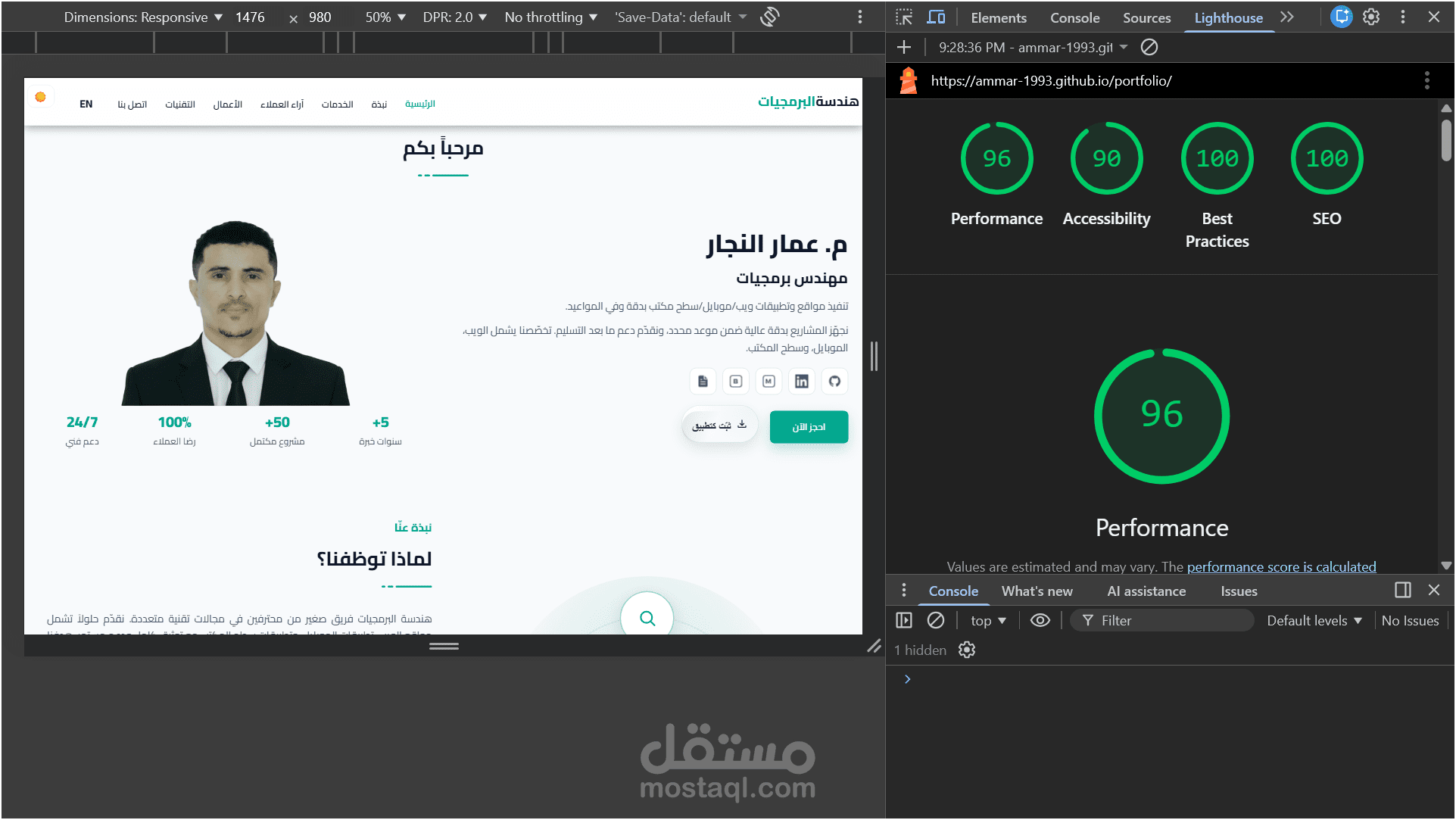
A selection of key interfaces and audits from this portfolio project. Click any thumbnail to view the full screenshot.
Primary landing section with brief bio, core CTA, and top navigation.
Dark-mode presentation of the hero, showing the default site theme and navigation states.
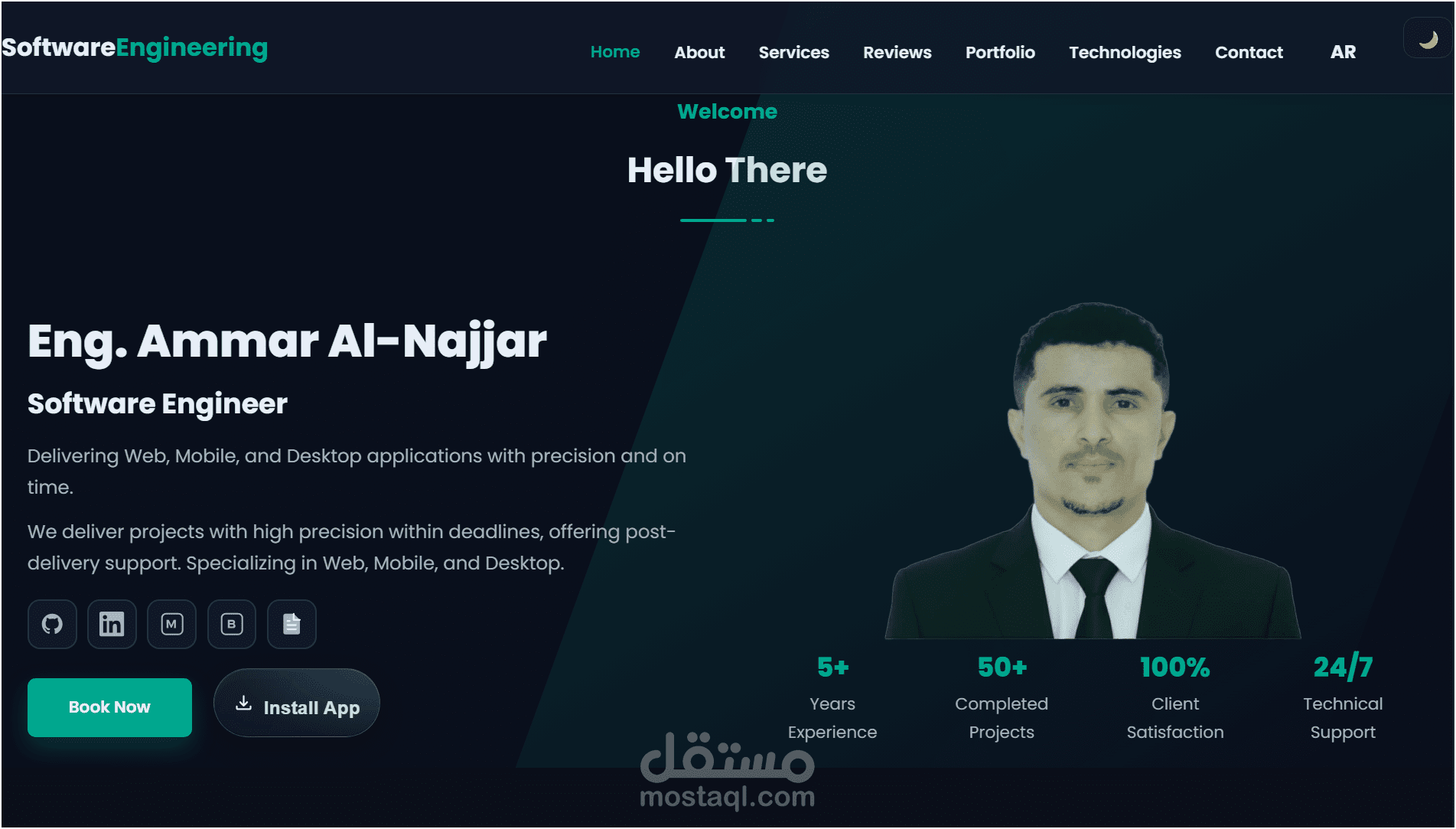
English-language (LTR) variant demonstrating bilingual support and layout adaptation.
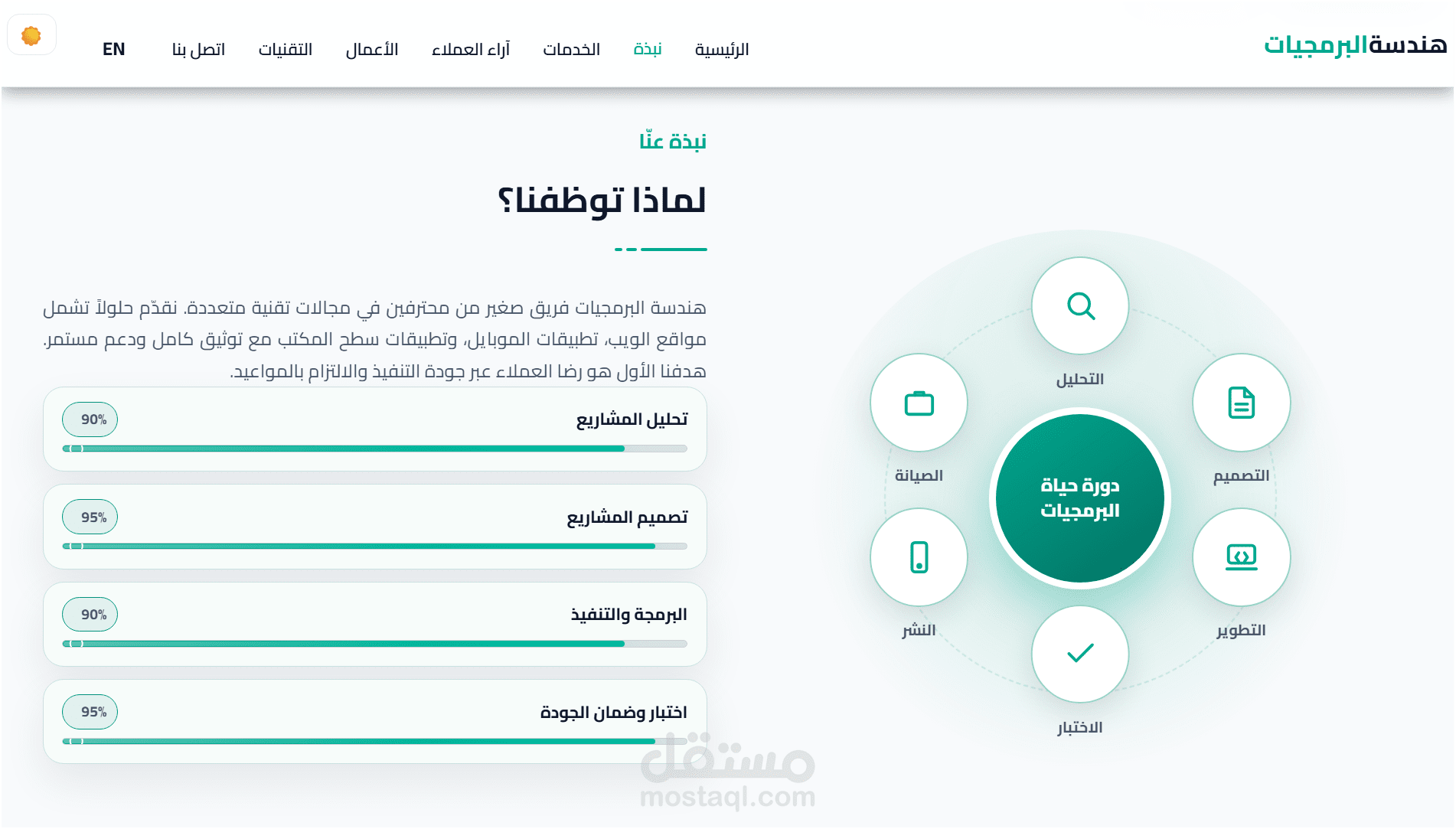
Personal summary, core skills, and a brief timeline / professional snapshot.
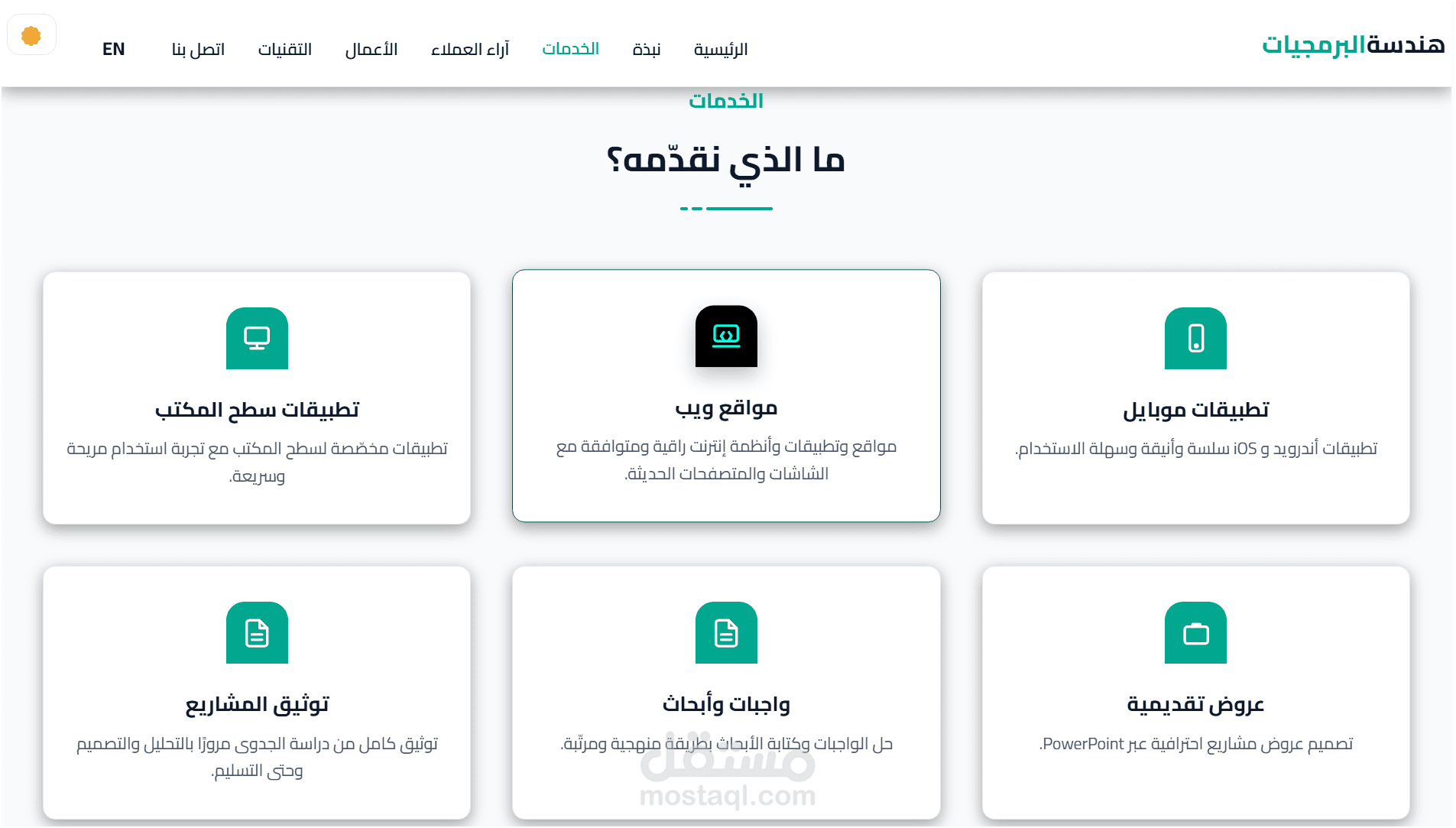
Overview of offered services with short, actionable descriptions for each service card.
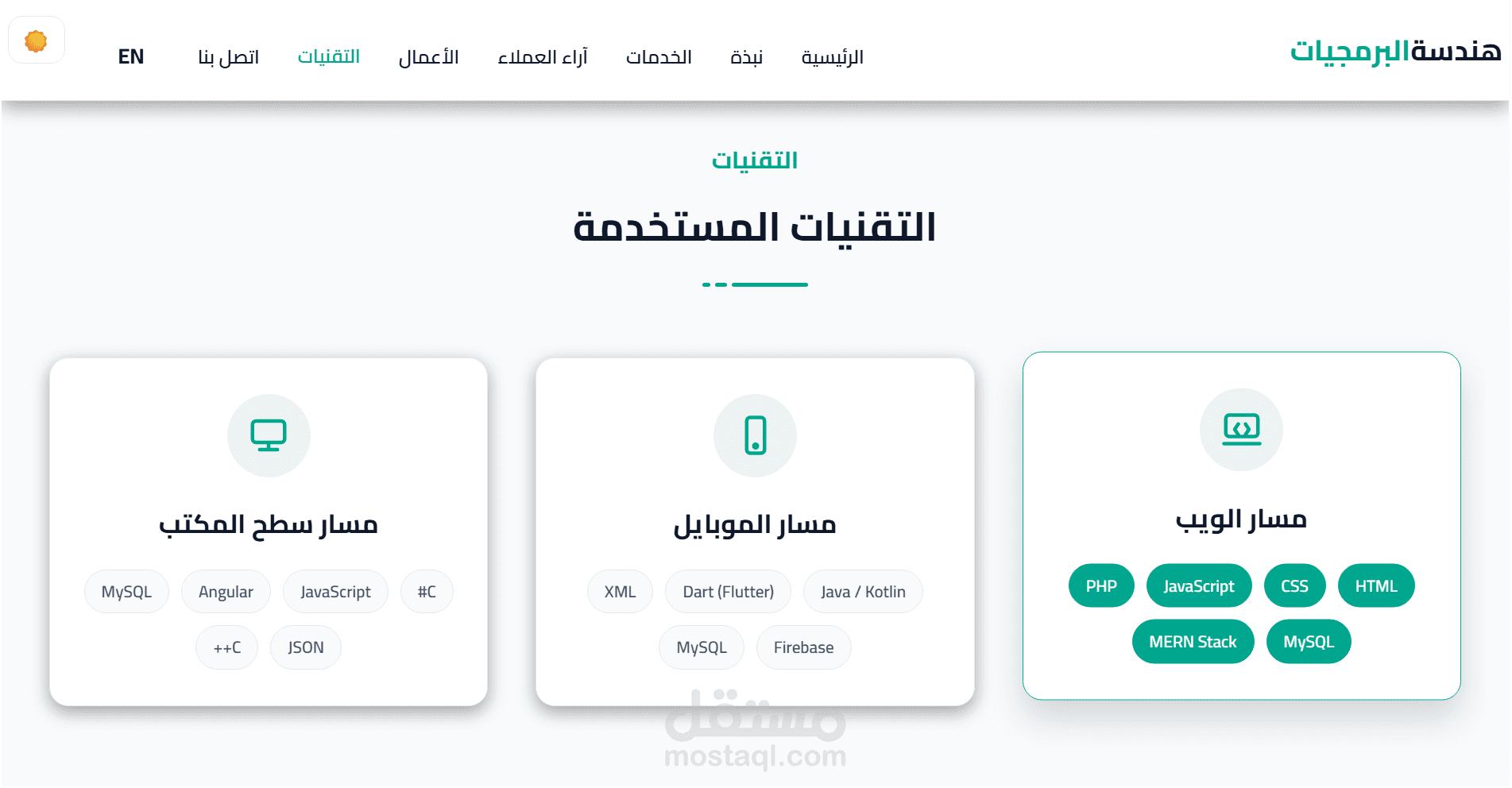
Stack badges and proficiency highlights showing core technologies used in projects.
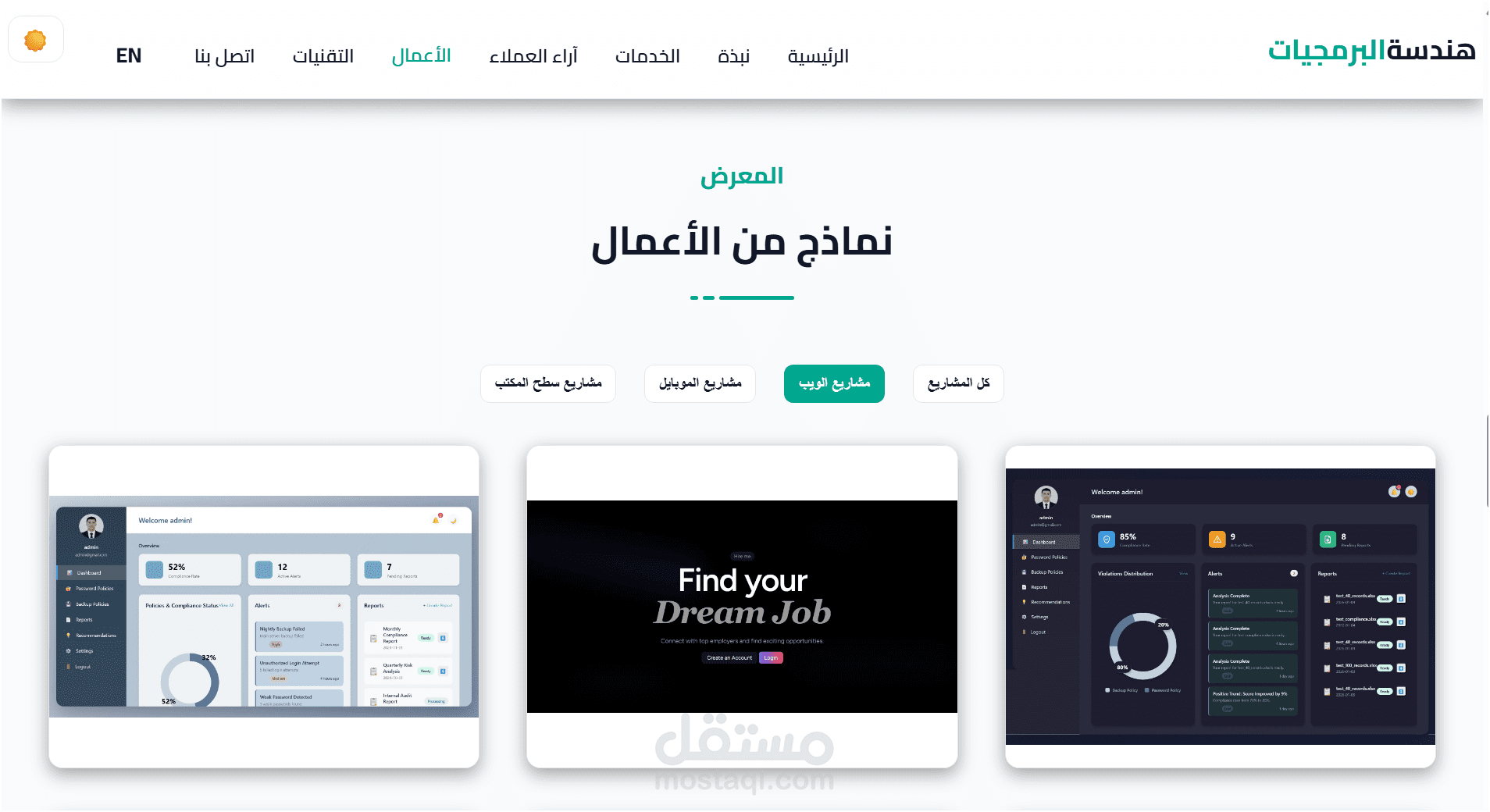
Grid view of selected projects with Lightbox previews and filtering controls.
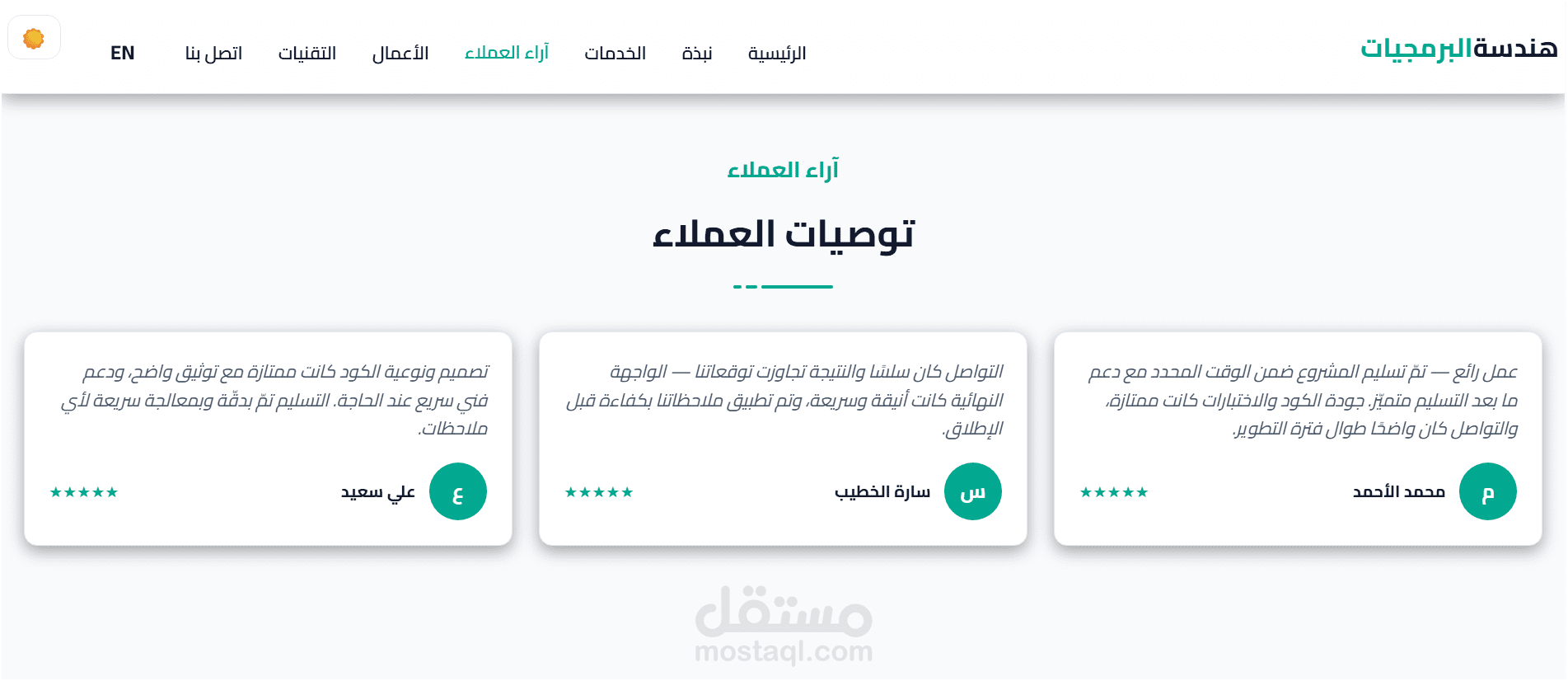
Client feedback and short testimonials highlighting project outcomes.
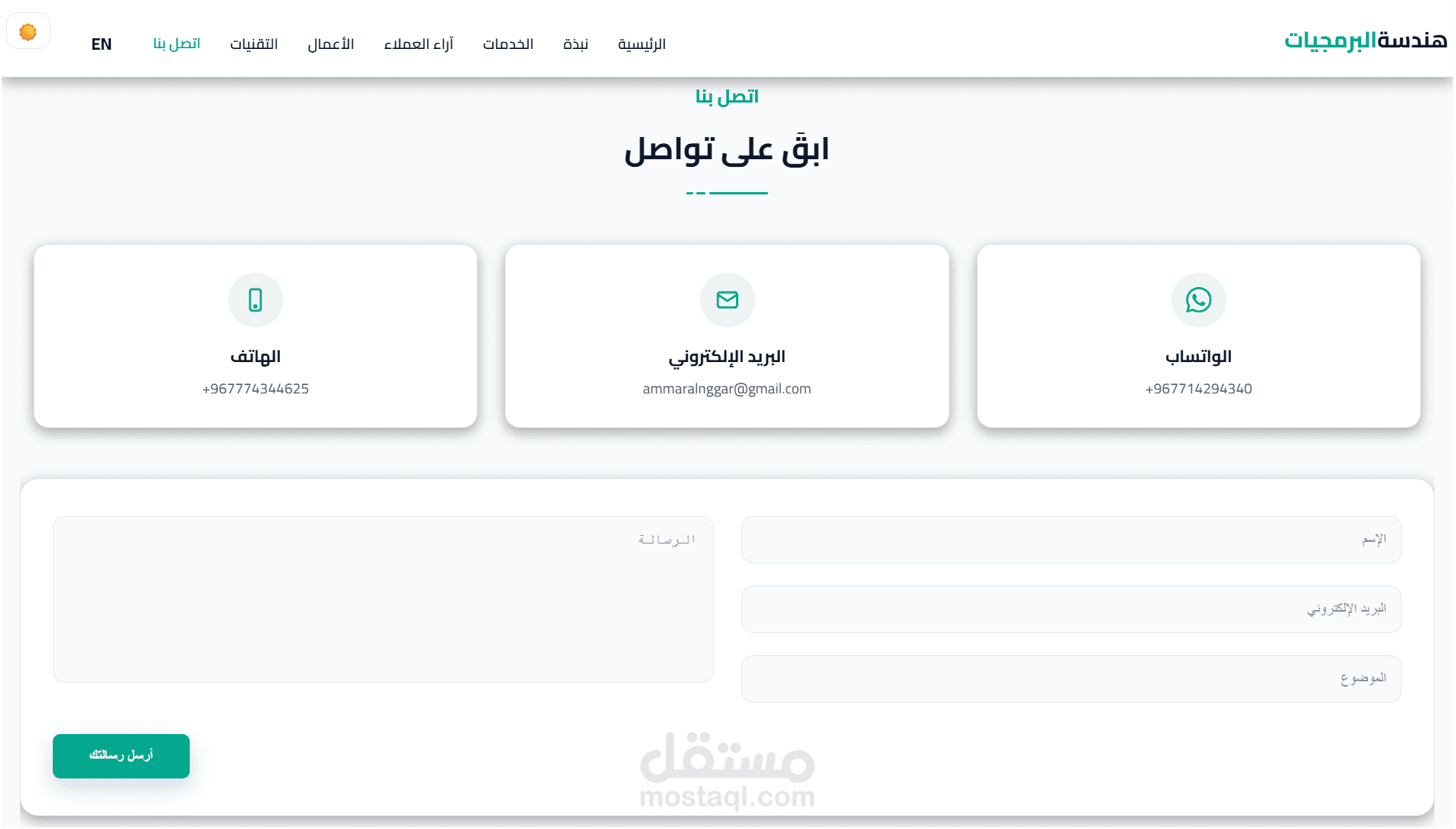
Contact methods, social links, and quick actions for hiring or inquiries.

Permission is hereby granted, free of charge, to any person obtaining a copy of this software and associated documentation files (the "Software"), to deal in the Software without restriction, including without limitation the rights to use, copy, modify, merge, publish, distribute, sublicense, and/or sell copies of the Software, and to permit persons to whom the Software is furnished to do so, subject to the following conditions:
The above copyright notice and this permission notice shall be included in all copies or substantial portions of the Software.
THE SOFTWARE IS PROVIDED "AS IS", WITHOUT WARRANTY OF ANY KIND, EXPRESS OR IMPLIED, INCLUDING BUT NOT LIMITED TO THE WARRANTIES OF MERCHANTABILITY, FITNESS FOR A PARTICULAR PURPOSE AND NONINFRINGEMENT. IN NO EVENT SHALL THE AUTHORS OR COPYRIGHT HOLDERS BE LIABLE FOR ANY CLAIM, DAMAGES OR OTHER LIABILITY, WHETHER IN AN ACTION OF CONTRACT, TORT OR OTHERWISE, ARISING FROM, OUT OF OR IN CONNECTION WITH THE SOFTWARE OR THE USE OR OTHER DEALINGS IN THE SOFTWARE.
- Phone/WhatsApp:
+967714294340 - Email:
[email protected]