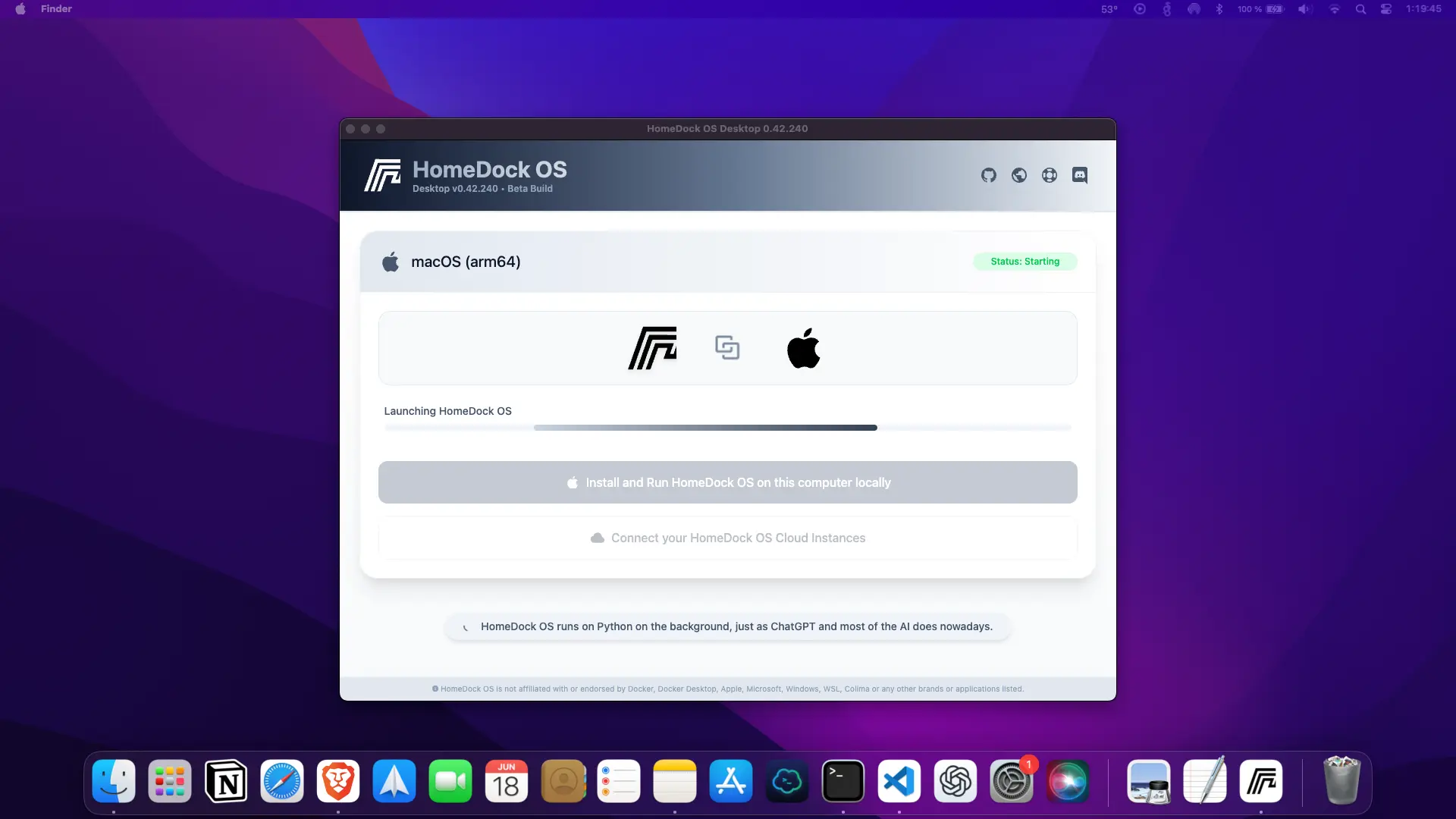
This repository contains the official installers for HomeDock OS Desktop, the universal self-hosted Cloud OS built for professionals.
💡 HomeDock OS Desktop transforms your computer into a private cloud environment with encrypted storage and secure app deployment.
You can always get the latest version for your system from our official website, which automatically provides the most up-to-date release. Alternatively, you can visit the GitHub Releases page to manually select a specific version for your OS.
🟢 Please note that older releases may be unsigned or contain errors, we strongly recommend downloading the latest version whenever possible.
| Platform | Installer / Command |
|---|---|
| 🖥️ macOS (Intel & Apple Silicon) | .dmg file |
| 🪟 Windows 10 Pro/11 (x64) | .exe file |
| 🐧 Linux (Headless setup) | curl -fsSL https://get.homedock.cloud | sudo bash |
- Download the
.dmgfile. - Open it and drag HomeDock OS Desktop into your Applications folder.
- You’ll find HomeDock OS Desktop listed in your Applications immediately.
- Download the
.exeinstaller. - Run it and follow the setup wizard.
- Shortcut to HomeDock OS Desktop will appear on your desktop and start menu.
🟠 In need of support? Please check our Documentation or drop us a line on our Official Discord Server and open a ticket.
HomeDock OS Desktop is part of the HomeDock OS ecosystem, a secure self-hosted cloud platform built for:
- Freelancers & professionals
- Developers & tech-savvy users
- Startups & small businesses
- You!
Installed apps behave just like native ones while the HomeDock OS Desktop is running, delivering a seamless user experience, you can also link all your Cloud Instances from HomeDock Cloud for the exact same experience, fully managed and accessible from anywhere.
💡 With HomeDock OS Desktop, you can finally self-host HomeDock OS natively on Windows and macOS, platforms that have traditionally been off-limits for serious self-hosting.
If you encounter any issues while using HomeDock OS Desktop, we’ll be happy to help.
Please attach the hdos_desktop.log file to your email and send it to support@homedock.cloud. This log contains technical information that is incredibly helpful for us to fix issues and move the app out of Beta faster.
🔍 You can find the log file here:
-
macOS:
/Users/your_username/Library/Application Support/cloud.homedock.app/homedock/hdos_desktop.log -
Windows:
%APPDATA%\cloud.homedock.app\homedock\hdos_desktop.log
This is a technically ambitious project, as we’ve built everything from the ground up to run without relying on Docker Desktop, enabling a truly native self-hosting experience on Windows and macOS. That comes with unique challenges, and your feedback helps us overcome them faster.
Thanks for your support, you're helping shape the future of self-hosting.
This repository does not contain the source code. It is exclusively used to distribute signed installers and official binaries for HomeDock OS Desktop, our Electron-based project that brings HomeDock OS to Windows and macOS.
The source code of HomeDock OS Desktop is private and will not be released in the short term due to strategic reasons and to prevent potential misuse or replication of critical desktop infrastructure components.
For more information, visit: