Display events from a Google Calendar in true airport style. Perfect for upcoming code deploys or all-staff meetings.
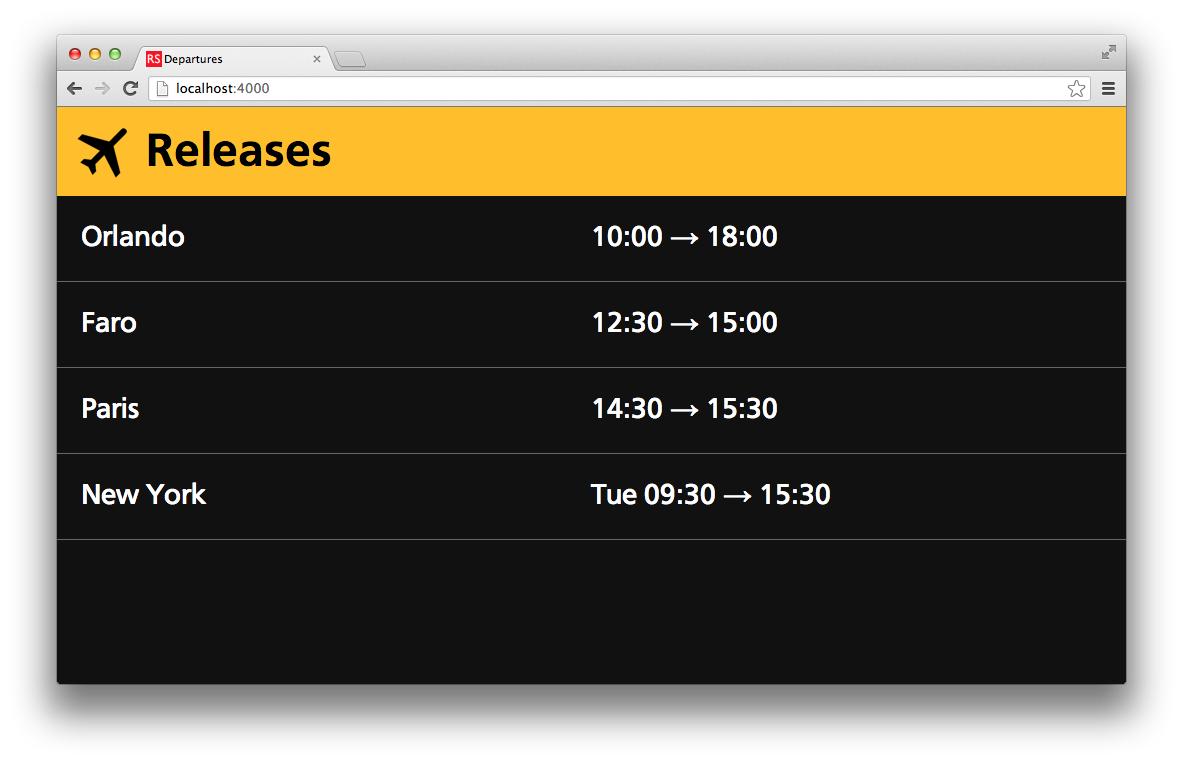
Using the Google API Console, you'll first need to create a Service Account. You'll then need to share the calendar you wish to use with the service account's email address.
The app requires the following environment variables to be set:
departure_lounge_issuer- The email address for the Google API service account (eg.[email protected])departure_lounge_client_key- The private key for the service account, as a base64-encoded stringdeparture_lounge_calendar_id- The identifier for the calendar you wish to use (eg.[email protected])departure_lounge_title- The title of the dashboard.departure_lounge_user- The username used for basic authentication to access the calendardeparture_lounge_password- A password used to protect the calendar
To start the dashboard:
bundle install
bundle exec rackup -p 5000
Visit http://localhost:5000 and use the username and password defined in the environment variables to access the dashboard.
For a more authentic airport feel, install the CartoGothic Std typeface.