A pixel cat that lives inside VS Code — roams around, chases your cursor, and naps when bored.
| Following Cursor | Sleeping | Roaming |
|---|---|---|
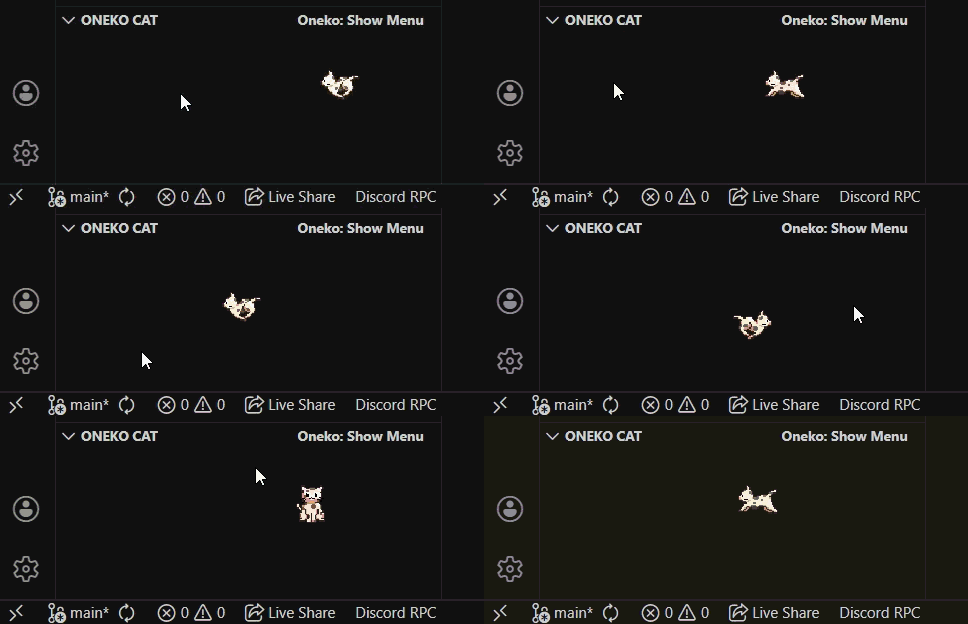 |
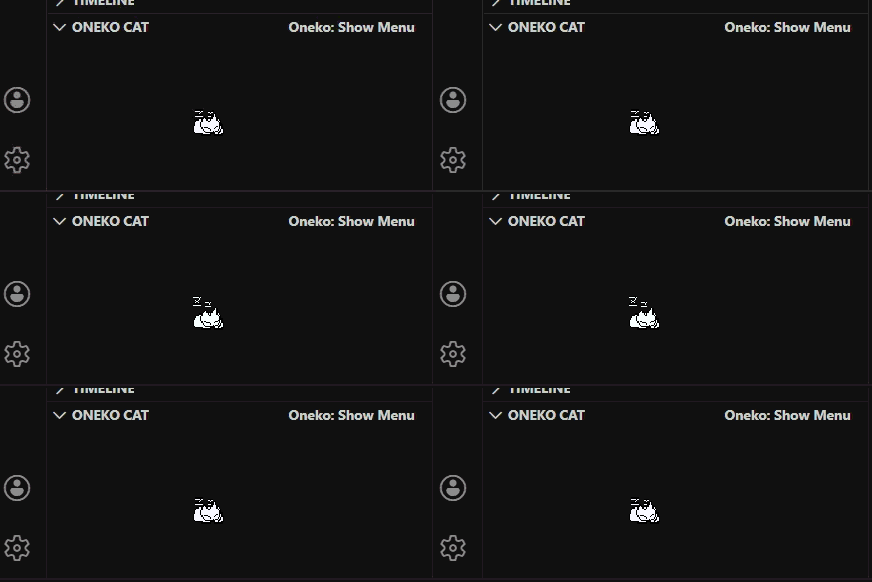 |
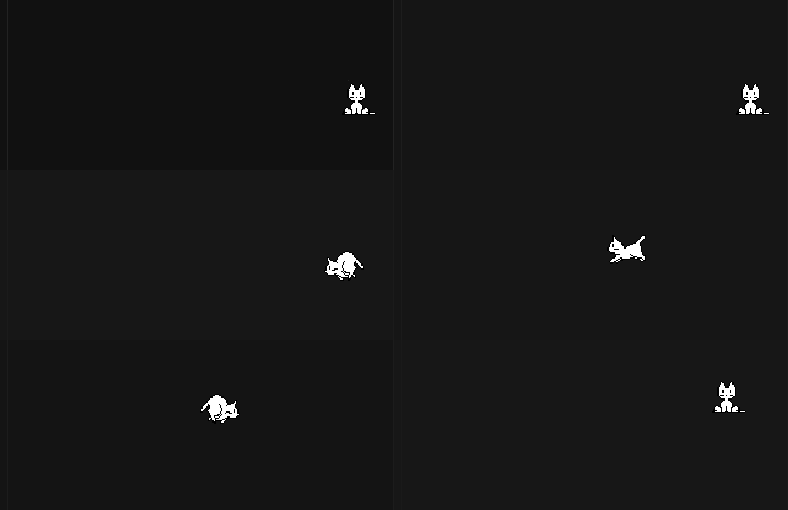 |
After installation, look in your Explorer sidebar — scroll past Timeline and you'll see ONEKO CAT. Click to expand. The cat lives right there.
💡 Can't see it? Check the FAQ below.
- Roams to random spots every 5–15 seconds
- Follows your cursor — tease it 2–3 times and it'll start chasing you
- Gets bored — goes back to wandering after ~10 seconds of chasing
- Falls asleep when idle
- Scratches walls near the panel edges
- Draggable — pick it up and drop it anywhere
| Action | Result |
|---|---|
| Move cursor near cat (2–3×) | Cat starts following |
| Drag | Move cat anywhere |
| Double-click | Toggle sleep / wake |
| ⋯ menu | Speed, sleep, reset, pet |
VS Code Marketplace (easiest)
Ctrl+Shift+X→ search "Oneko Cat" → Install
From VSIX
- Download
.vsixfrom Releases Ctrl+Shift+P→Extensions: Install from VSIX
From Source
git clone https://github.com/Parthsadaria/oneko-vscode.git
cd oneko-vscode
npm install
vsce package
code --install-extension oneko-vscode-1.0.0.vsixThe cat panel isn't showing up — where is it?
Scroll to the bottom of your Explorer sidebar. The ONEKO CAT section appears below Timeline and Outline. If it's still missing, try reloading VS Code (Ctrl+Shift+P → Developer: Reload Window).
The panel is there but I see nothing / it's blank. Expand the panel and resize it — drag the panel border to make it taller. The cat needs space to appear!
The cat disappeared. Open the ⋯ menu in the panel title and click Reset Position. That brings it back to center.
Can I make it faster or slower? Yes — ⋯ menu → Change Speed (Slow / Normal / Fast / Super Fast).
How do I make it follow me? Move your cursor close to the cat and back away, a couple of times. After 2–3 teases it'll start chasing.
Can I turn it off without uninstalling? Collapse the ONEKO CAT panel — the cat pauses when the panel is hidden.
git clone https://github.com/Parthsadaria/oneko-vscode.git
cd oneko-vscode
npm install
code .
# Press F5 to launch the extension in debug mode- Original concept: oneko.js by adryd325
- Classic oneko sprite sheet
Enjoying the cat? Leave a review or ⭐ star the repo — it helps a lot!