

Rahoot is a straightforward and open-source clone of the Kahoot! platform, allowing users to host it on their own server for smaller events.
⚠️ This project is still under development, please report any bugs or suggestions in the issues
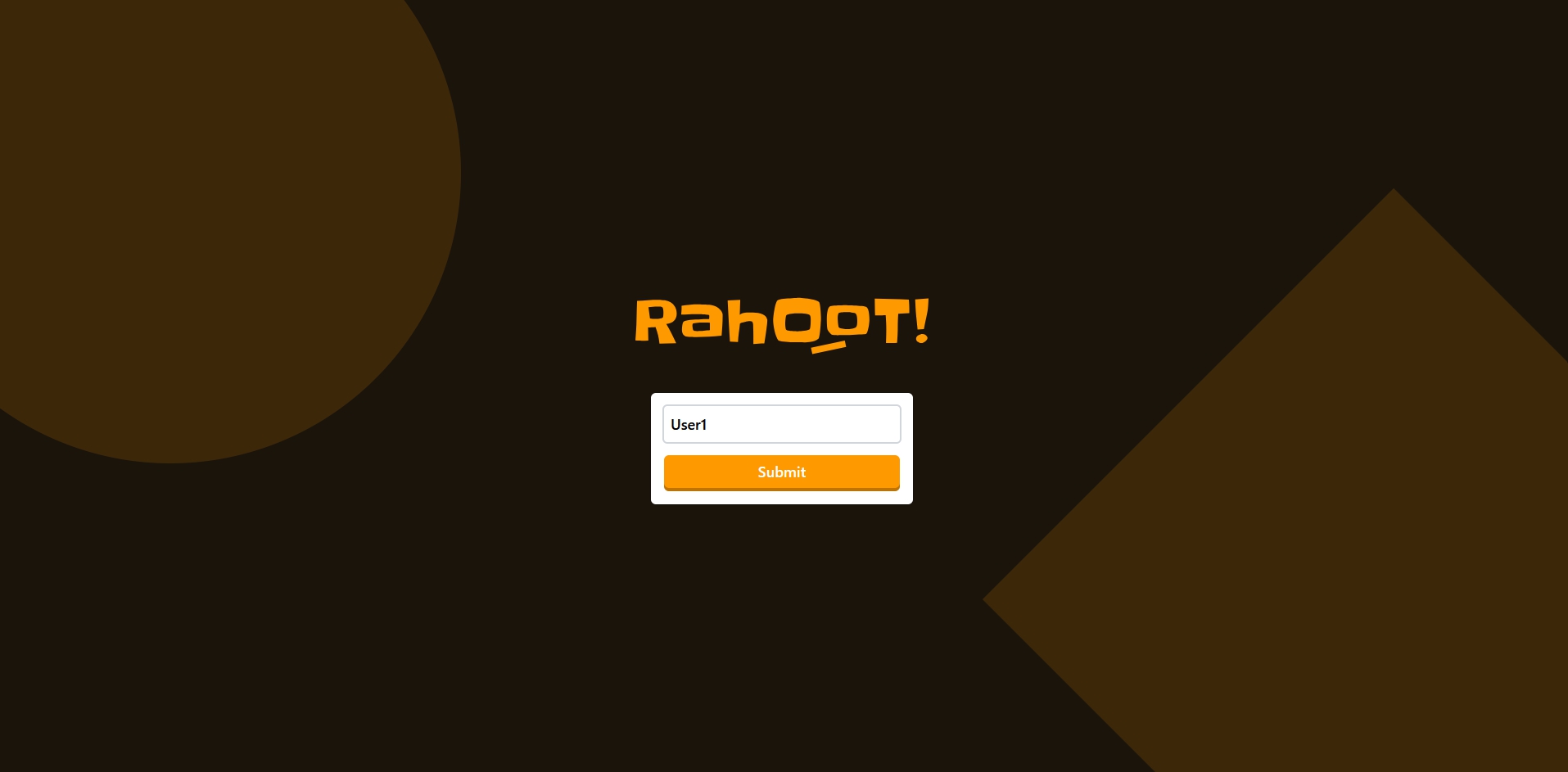
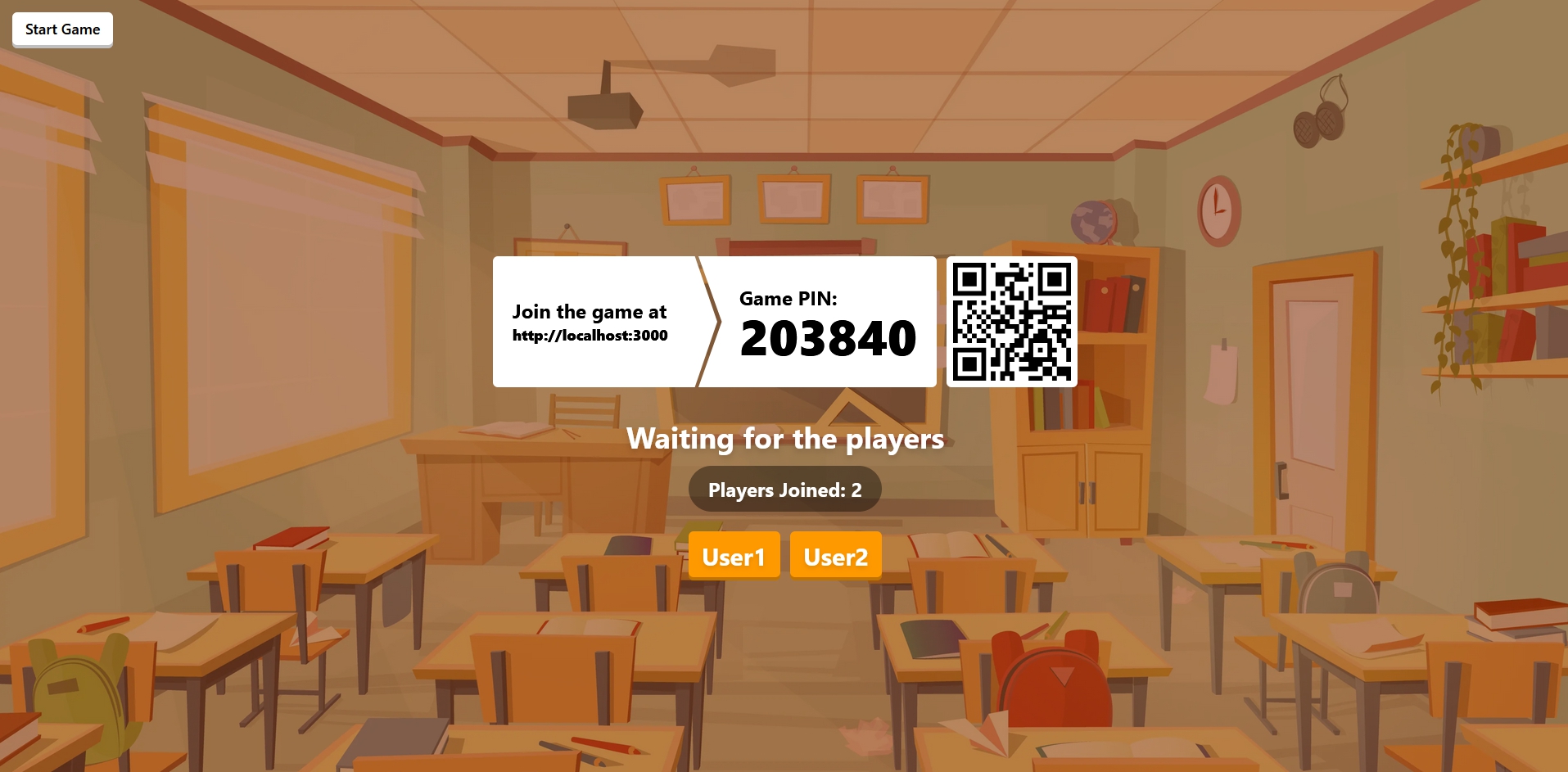
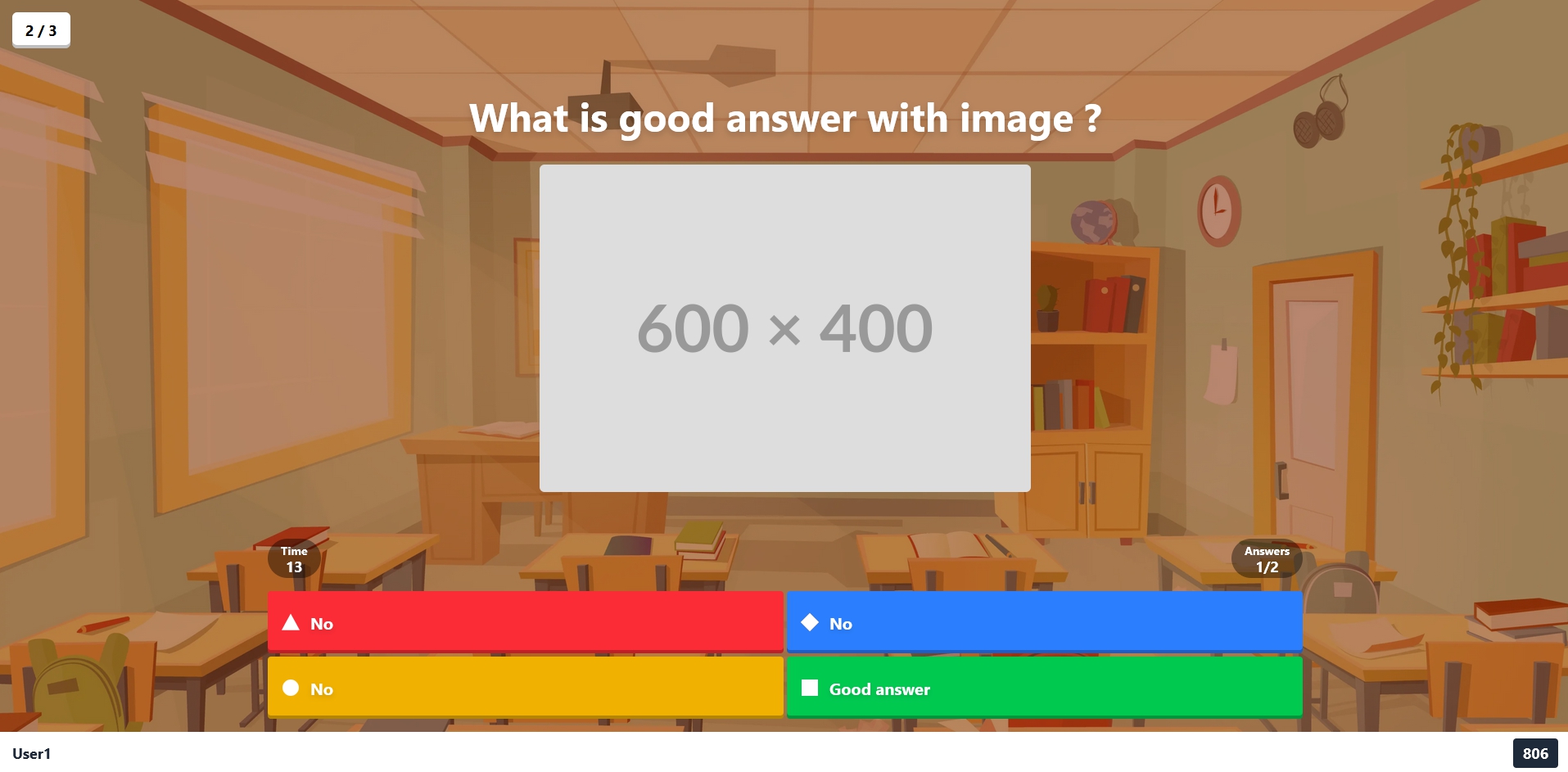
Choose one of the following deployment methods:
- Node.js : version 20 or higher
- PNPM : Learn more about here
- Docker and Docker Compose
Choose your deployment method:
Using Docker Compose (recommended): You can find the docker compose configuration in the repository: docker-compose.yml
docker compose up -dOr using Docker directly:
docker run -d \
  -p 3000:3000 \
  -p 3001:3001 \
  -v ./config:/app/config \
  -e WEB_ORIGIN=http://localhost:3000 \
  -e SOCKET_URL=http://localhost:3001 \
  ralex91/rahoot:latest
Configuration Volume:
The -v ./config:/app/config option mounts a local config folder to persist your game settings and quizzes. This allows you to:
- Edit your configuration files directly on your host machine
- Keep your settings when updating the container
- Easily backup your quizzes and game configuration
The folder will be created automatically on first run with an example quiz to get you started.
The application will be available at:
- Web Interface: http://localhost:3000
- WebSocket Server: ws://localhost:3001
- Clone the repository:
git clone https://github.com/Ralex91/Rahoot.git
cd ./Rahoot- Install dependencies:
pnpm install-
Change the environment variables in the
.envfile -
Build and start the application:
# Development mode
pnpm run dev

# Production mode
pnpm run build
pnpm startThe configuration is split into two main parts:
Main game settings:
{
  "managerPassword": "PASSWORD",
  "music": true
}
Options:
managerPassword: The master password for accessing the manager interfacemusic: Enable/disable game music
Create your quiz files in the config/quizz/ directory. You can have multiple quiz files and select which one to use when starting a game.
Example quiz configuration (config/quizz/example.json):
{
  "subject": "Example Quiz",
  "questions": [
    {
      "question": "What is the correct answer?",
      "answers": ["No", "Yes", "No", "No"],
      "image": "https://images.unsplash.com/....",
      "solution": 1,
      "cooldown": 5,
      "time": 15
    }
  ]
}
Quiz Options:
subject: Title/topic of the quizquestions: Array of question objects containing:question: The question textanswers: Array of possible answers (2-4 options)image: Optional URL for question imagesolution: Index of correct answer (0-based)cooldown: Time in seconds before showing the questiontime: Time in seconds allowed to answer
- Access the manager interface at http://localhost:3000/manager
- Enter the manager password (defined in quiz config)
- Share the game URL (http://localhost:3000) and room code with participants
- Wait for players to join
- Click the start button to begin the game
- Fork the repository
- Create a new branch (e.g.,
feat/my-feature) - Make your changes
- Create a pull request
- Wait for review and merge
For bug reports or feature requests, please create an issue.

![@dependabot[bot]](https://avatars.githubusercontent.com/in/29110?s=64&v=4)


