
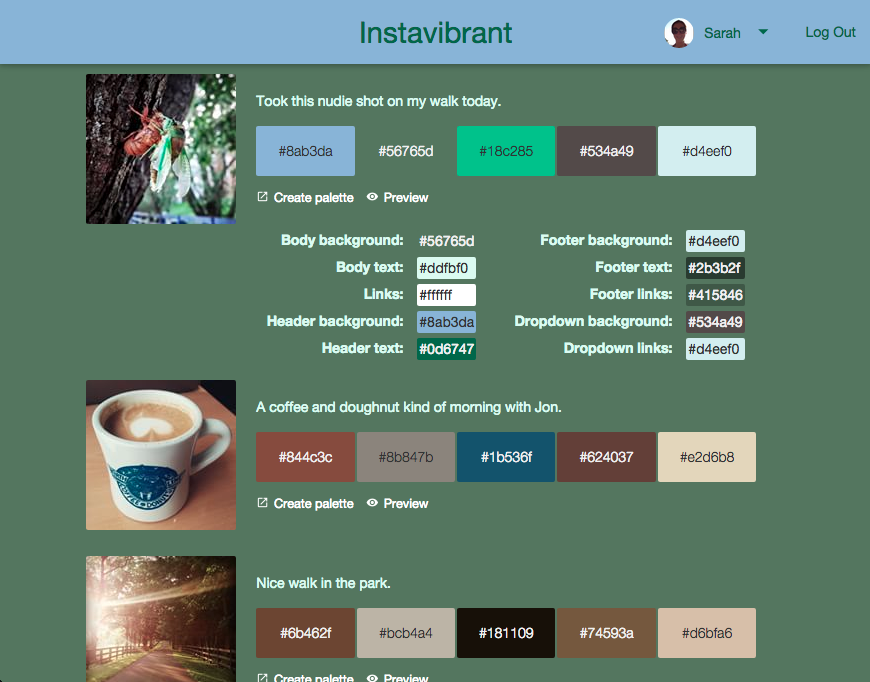
Register an Instagram client. Set your redirect URI to http://localhost:5000.
cp env.sh.example env.sh
Update env.sh with your Instagram client's details.
bundle install
npm install
npm start
Visit localhost:5000 in your browser.
- Create a new app on Heroku.
git remote add heroku git@heroku.com:yourherokuapp.githeroku config:add BUILDPACK_URL=https://github.com/heroku/heroku-buildpack-ruby.githeroku config:set RACK_ENV=productionheroku config:set INSTAGRAM_CLIENT_ID=your_instagram_client_idheroku config:set LOCAL_STORAGE_KEY=instavibrantheroku config:set FRONT_END_URI=url_to_your_heroku_appgit push heroku masterheroku ps:scale web=1
./deploy.sh
- Vibrant.js for color extraction.
- TinyColor for determining readability of colors.