A collection of custom themes for SDDM (Simple Desktop Display Manager), featuring designs inspired by Nothing OS and Google Pixel UI.
Noctalia SDDM is a cozy, elegant login theme for SDDM , designed to complement the Noctalia Shell experience. It mimics the warm, dark aesthetic of the Rose Pine color palette, featuring rounded corners, smooth scaling, and a clean, modern interface tailored for Hyprland and KDE users.
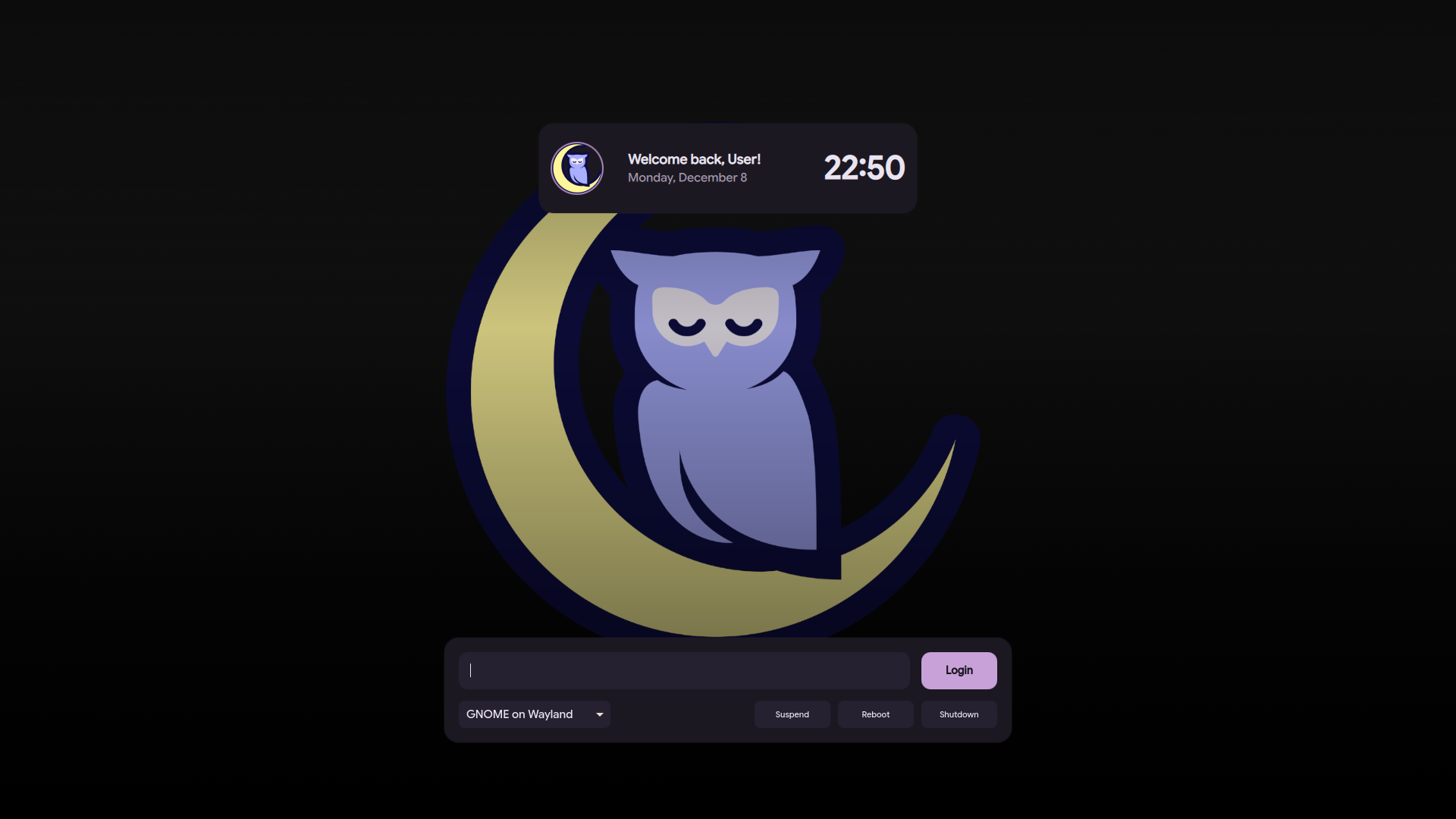
➡️ View "Noctalia" Theme Branch
A minimalist, monochrome login theme inspired by the unique aesthetic of Nothing OS. It features dot-matrix typography and a clean, futuristic look.
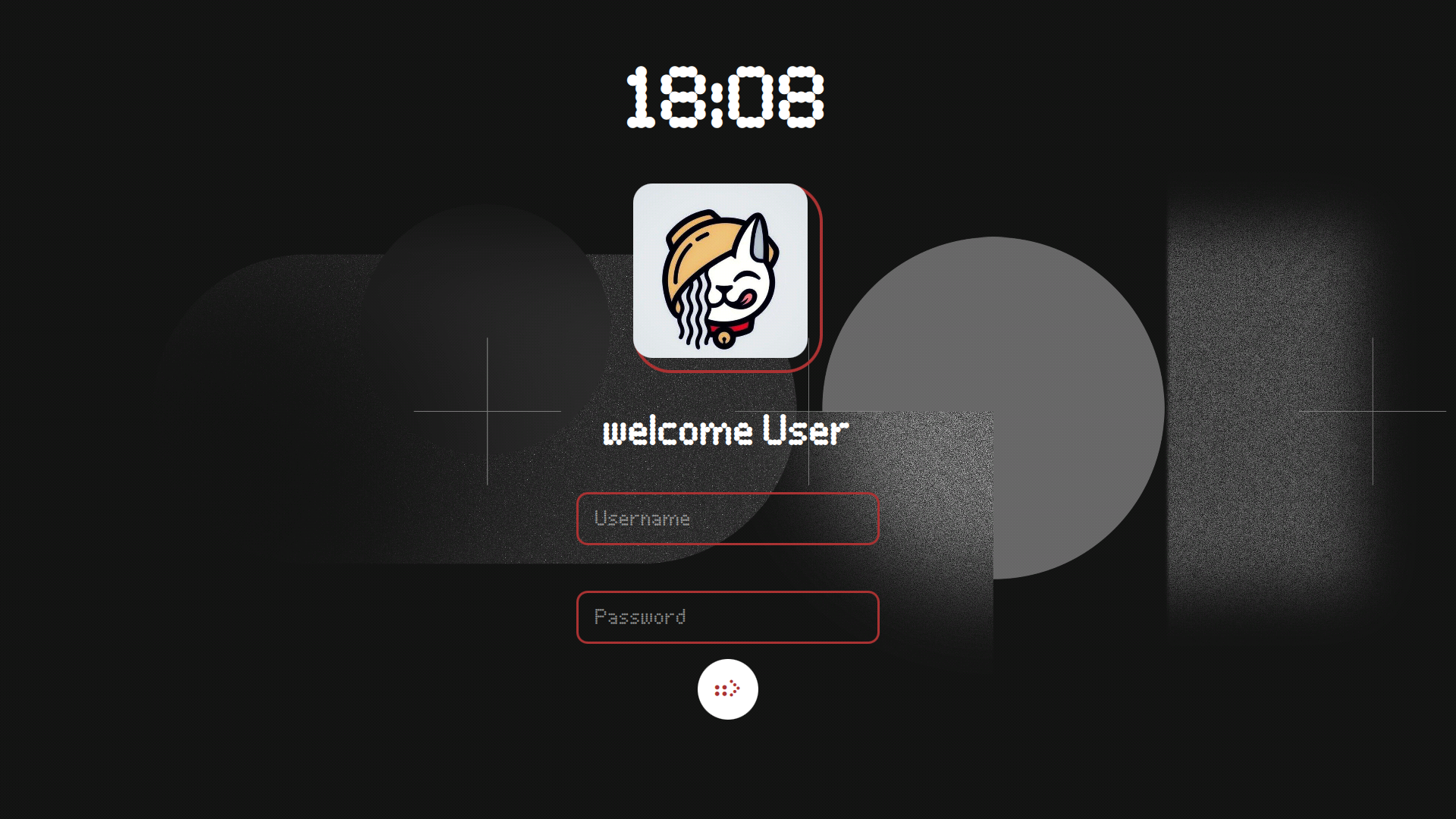
➡️ View "Nothing" Theme Branch
A modern and vibrant theme based on the Android 16 Pixel UI design language. It brings the familiar, polished look of Pixel devices to your login screen.
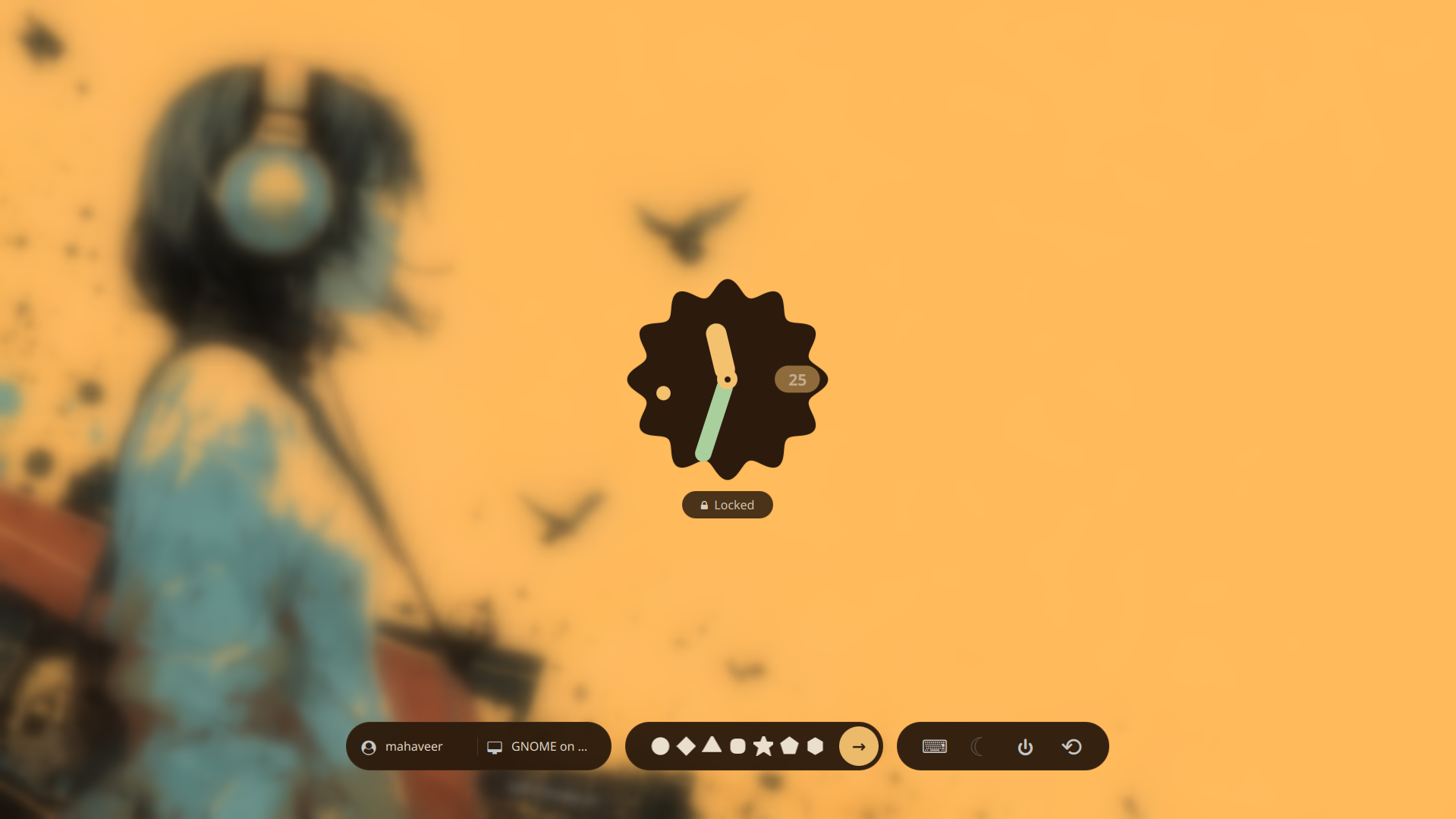
To install a specific theme:
- Click the View Branch link for the theme you want.
- Clone that specific branch or download the files.
- Place the theme folder into your SDDM themes directory (usually
/usr/share/sddm/themes/). - Update your
/etc/sddm.confto apply the new theme.