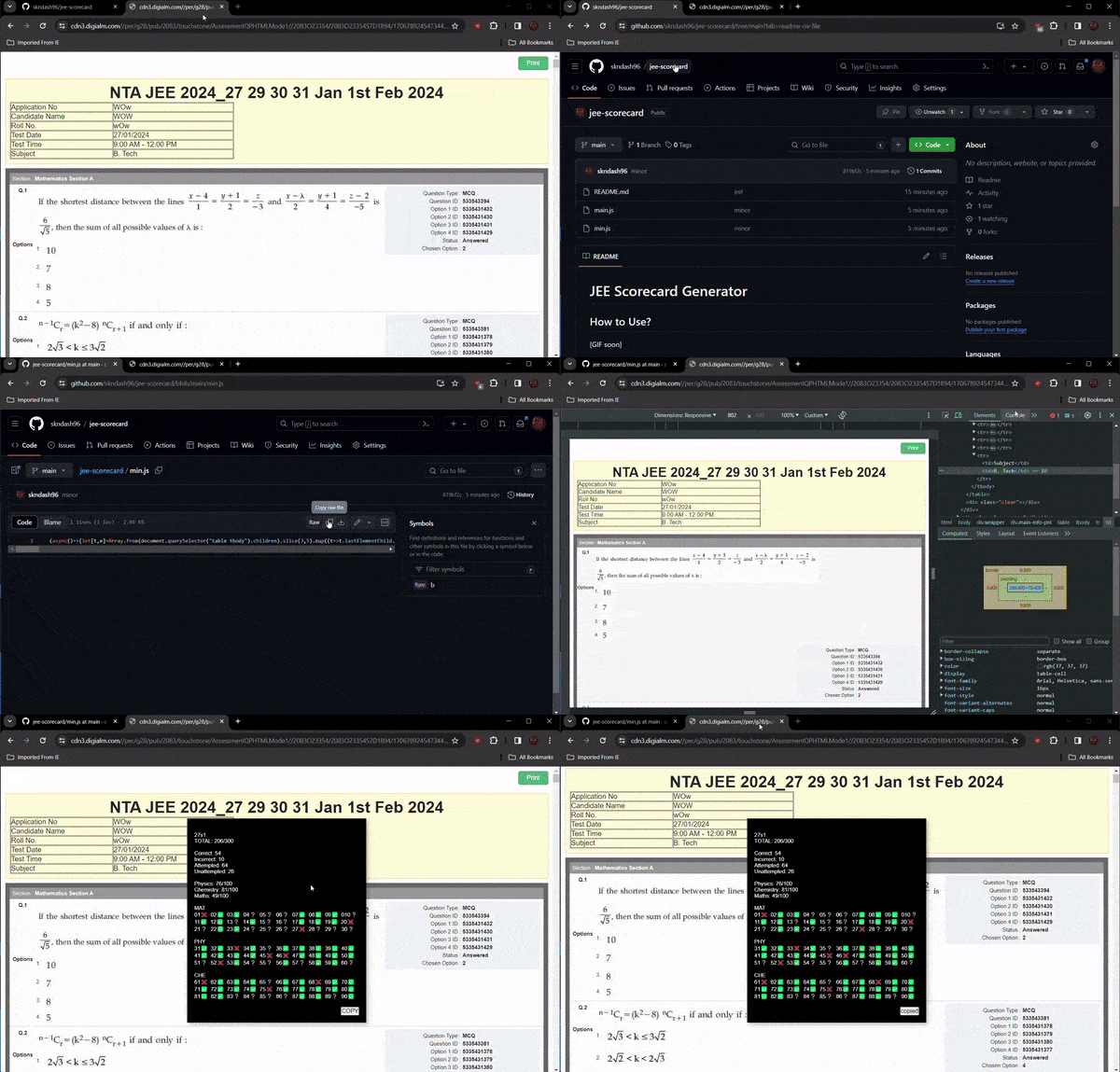
JEE Scorecard Generator How to Use? Copy the code from ./min.js Open Dev tools and Paste the min.js in the console and hit enter. Type "allow pasting" if you have to. In a few seconds, a black box will appear on the screen which reveals your score. You can copy the output and paste it on a notepad app and review it. You might face an error showing Fetch failed and Keys not found. In that case, wait patiently till the keys are added by me.