

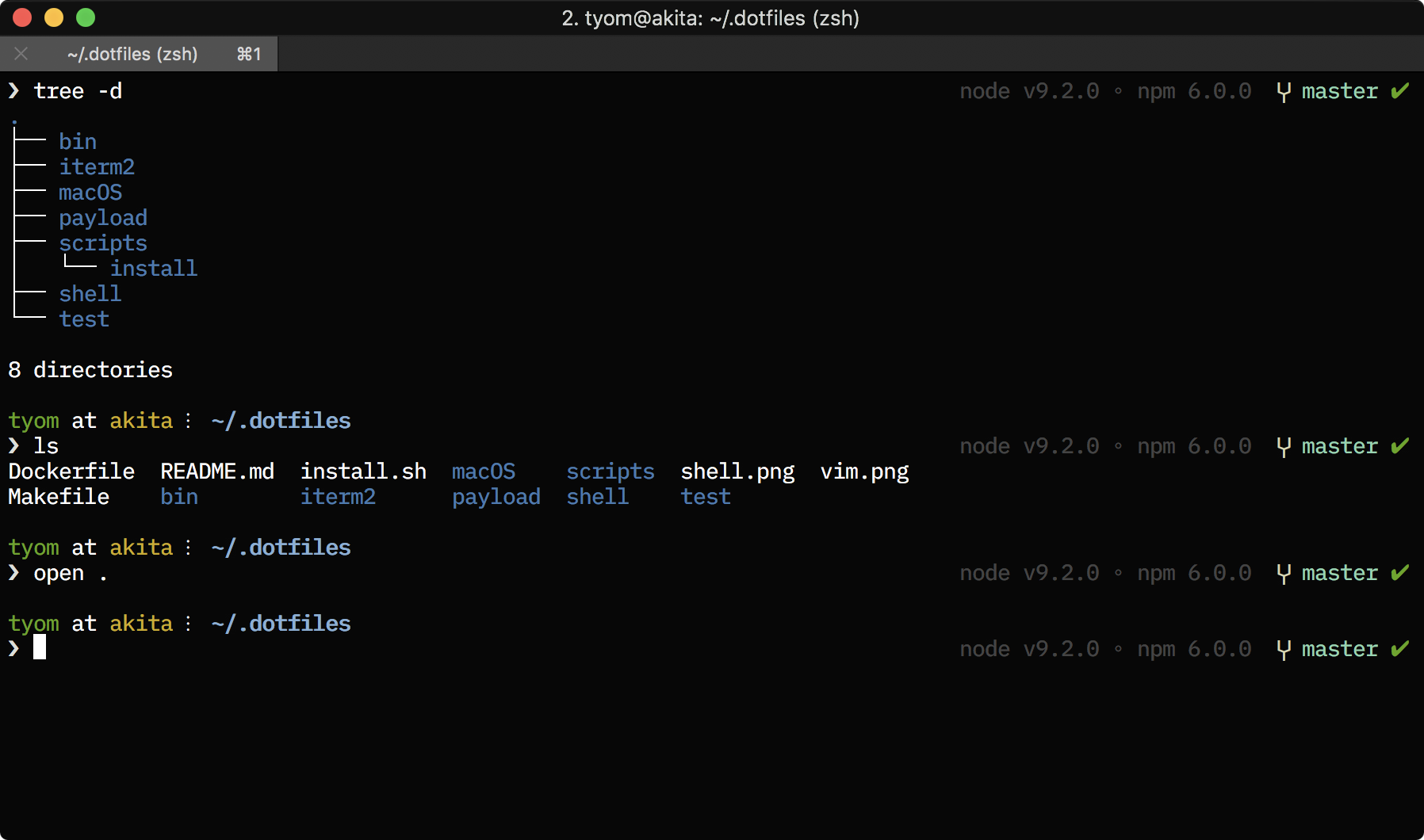
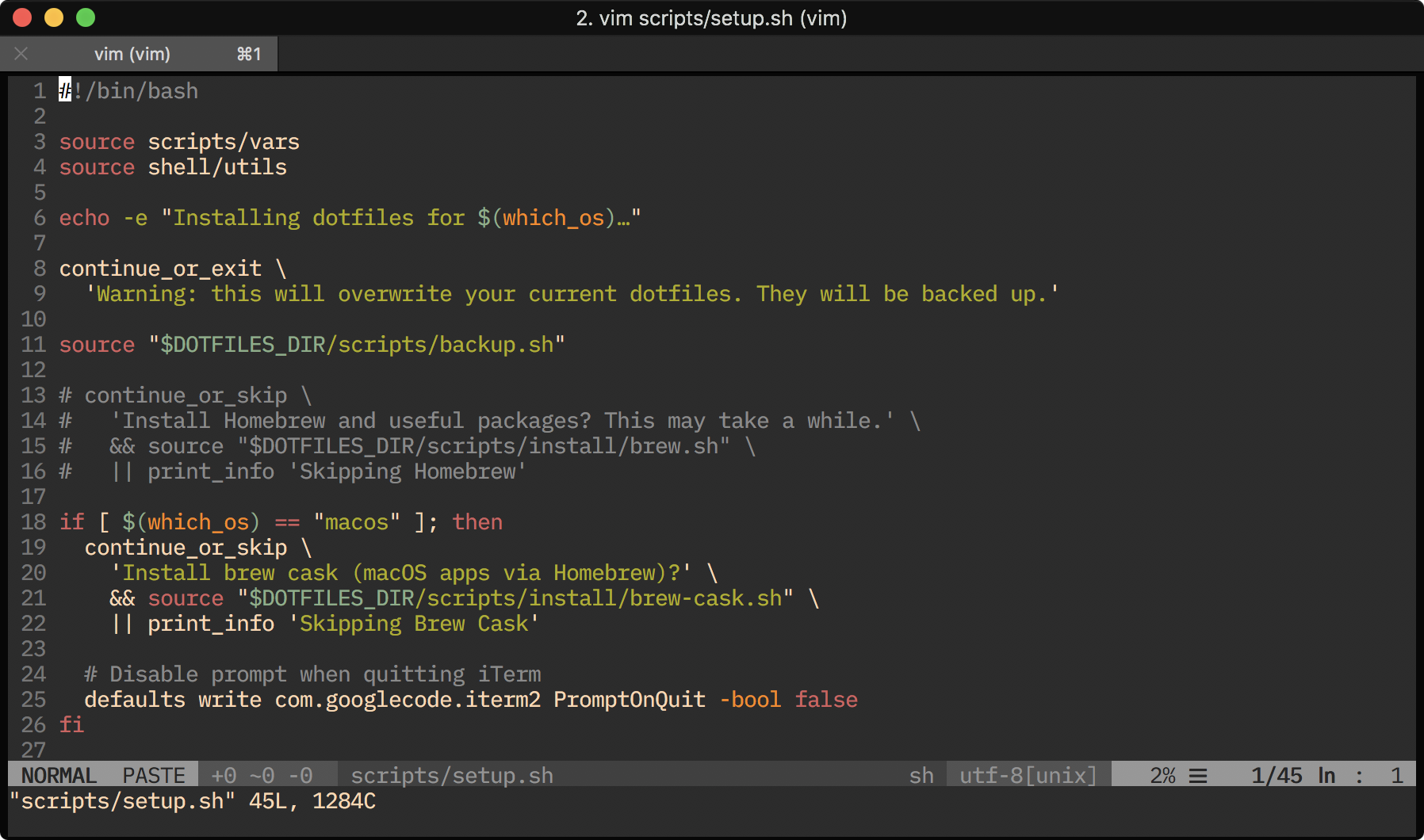
Personal dotfiles for macOS and Linux, designed for a smooth developer experience. Includes Zsh, Git, Vim configuration, Homebrew CLI tools (bat, fzf, git-delta), and a Claude Code plugin.
- Shell: Zsh with Oh-My-Zsh and a custom theme displaying git status, Node version, and conda environment
- Git: Useful aliases, global gitignore, and streamlined configuration
- Vim: Pre-configured with vim-plug and curated plugins
- CLI Tools: bat (syntax-highlighted cat), fzf (fuzzy finder), git-delta (better diffs), and more via Homebrew
- Dev Tools: Volta and Node.js; Bun (optional)
- Bin Scripts: Handy commands like
ungit(clone GitHub repos/subdirs as files or text) - Claude Code Plugin: Custom commands for code review, explanation, and refactoring
git clone https://github.com/tyom/dotfiles.git ~/.dotfiles
cd ~/.dotfiles
make install
Installation takes a few minutes to download and configure packages. Setup can be run multiple times safely.
curl -fsSL https://tyom.github.io/dotfiles/install.sh | bashOptions:
# Non-interactive (skip all prompts)
curl -fsSL https://tyom.github.io/dotfiles/install.sh | bash -s -- -y

# Install to a different directory
DOTFILES_DIR=~/my-dotfiles curl -fsSL https://tyom.github.io/dotfiles/install.sh | bash

# Install from a different branch
DOTFILES_BRANCH=next curl -fsSL https://tyom.github.io/dotfiles/install.sh | bashmake uninstallThis repository uses GNU Stow for symlink management:
dotfiles/
├── stow/              # Symlinked to ~/
│   ├── .vimrc
│   ├── .vimrc.bundles
│   └── bin/           # Shell scripts
├── git/               # Git config (included via ~/.gitconfig)
├── zsh/               # Zsh config + theme (sourced/symlinked)
├── shell/             # Shell modules
├── claude-plugin/     # Claude Code plugin
└── scripts/           # Installation scripts
See docs/STRUCTURE.md for detailed documentation.
Your local configuration files are preserved and extended. The dotfiles in this repository are read-only.
The installer adds an [include] directive to load the dotfiles config. Add your personal settings directly:
[user]
    name = Your Name
    email = [email protected]

[include]
path = ~/.dotfiles/git/.gitconfigA global .gitignore is copied during setup (if one doesn't exist). Edit it freely.
The installer adds a single source line. Add machine-specific configuration directly to your .zshrc.
Add machine-specific Vim configuration here.
- Volta - JavaScript tool manager
- Node.js - Installed via Volta
- Bun (optional) - Fast JavaScript runtime and package manager
See scripts/install/brew.sh for the full list.
- Zsh with Oh-My-Zsh
- Custom theme with git status, Node version, and conda environment
- fzf integration for fuzzy finding
Installation Flow
install.sh (entry point)
├── If run from existing repo: use that location
└── Otherwise: clone to ~/.dotfiles (or DOTFILES_DIR)
    └── Execute scripts/setup.sh

setup.sh (orchestrator)
├── 1. Confirm user wants to proceed
├── 2. Install Homebrew and packages (optional)
├── 3. Install Brew Cask / macOS apps (optional, macOS only)
├── 4. Install Bun (optional)
├── 5. Install Volta
├── 6. Install Node.js via Volta
├── 7. Set up Zsh and Oh My Zsh (scripts/zsh.sh)
│   ├── Install zsh if missing
│   ├── Install Oh My Zsh if missing
│   ├── Add source line to ~/.zshrc (exports DOTFILES_DIR)
│   └── Symlink custom theme
├── 8. Create symlinks (scripts/stow.sh)
│   └── Symlink stow/ contents to ~/
├── 9. Set up git (scripts/git.sh)
│   ├── Add [include] to ~/.gitconfig
│   └── Copy ~/.gitignore if missing
├── 10. Install Vim plugins (scripts/install/vim.sh)
│    ├── Install vim-plug
│    └── Run PlugInstall
├── 11. Install Claude Code plugin (optional)
│    ├── Install dependencies (bun or npm)
│    └── Register plugin (if claude installed)
└── 12. Validate installation (scripts/validate.sh)
Zsh Configuration Chain
~/.zshrc
└── exports DOTFILES_DIR and sources $DOTFILES_DIR/zsh/dotfiles.zsh
    ├── sources zsh/config.zsh
    │   ├── sources shell/utils.sh
    │   ├── sources shell/exports.sh
    │   ├── sources shell/aliases.sh
    │   ├── sources shell/functions.sh
    │   └── configures oh-my-zsh plugins
    └── sources oh-my-zsh.sh
        └── loads theme and plugins
Symlinked Files
GNU Stow creates these symlinks from stow/ to your home directory:
| Source | Target |
|---|---|
stow/.vimrc |
~/.vimrc |
stow/.vimrc.bundles |
~/.vimrc.bundles |
stow/bin/* |
~/bin/* |
The zsh theme is symlinked separately by zsh.sh:
zsh/tyom.zsh-theme→~/.oh-my-zsh/custom/themes/tyom.zsh-theme
Git configuration is handled separately (not via stow):
~/.gitconfig- An[include]directive is added to load the dotfiles config~/.gitignore- Copied during setup (if it doesn't exist) so you can customise it
Test dotfiles in a Docker sandbox:
# Run setup and validation
make docker-test

# Interactive shell (persistent state)
make docker-shell

# Run setup and drop into shell
make docker-setup

# Clean up persistent containers
make docker-cleanTest the fallback paths without Homebrew or Bun using the VARIANT=minimal flag:
# Run minimal setup and validation
make docker-test VARIANT=minimal

# Interactive shell with minimal setup (persistent state)
make docker-shell VARIANT=minimal

# Run minimal setup and drop into shell
make docker-setup VARIANT=minimal
The minimal variant uses a bare Ubuntu image instead of the Homebrew base image, testing that the dotfiles install correctly when Homebrew and Bun are not available.
# Test local changes via HTTP server (before deployment)
make docker-test-remote-local

# Smoke test the deployed URL (after merge to master)
make docker-test-remoteRun make to see all available commands:
| Command | Description |
|---|---|
make install |
Install dotfiles on local machine |
make uninstall |
Remove dotfiles symlinks |
make brew |
Install Homebrew packages |
make docker-build |
Build Docker test image |
make docker-test |
Run setup and validation in Docker |
make docker-setup |
Run setup and drop into shell |
make docker-shell |
Start persistent shell in Docker |
make docker-clean |
Remove persistent Docker containers |
make docker-test-remote |
Smoke test remote install (deployed URL) |
make docker-test-remote-local |
Test remote install via local HTTP server |
Docker commands support VARIANT=minimal for testing without Homebrew/Bun (e.g., make docker-test VARIANT=minimal).
The claude-plugin/ directory contains a Claude Code plugin with custom commands, agents, and skills.
/explain-code- Analyse and explain code functionality/review-code- Review code for bugs, security, and quality issues/refactor-code- Refactor code with analysis and pattern application
code-quality-reviewer- Proactively reviews code after completing features
ungit- Fetch GitHub repos/subdirs as LLM-friendly text (supports include/exclude filters)