Turn key solution for two factor authentication using Google Authenticator Time-based One-time Password (TOTP), Freeradius and Google authenticator PAM module.
Provides simple way how to use two factor authentication with any compatible one time password app.

Simple web gui for users enrolment.
Package for Debian 11. Tested with Windows Server 2012R2 and Nethserver Samba AD
Prerequisite for automated installation is joining AD domain.
apt install freeradius freeradius-utils ntp mariadb-server mariadb-client freeradius-mysql realmd packagekit adcli libpam-sss libnss-sss sssd sssd-tools openssh-server sendmail curl apache2 php libapache2-mod-php php-mysql php-gd phpqrcode qrencode libpam-google-authenticator sudo
realm join -v <your domain name>
Or use cockpit
apt install cockpit
Example for Red Hat, but for Debian its similar. https://access.redhat.com/documentation/en-us/red_hat_enterprise_linux/8/html/managing_systems_using_the_rhel_8_web_console/getting-started-with-the-rhel-8-web-console_system-management-using-the-rhel-8-web-console#joining-a-rhel-8-system-to-an-idm-domain-using-the-web-console_getting-started-with-the-rhel-8-web-console
wget https://github.com/xamulap/2fa-google-auth/raw/main/2fa-google-auth.deb
dpkg -i 2fa-google-auth.deb
With web browser open https://your_IP/2fa Username: admin Password: admin
-
If you want to use authentication with Radius (for example for VPN terminator) create Radius Client
-
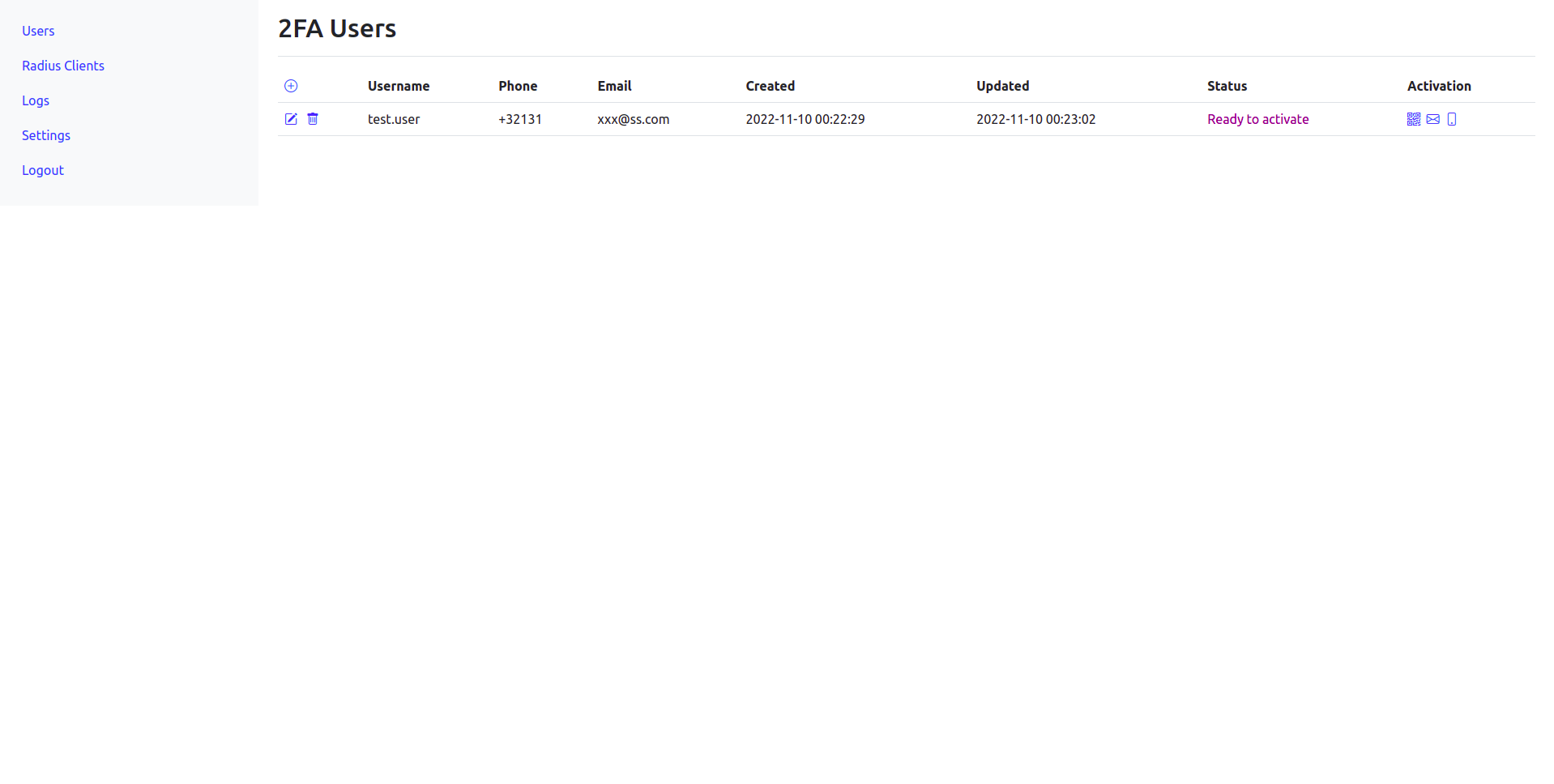
Add user , click on activation. Once ready you can enroll you device with application. Google Authenticator https://play.google.com/store/apps/details?id=com.google.android.apps.authenticator2&hl=en&gl=US&pli=1 https://apps.apple.com/us/app/google-authenticator/id388497605 FreeOTP https://play.google.com/store/apps/details?id=org.fedorahosted.freeotp&hl=en&gl=US https://apps.apple.com/us/app/freeotp-authenticator/id872559395
Options are
- Scan QR code (recommended)
- Send email with link
- Send SMS with link
-
Test with Radius Client
SSH to 2FA server with AD account. After password is accepted Token should be requested.
root@2faneth:~# ssh -l <ad_user> localhost
Password:
Verification code:
Log on server and test radius
radtest <ad_user> <password+token> localhost 0 testing123
To disable SSH access 2FA server for users set in /etc/sssd/sssd.conf
override_shell = /usr/sbin/nologin
Its higly recommended not to use server with public IP or in general with access from public internet.