Daily Schedule
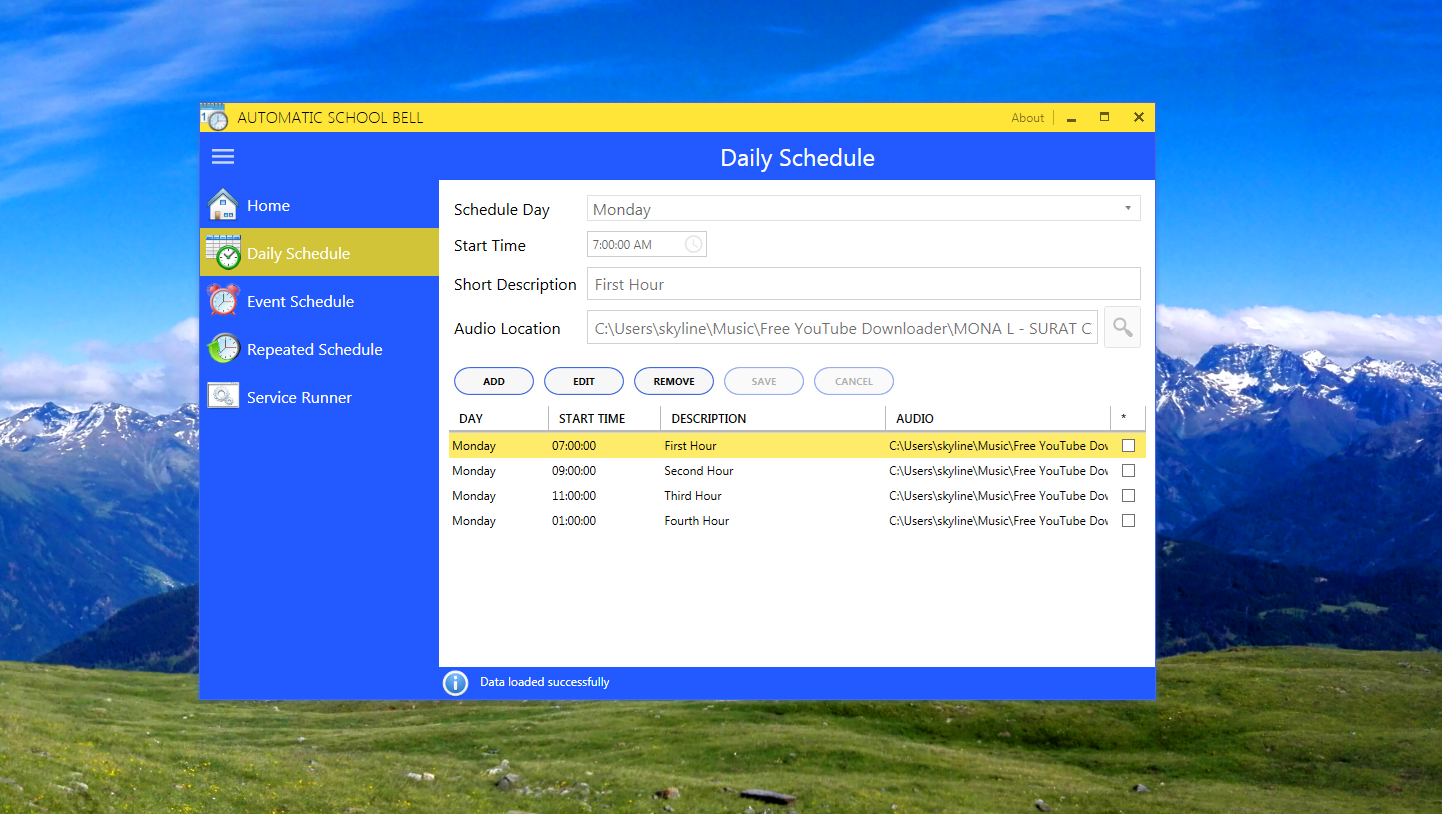
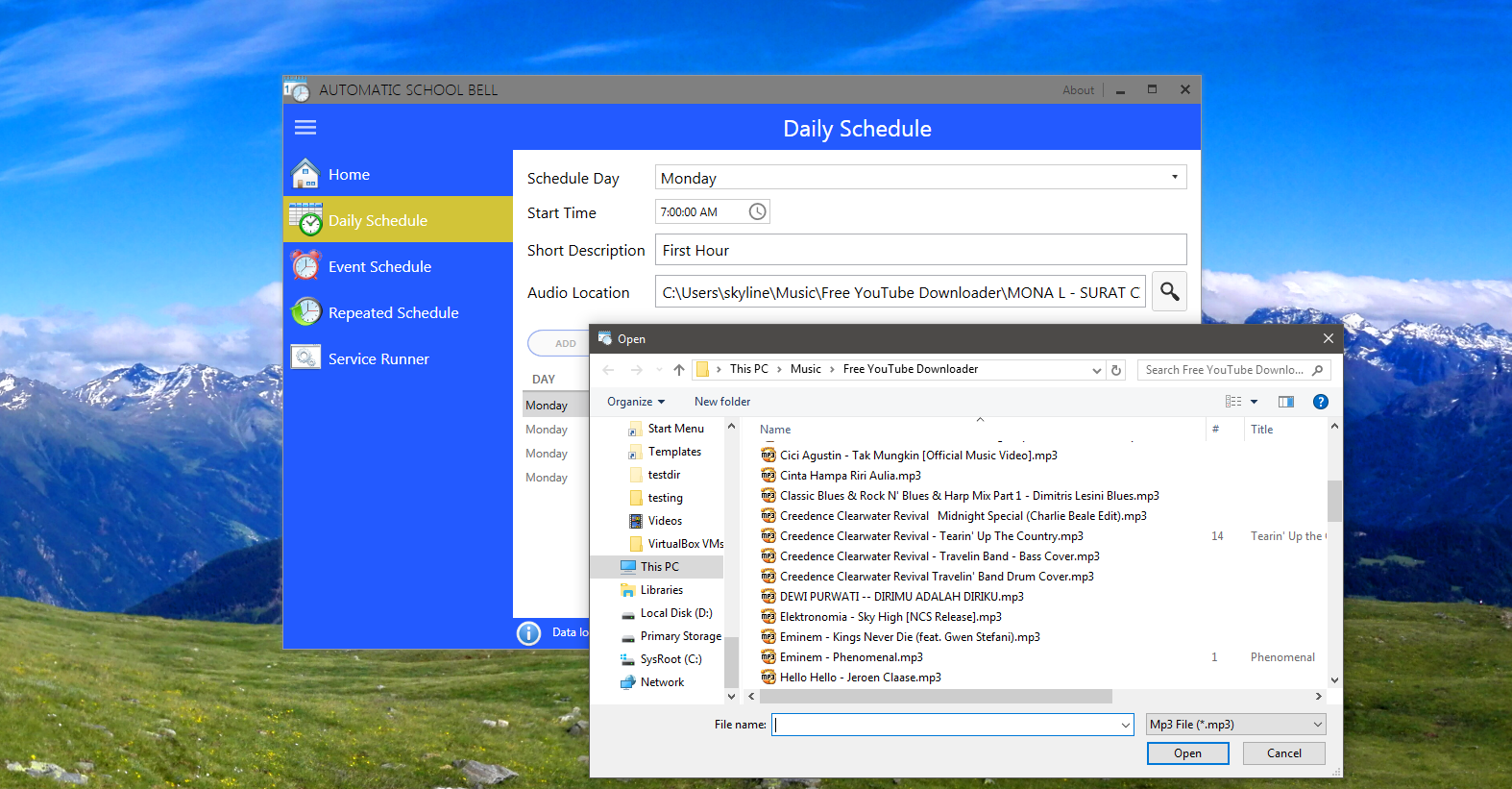
Daily schedule section is the core operation of school schedule. Basically, school schedule begins in Monday to Saturday. Where each day contains more than 3 schedules. (7 AM, 9 AM, 11 AM, break, 1 PM, etc). To create schedule, you just need to click "Add" button, set the "Schedule Day", "Start Time", "Short Description" and the most important, "Audio Location" then hit "Save" button or "Cancel" to cancel the operation.
To edit data, you must select one schedule, click "Edit" button, edit the fields that you want, and click "Save" or "Cancel" button.
To remove data, click "Remove" data, select on the right side of datagrid the row that you'd like to remove, and click "Save" or "Cancel" button.
After you add/edit/remove schedule, the service will be automatically refreshed to ensure new data is being used instead of stale data. Every operation is guaranteed to be responsive. Because it uses asynchronous operation so that it doesn't block main UI thread.