Evidence Laptops
Important
Please make sure to set your mouse input method to "Raw Input" (this is the default setting) in your game settings as otherwise you won't be able to use the laptop interface.
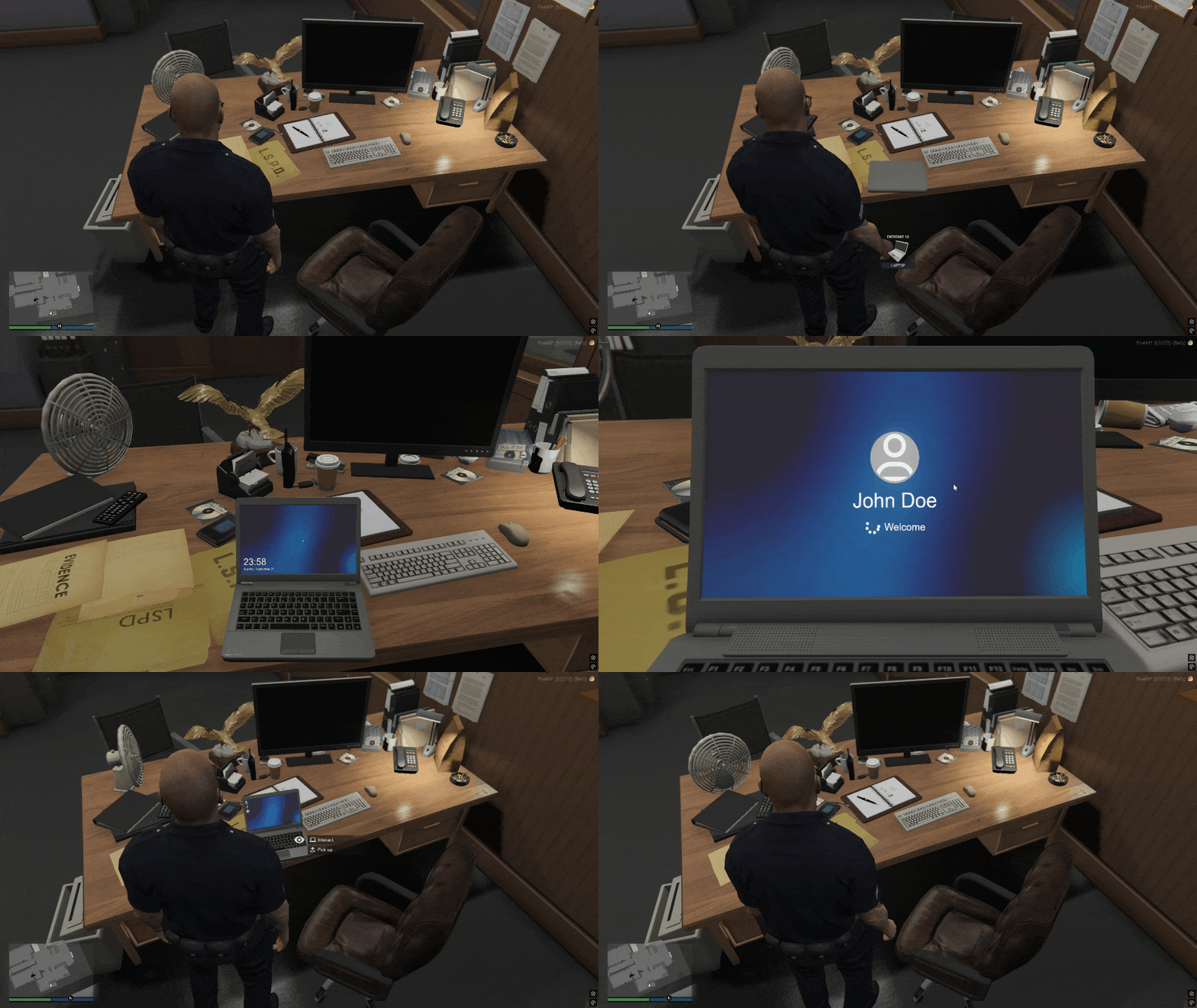
By using the evidence_laptop item, players can place evidence laptops on a table. After that, they can target the laptop to flip it open and access it. Once placed, the laptop will remain in its position (even persisting through server restarts) until it's picked up again.
Only players with the required job and minimum grade as defined in config.lua can place and pickup evidence laptops:
config.permissions = {
    pickup = {
        police = 3, -- Only players with police job and a grade >= 3 or
        fib = 0     -- players with job fib can pick up laptops
    },

    place = {
        police = 0,
        fib = 0
    },
    ...
}
Furthermore, only authorized players can access those laptops by targetting them. They log into their user account automatically, so there is no need for creating/deleting accounts and no one has to remember their password. Again, you can edit the list of allowed jobs in config.lua:
config.permissions = {
    ...
    access = { -- Allowed jobs and their minimum grades required to access (log into) the laptop
        police = 0,
        fib = 0
    },
    ...
}